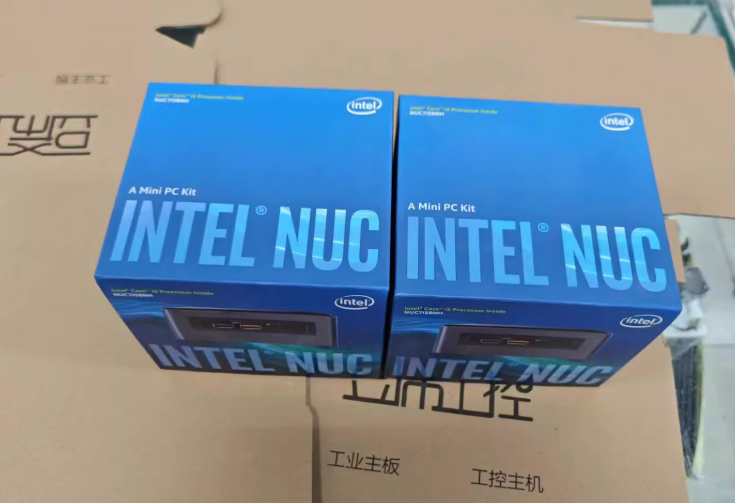
Two weeks ago, my reliable daily-driver laptop finally gave up the ghost. Faced with the sudden need for a replacement, I found myself at a crossroads: do I drop over a thousand dollars on another bulky laptop, or do I look for something different? After a day of frantic research and comparison shopping, I made a pivot that surprised even me. I abandoned the traditional laptop form factor entirely and picked up an Intel NUC8i5, known among enthusiasts by its codename, "Bean Canyon."
After putting this "Tall" version kit through its paces for a fortnight, I’ve realized that this Mini PC isn’t just a stopgap solution—it is a legitimate desktop replacement that fits in the palm of your hand. Here is a deep dive into why this 4x4-inch box is the ultimate space-saver for productivity and light gaming.
Form Factor: Redefining "Desktop"
The first thing that strikes you about the NUC8i5 is the sheer engineering density. In the US market, we often talk about Small Form Factor (SFF) builds, usually referring to Mini-ITX cases like the Dan A4 or the Ghost S1. While those are compact (roughly 34x17x22cm), the NUC is in a different league entirely.
Measuring just 4.6 x 4.4 x 2.0 inches (11.7 x 11.2 x 5.1 cm), the NUC8i5 is roughly 1/19th the volume of a standard "compact" A4 ITX case. To put that in perspective, it occupies a footprint barely larger than a standard smartphone, yet it houses a full-fat PC architecture. For anyone living in a dorm, a small apartment, or just looking to declutter a workspace, the space savings are undeniable.
Connectivity: Punching Above Its Weight Class
Despite the diminutive chassis, the I/O selection puts many full-sized towers to shame. Intel (and now ASUS, following the recent product line handover) didn't sacrifice utility for size.
The "Bean Canyon" features:
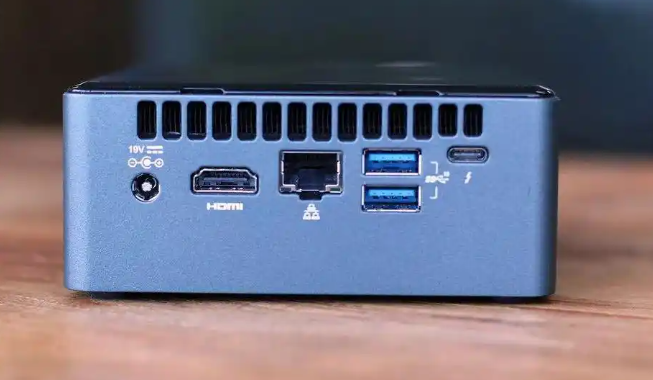
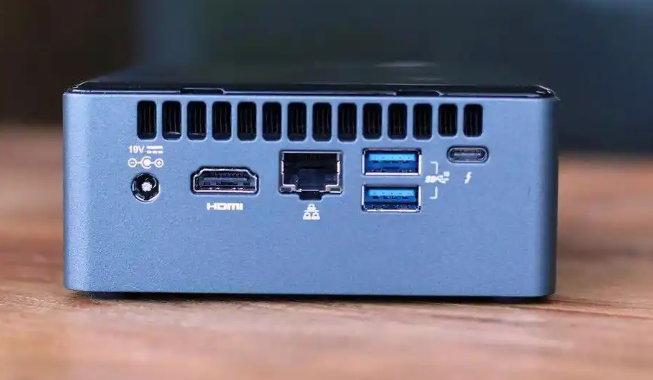
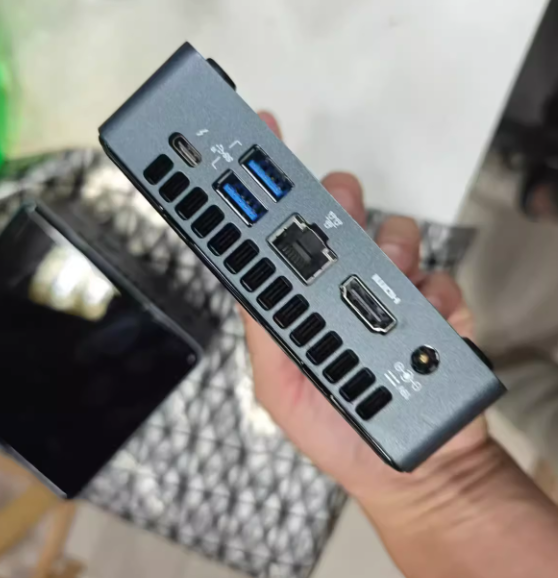
• Thunderbolt 3 (USB-C): This is the star of the show. It supports 40Gbps data transfer and DisplayPort 1.2, meaning you can drive 4K monitors or even hook up an external GPU (eGPU) dock if you want to get serious about gaming later.
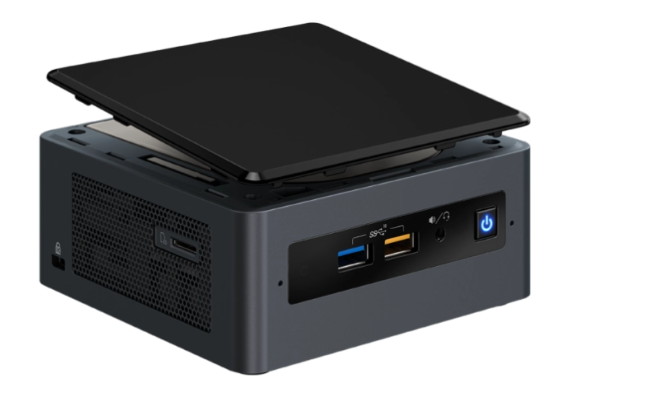
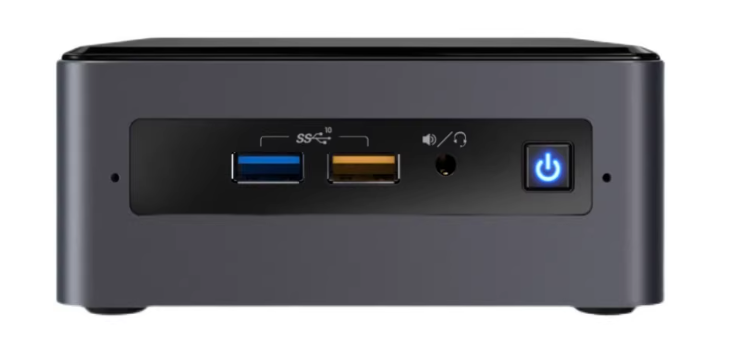
• USB 3.1 Gen 2: You get four of these Type-A ports (two front, two rear). The front yellow port features charging capability even when the PC is turned off—a convenient touch for charging your phone overnight.
• Display & Network: A full-size HDMI 2.0a port, Gigabit Ethernet, and a microSDXC slot round out the package.
The "Barebones" Experience: Setup in 15 Minutes
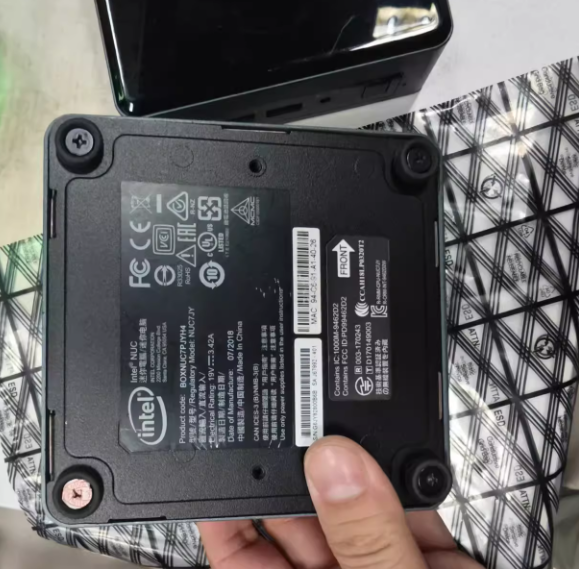
It is important to note that the NUC8i5 is sold as a "barebones kit." This means you are buying the chassis, motherboard, CPU, and Wi-Fi module, but you must supply your own RAM and Storage.
While this might sound daunting to non-builders, the process is incredibly user-friendly. I paired my unit with 16GB of DDR4-2400 SODIMM RAM and a 1TB NVMe SSD. The installation took less than 15 minutes: unscrew the bottom plate, click the RAM into the slots, screw down the SSD, and you are ready to install your OS. It’s a plug-and-play experience that requires zero cable management.
Performance Analysis: The "Desktop" i3 Equivalent
The NUC8i5 is powered by the Core i5-8259U, a quad-core, eight-thread processor with a 28W TDP. While "U-series" chips are typically associated with ultrabooks, the cooling solution in the NUC allows it to sustain higher clock speeds than a thin laptop.
In terms of raw processing power, the i5-8259U behaves very similarly to a desktop-class Core i3-8100. It handles multitasking, web browsing with dozens of tabs, and office applications without breaking a sweat.
Gaming & Graphics: Iris Plus 655
Unlike standard Intel UHD graphics, this chip features Iris Plus Graphics 655 with 128MB of eDRAM. This provides a surprising amount of graphical grunt for such a small integrated GPU.
• League of Legends: At 1080p with graphics settings maxed out, the NUC delivered a stable 90–100 FPS. It is a flawless experience for MOBA players.
• Modern Platformers: I tested Ori and the Will of the Wisps, a visually stunning but demanding title. By dropping the resolution to 720p, the game ran smoothly, proving that the NUC works excellently as a casual console or HTPC (Home Theater PC).
The Ecosystem: Reliability and Maintenance
While the hardware is impressive, potential buyers should be aware of the software and support landscape. As of 2024, support for the NUC product line has transitioned from Intel to ASUS. This means for driver updates, BIOS flashes, and warranty claims, you will now be navigating the ASUS ecosystem.
Furthermore, because this device packs 28W of heat into a tiny box, fan acoustics can be a factor. Under heavy gaming loads, the blower-style fan will ramp up. However, for 24/7 applications—like running a Plex media server or a Home Lab—the idle noise is negligible. If you plan to keep this running around the clock, occasional dusting and thermal paste maintenance (every few years) will keep it running cool and quiet.
Verdict: The Value Proposition
Comparing the NUC8i5 to the current market, it remains a "value king." A full build (Kit + RAM + SSD) often comes in significantly cheaper than a comparable laptop or a custom-built Mini-ITX tower.
While newer generations (NUC 10, 11, and onwards) offer more cores, they often come at a premium or switch to Intel UHD graphics which are weaker for gaming. The NUC8i5 hits a sweet spot: powerful enough for eSports and heavy workloads, small enough to hide behind a monitor, and affordable enough to justify as a dedicated media server or office workstation.
If you are looking to reclaim your desk space without sacrificing the power to play League or run heavy workloads, the "Bean Canyon" NUC is still one of the best investments you can make.