Introduction: The Value King of the Ryzen 8000 Series?
In the crowded market of mini PCs, the race for the latest NPU (Neural Processing Unit) has driven prices up. But what if you don't care about local AI processing? Enter the Minisforum UM870 Plus.
While competitors rush to market with the expensive Ryzen 8845HS, the UM870 Plus utilizes the AMD Ryzen 7 8745H. It is essentially the same silicon as its more expensive sibling but with the AI engine disabled. For gamers, home lab enthusiasts, and office power users, this represents a significant opportunity: flagship performance at a mid-range price point.
After putting the "Plus" model through its paces—specifically testing its unique OCuLink capabilities with an external GPU—here is the verdict on whether this compact machine can truly replace a desktop tower.
Design and Build: "Slim" by Name, Functional by Nature
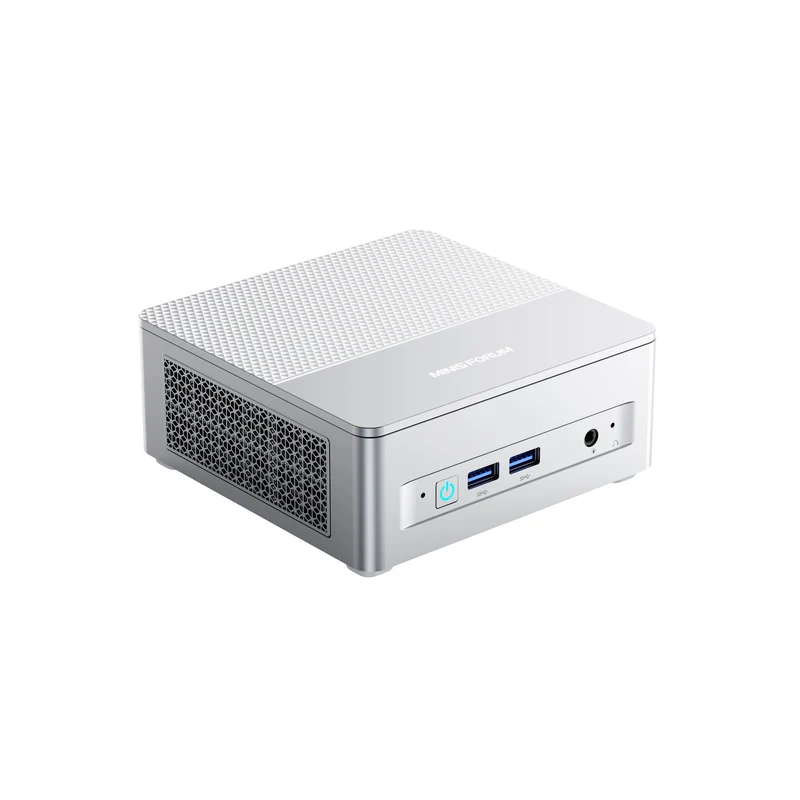
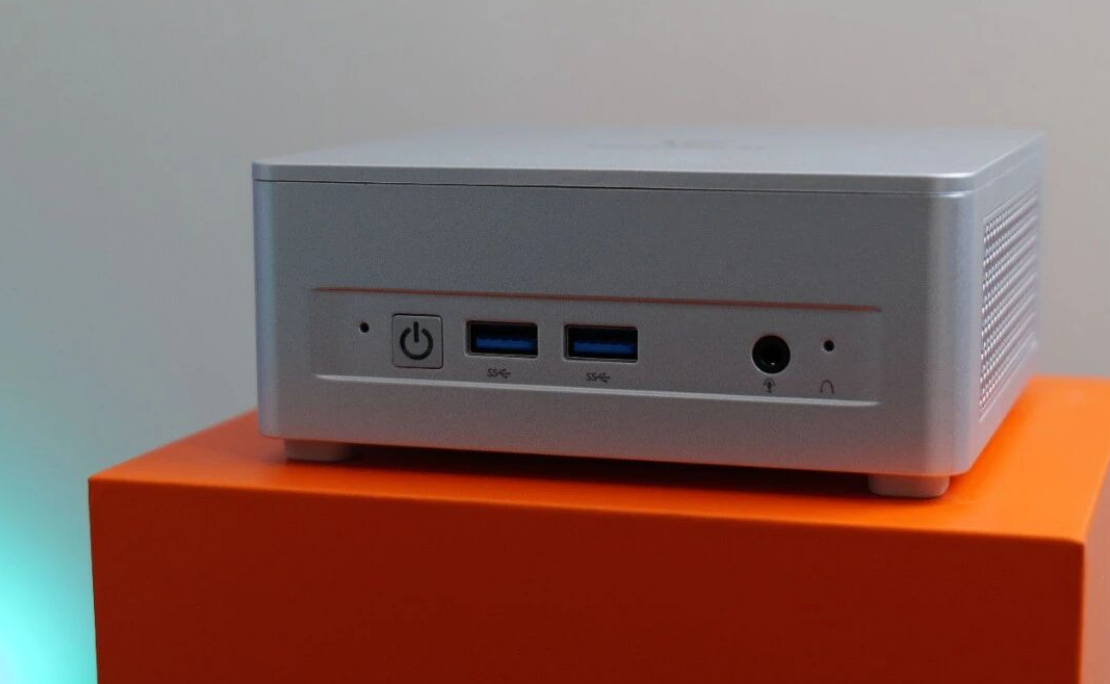
The chassis follows the design language of its predecessors (like the UM780 XTX or the "Slim" variants), featuring a matte silver finish that resists fingerprints well. While the case is primarily plastic—lacking the premium aluminum feel of some high-end competitors—the build quality is rigid and functional.
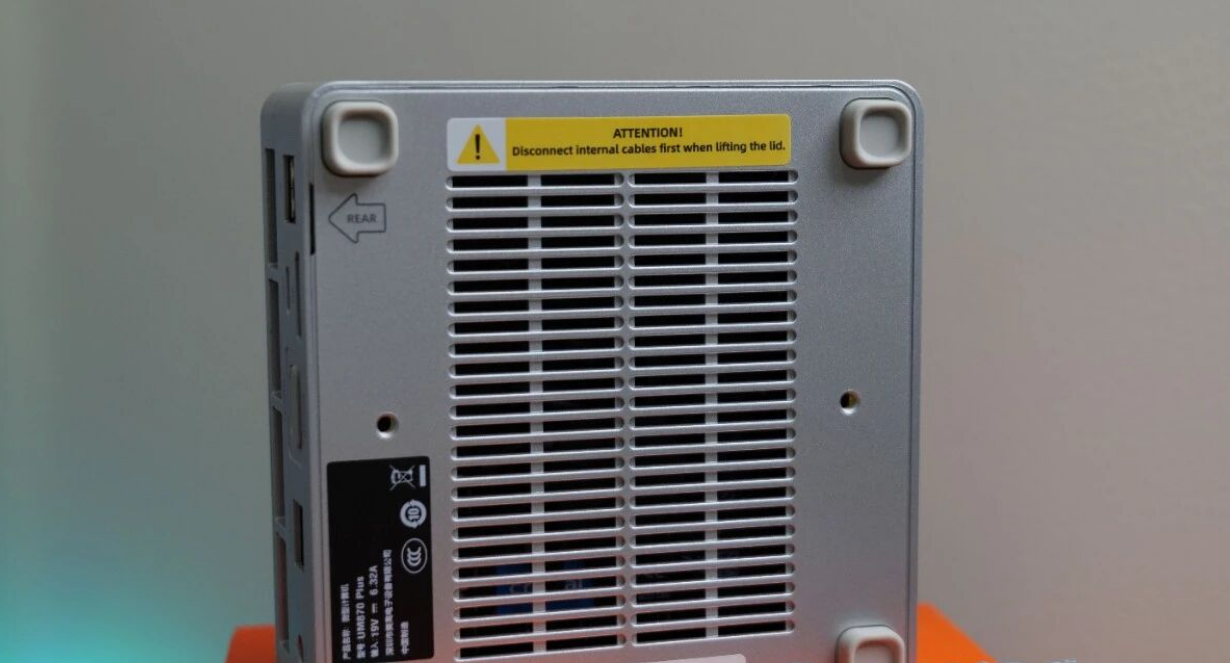
One controversial design choice remains: the rubber feet on the bottom are glued down, covering the chassis screws. For a device targeted at enthusiasts who might want to swap RAM or SSDs, this is a minor frustration. You have to peel them off carefully to access the internals.
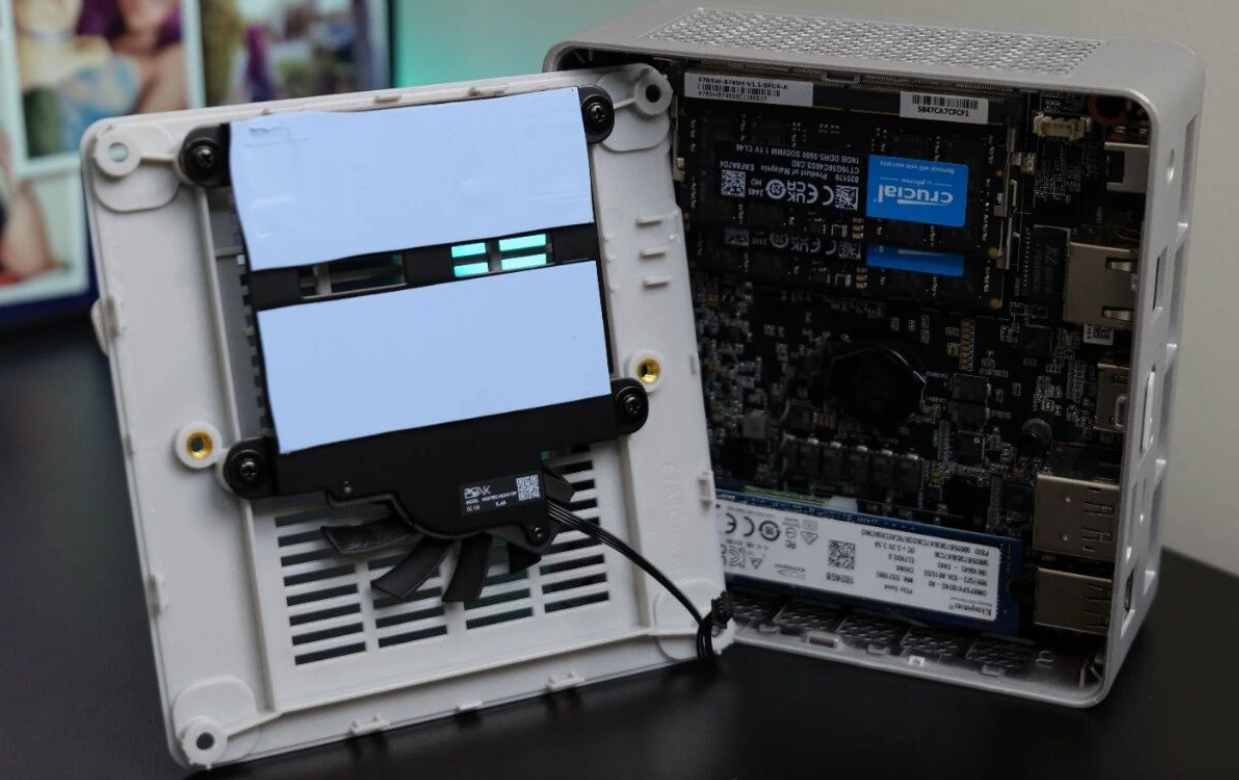
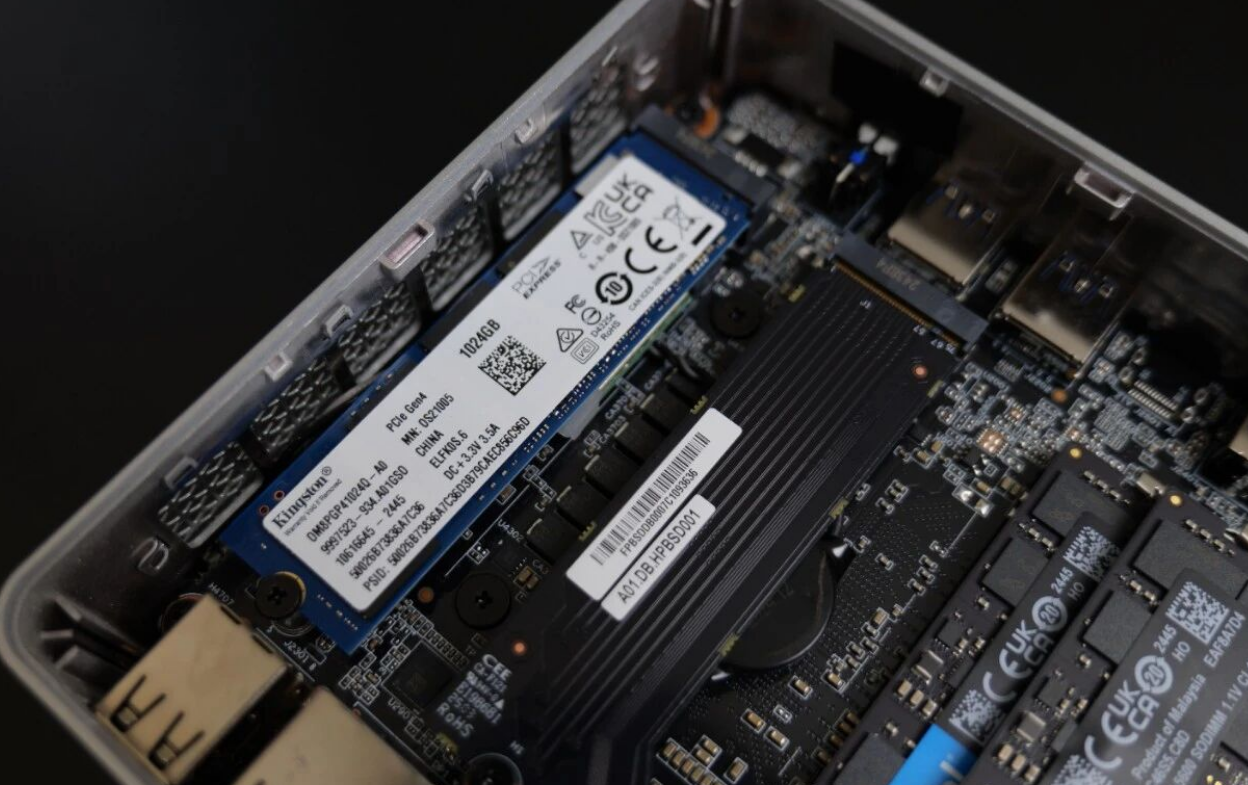
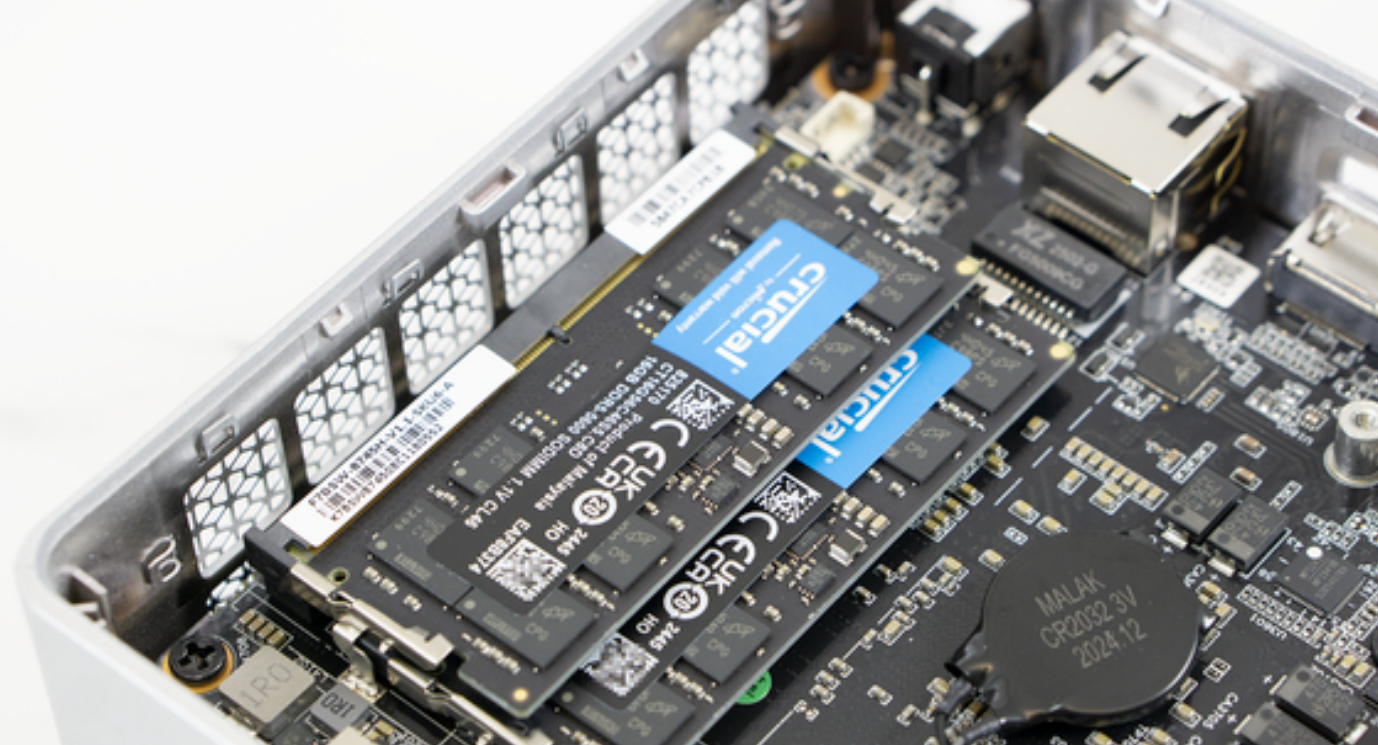
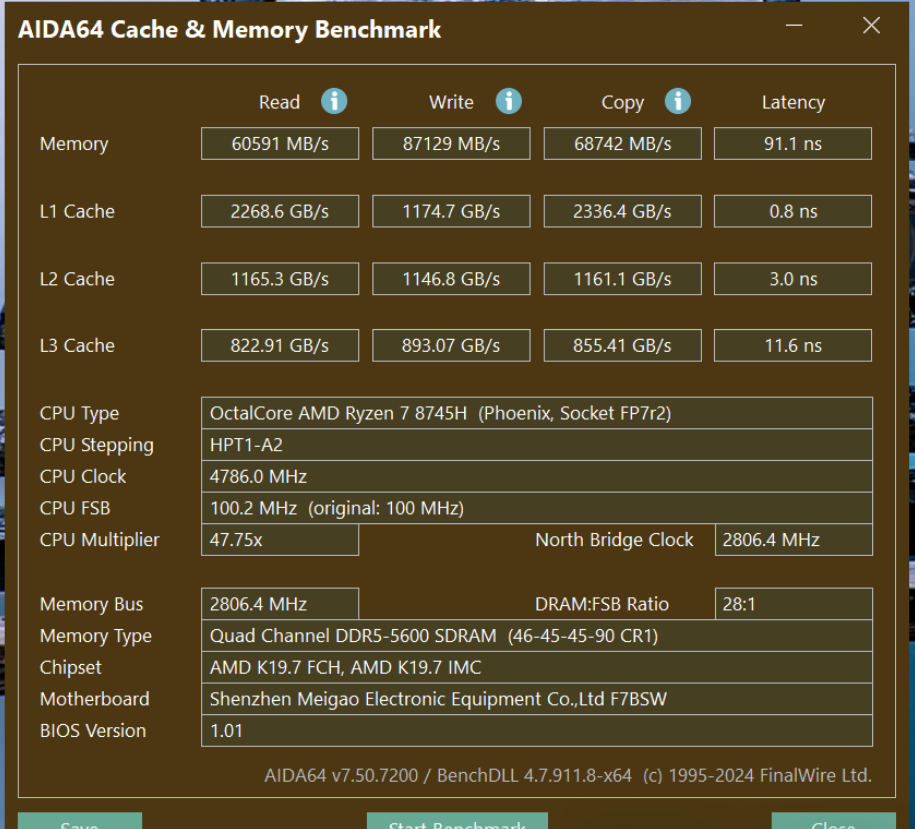
However, once inside, the layout is logical. The active cooling solution is robust, featuring a "Cold Wave" architecture with liquid metal on the CPU and a dedicated bottom fan to cool the RAM and SSDs—a critical feature often overlooked in budget mini PCs.
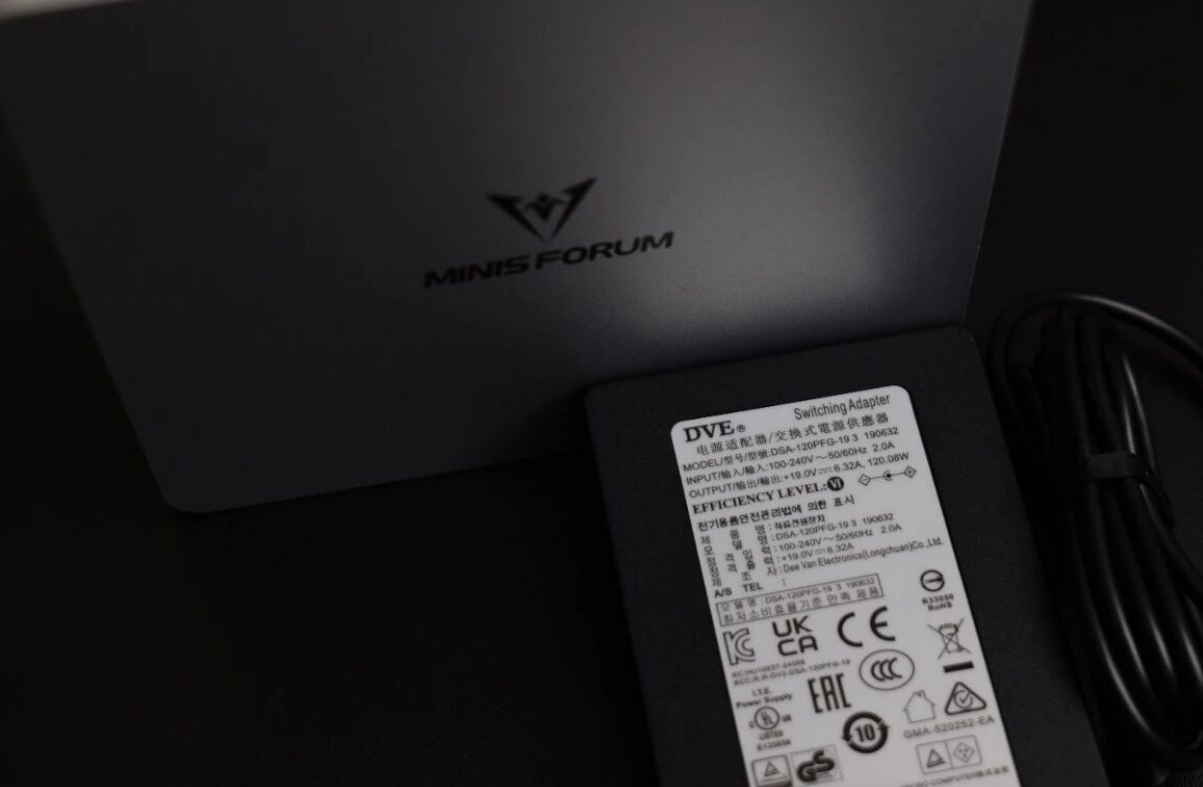
The "Missing" NPU: Does It Matter?
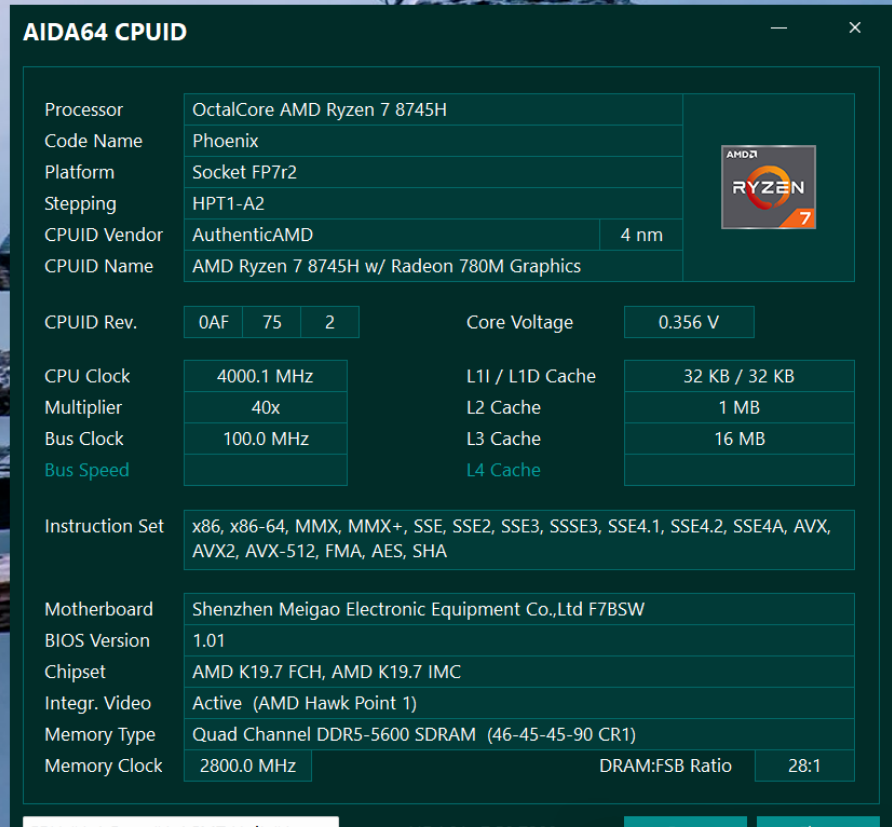
The headline feature here is the AMD Ryzen 7 8745H. It packs 8 Cores and 16 Threads based on the Zen 4 architecture, hitting boost clocks of up to 4.9 GHz.
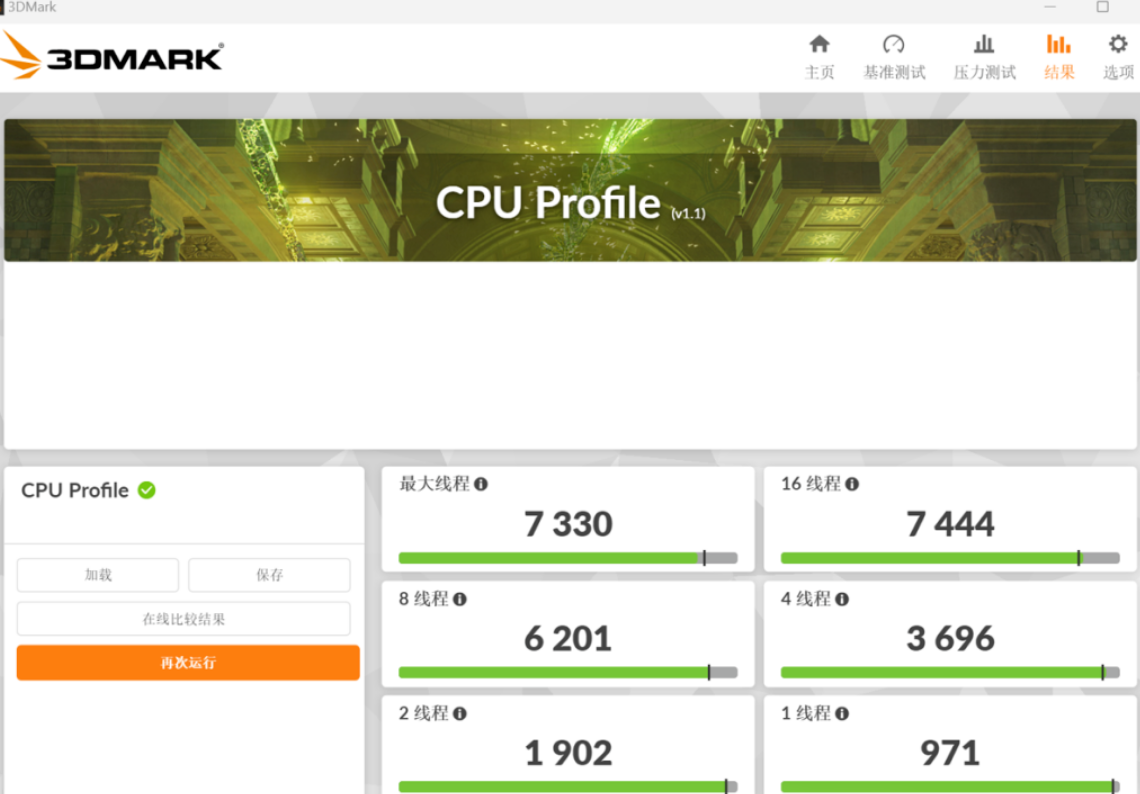
In synthetic benchmarks like CPU-Z, the 8745H holds its ground remarkably well. Single-core performance sits at 656, while multi-core scores hit 6819.1. To put that in perspective, it trades blows with Intel’s 13th Gen Core i7 mobile processors.
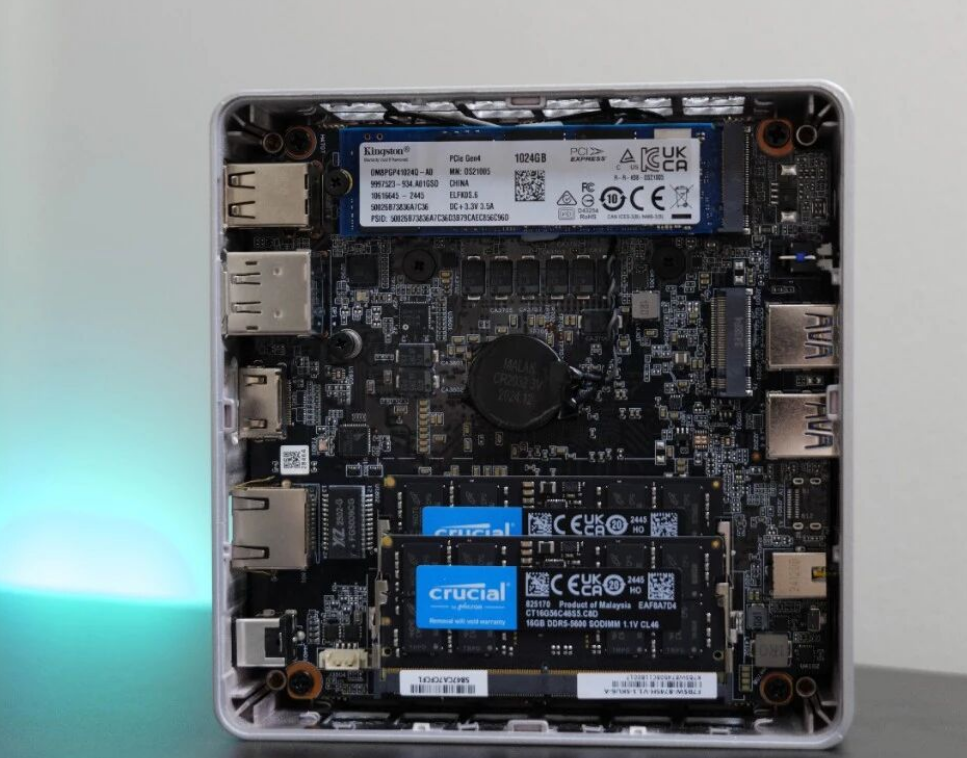
The key takeaway is that for 99% of current tasks—gaming, video editing, and compiling code—the lack of an NPU is irrelevant. You are getting the raw compute power of an 8845HS without paying the "AI tax."
Connectivity: The OCuLink Advantage
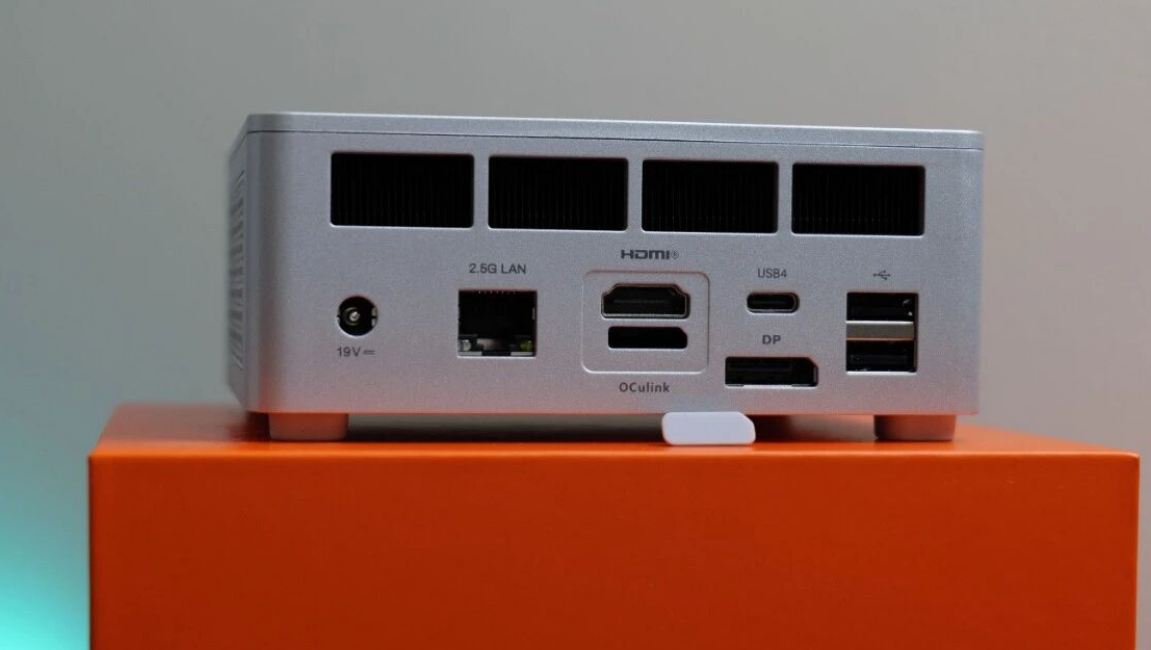
This is where the "Plus" model differentiates itself from the standard "Slim" versions found in many US retail listings. While the Slim relies on USB4, the UM870 Plus includes a native OCuLink (Optical Copper Link) port.
• Front I/O: 2x USB 3.2 Gen 2, Audio Combo Jack.
• Rear I/O: 2.5G Ethernet, HDMI 2.1, DP 1.4, 2x USB 2.0, and the all-important USB4 (40Gbps).
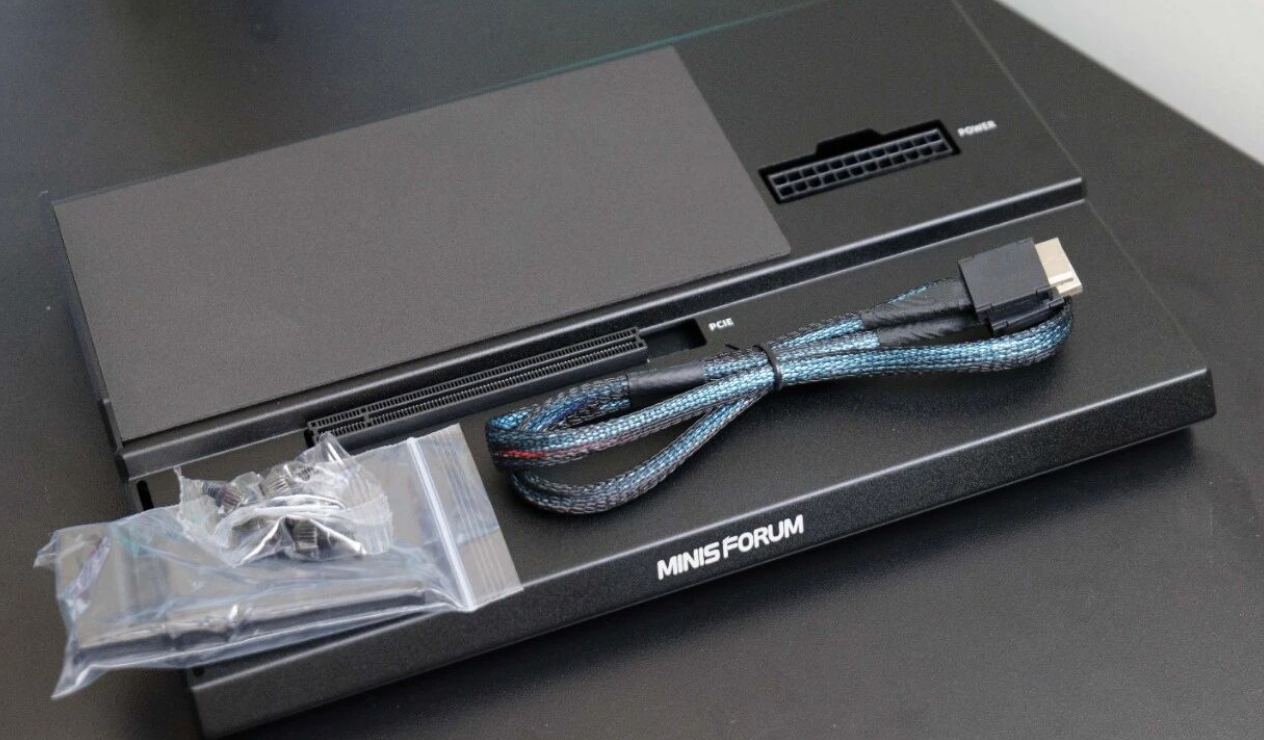
The inclusion of OCuLink is a game-changer for bandwidth. Unlike USB4, which has protocol overhead, OCuLink offers a near-direct PCIe connection to the CPU, making it the superior choice for external graphics docks.
The eGPU Experience: Breathing Life into Older Cards
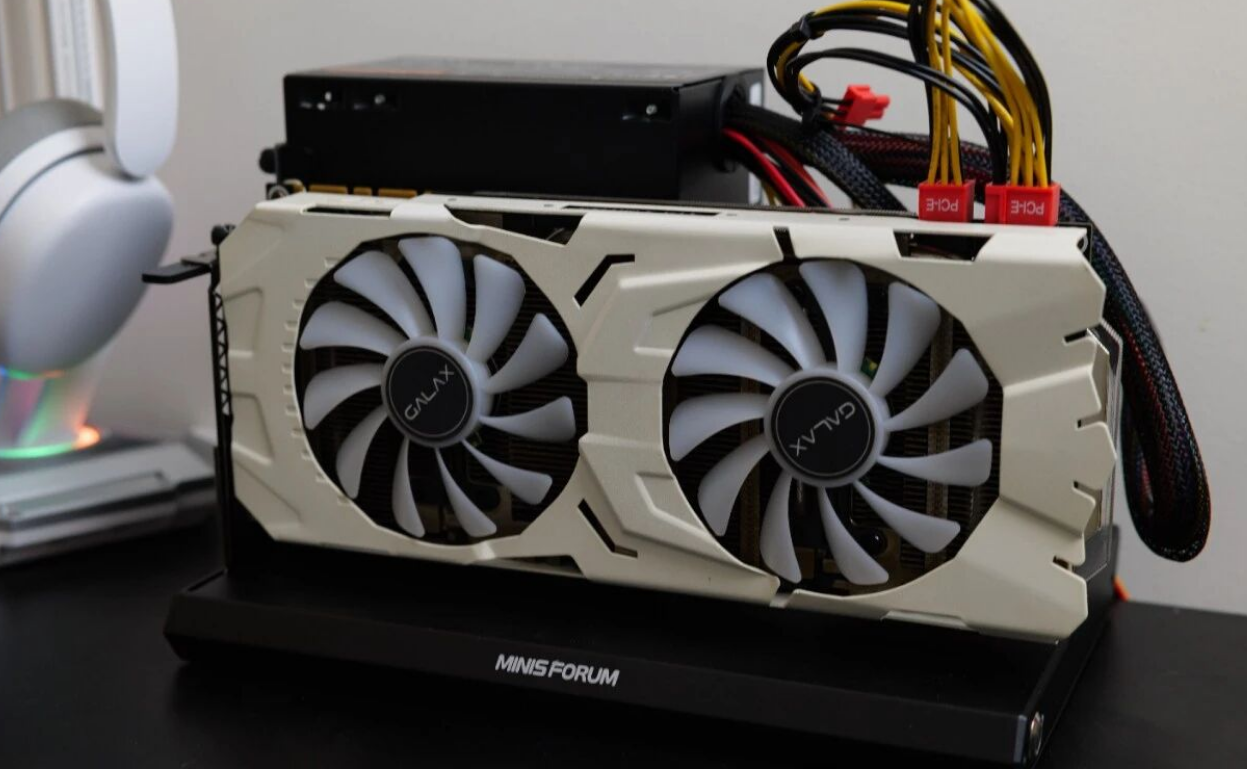
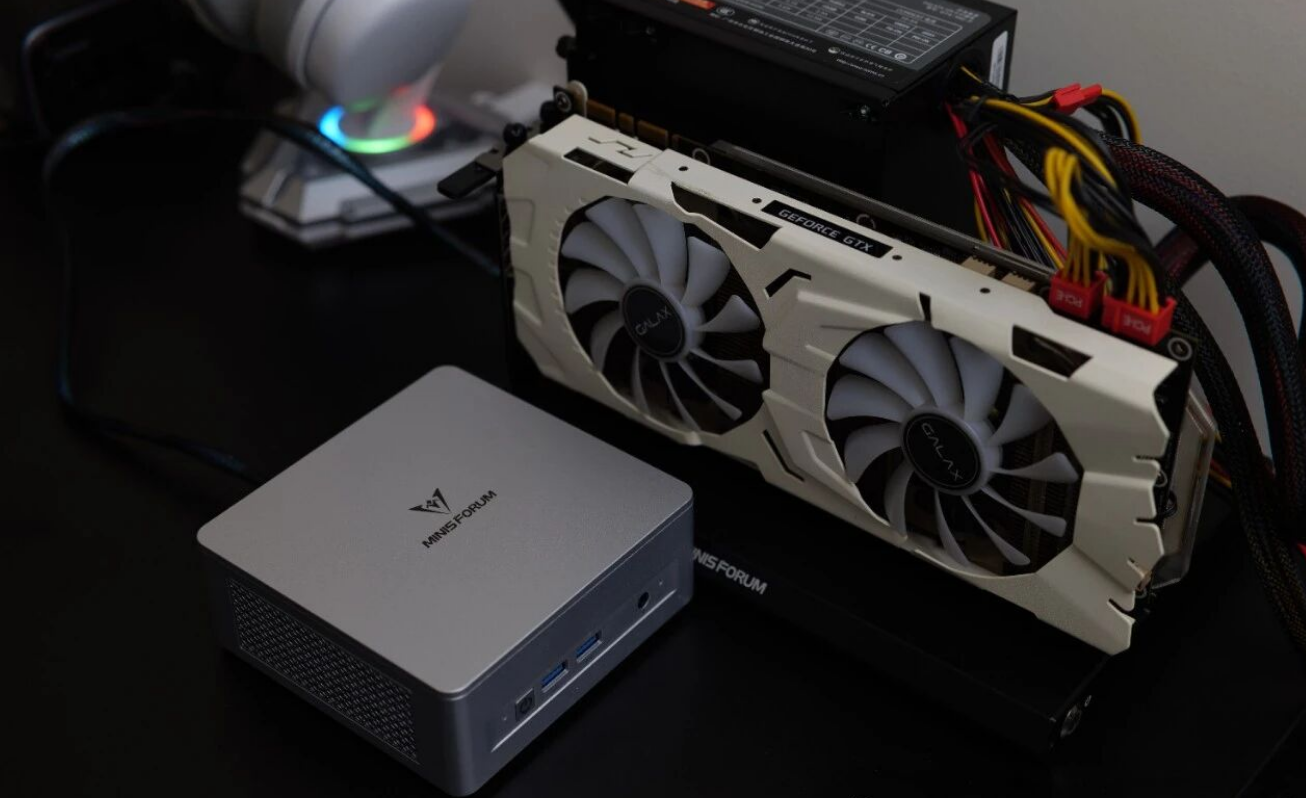
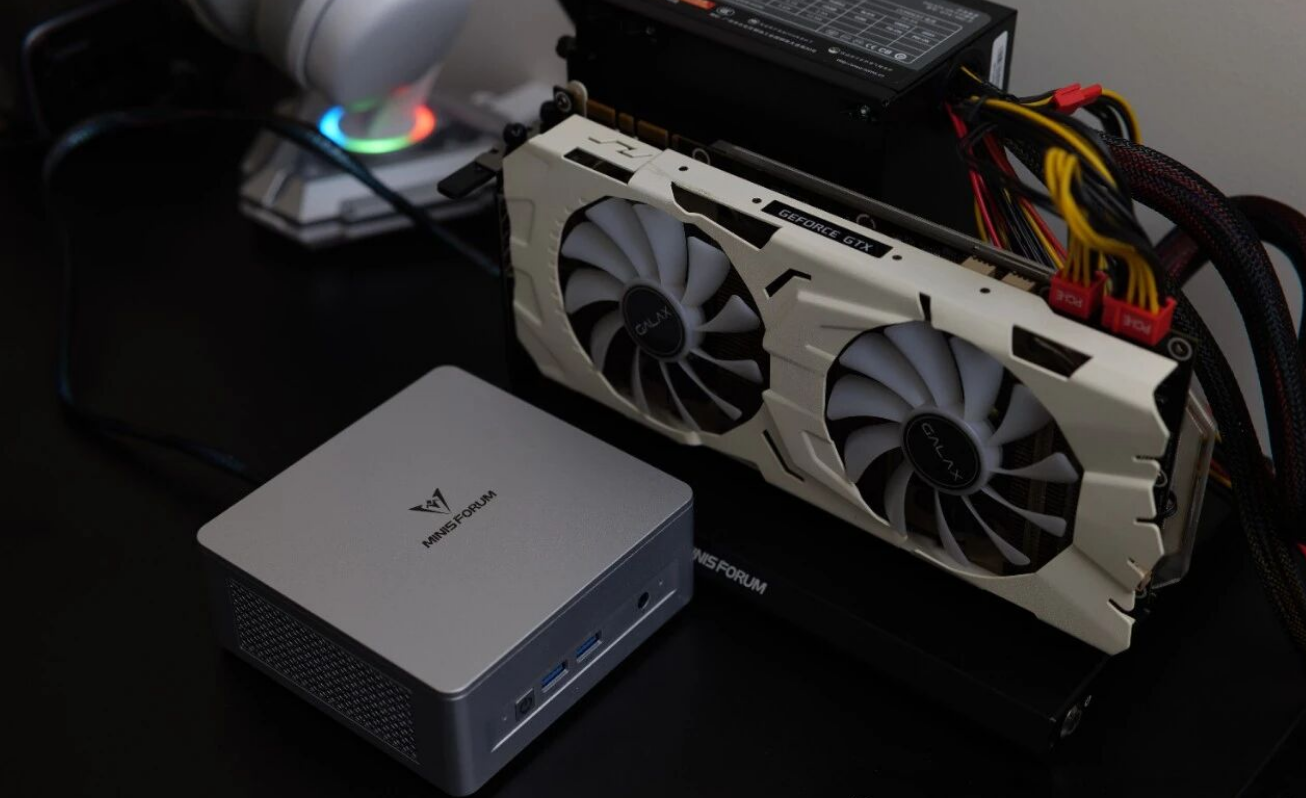
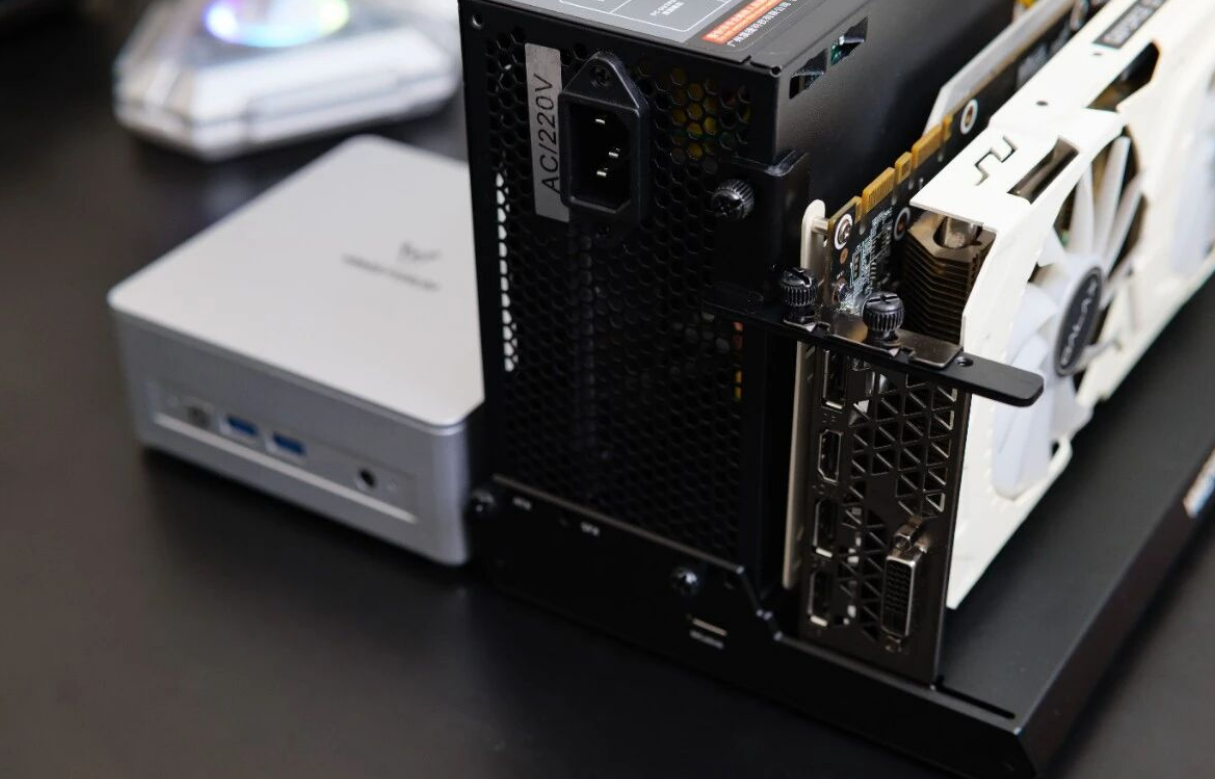
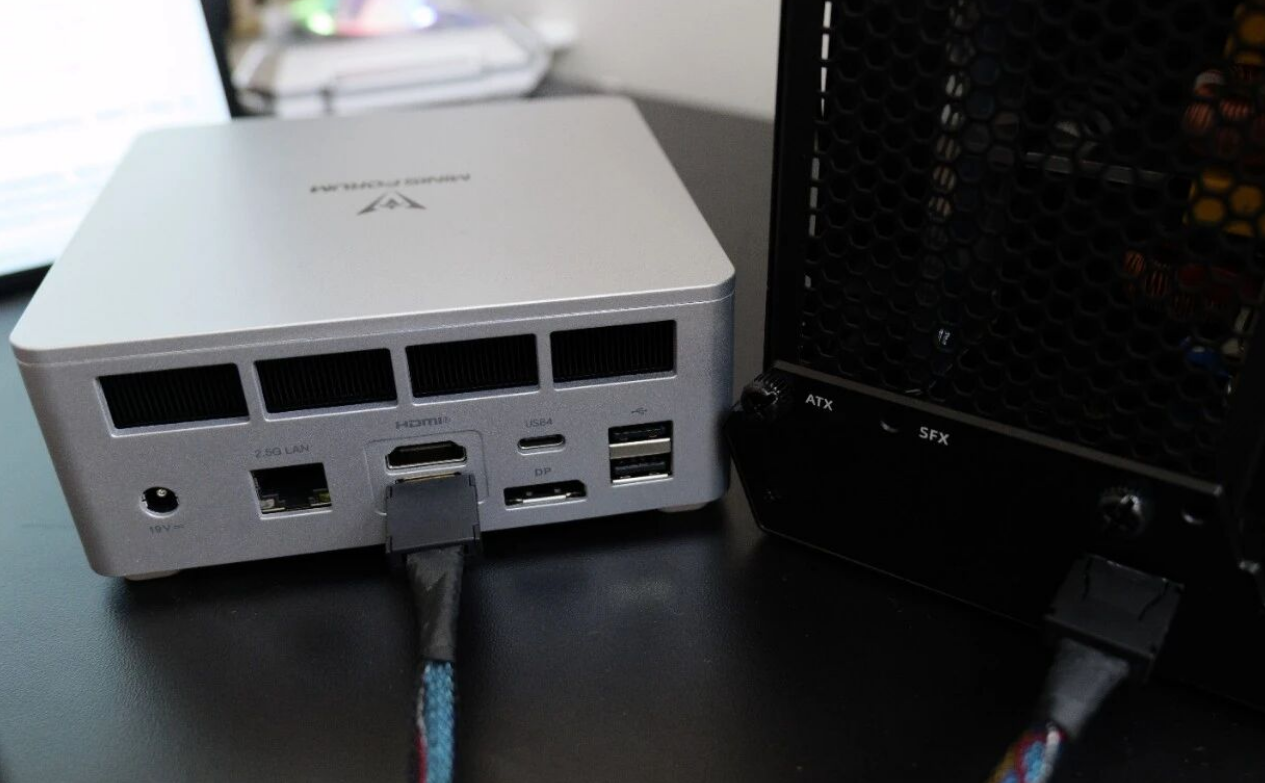
To test the true potential of this machine as a desktop replacement, we paired it with the Minisforum DEG1 eGPU Dock. The dock is open-air, supports standard ATX or SFX power supplies, and handles PCIe 4.0 x4 speeds.
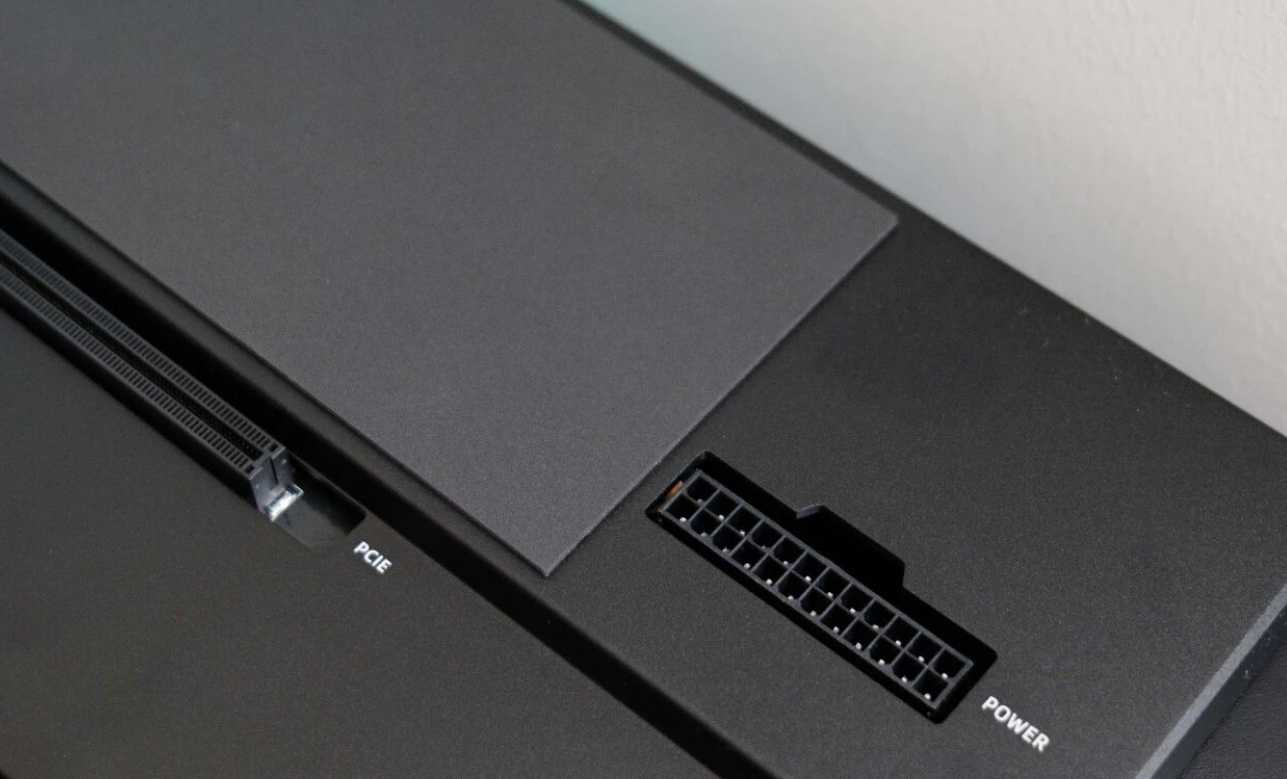
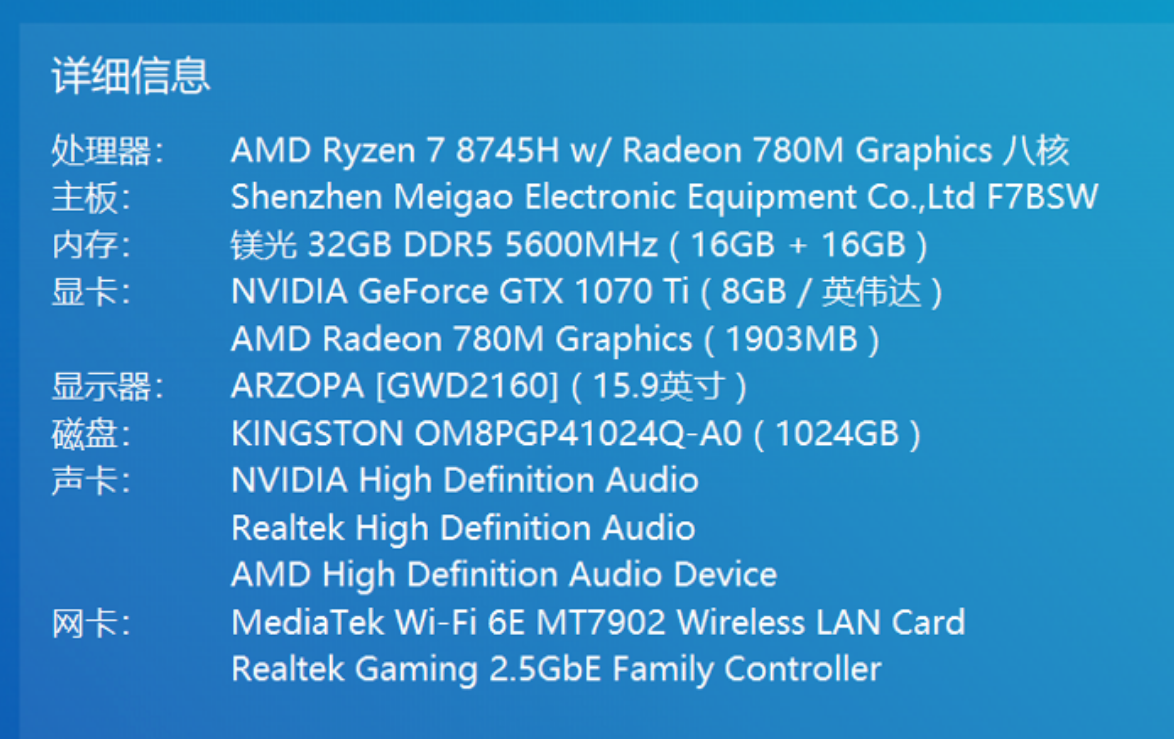
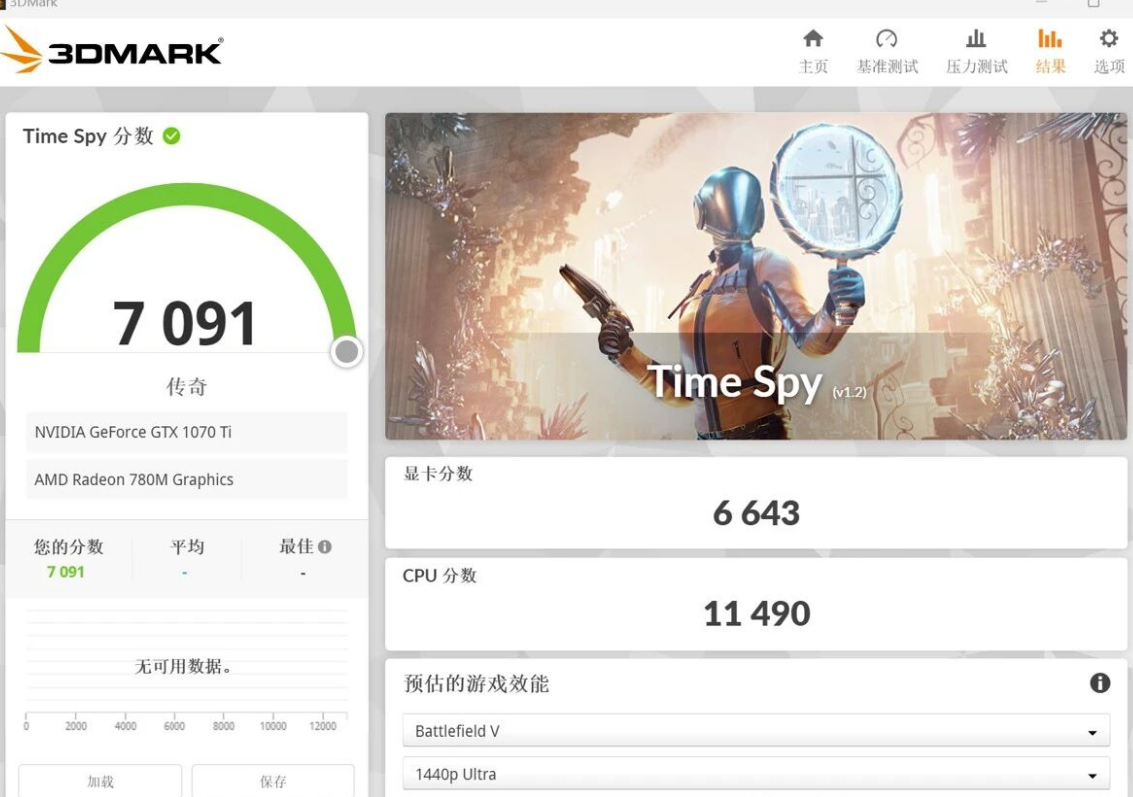
Testing with a legacy GTX 1070 Ti proved that you don't need a $1,000 graphics card to turn this mini PC into a gaming rig. Setup was plug-and-play: connect the OCuLink cable, power on the dock, and boot the PC. The system syncs the power state, turning the GPU on and off with the computer.
Gaming Performance:
• Cyberpunk 2077 (1440p / Medium): Averaged 55 FPS. Dropping to 1080p easily pushes this into the high-refresh-rate territory.
• 3DMark Time Spy: The combo scored a respectable 6,643 on Graphics and 11,490 on CPU.
For current titles like Black Myth: Wukong, this setup bridges the gap between a casual console and a serious rig. If paired with a modern card like an RTX 4070, the OCuLink bandwidth ensures you lose minimal performance compared to a desktop build.
Thermals, Noise, and Power Consumption
A common complaint with high-performance mini PCs is fan noise. The UM870 Plus manages this surprisingly well, provided you stick to the Balanced profile.
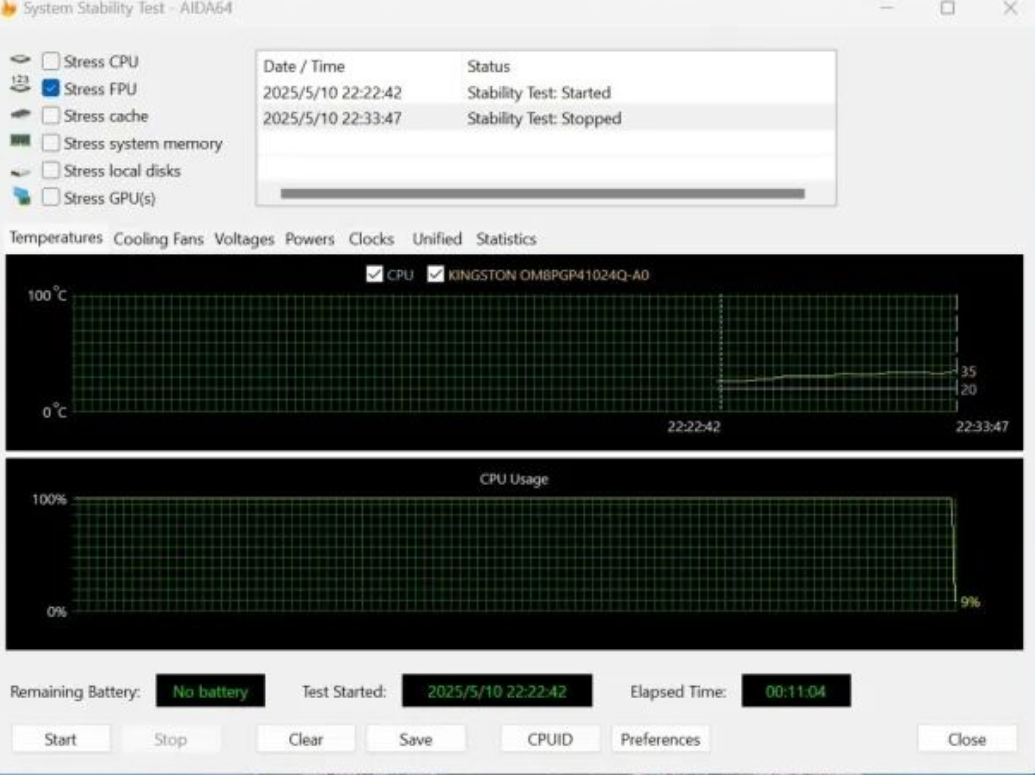
In stress tests running the CPU at 54W (Default TDP), temperatures stabilized between 80°C and 85°C after 10 minutes of load. The liquid metal cooling does its job efficiently. While the fans are audible under heavy load, they don't reach the "jet engine" pitch of some thinner laptops.
However, users should be aware of the "Performance Mode" in the BIOS, which pushes the TDP to 65W. While this unlocks more performance, it significantly increases fan noise. For most users, the default 45W-54W range offers the best sweet spot between acoustics and speed.
A Note on Networking
The unit typically ships with a MediaTek Wi-Fi 6E card. While it performs adequately in Windows with speeds capping out near the theoretical max of the router, Linux users or those running home labs (Proxmox/ESXi) might prefer swapping this for an Intel AX210 card for better driver stability, a common practice in the enthusiast community.
Verdict: The Smart Budget Choice
The Minisforum UM870 Plus is a masterclass in cutting the right corners. By removing the NPU—a feature few currently use—and sticking to a plastic but well-ventilated chassis, it delivers exceptional value.
Pros:
• Price-to-Performance: 8745H offers top-tier mobile performance for a mid-tier price.
• Expansion: OCuLink + USB4 makes it future-proof for eGPUs.
• Cooling: Active cooling for RAM/SSD prevents thermal throttling.
• Versatility: Excellent candidate for a high-powered Home Lab or All-In-One (AIO) server.
Cons:
• Maintenance: Glued rubber feet make upgrades annoying.
• Wi-Fi: MediaTek cards can be finicky with Linux distros.
• Plastic Build: Functional, but lacks a premium feel.
If you are looking for a compact workstation that can double as a gaming rig or a powerful home server without the premium price tag of "AI PCs," the UM870 Plus is currently one of the smartest buys on the market.