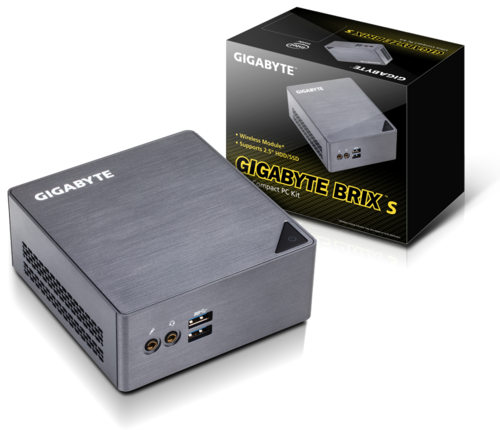
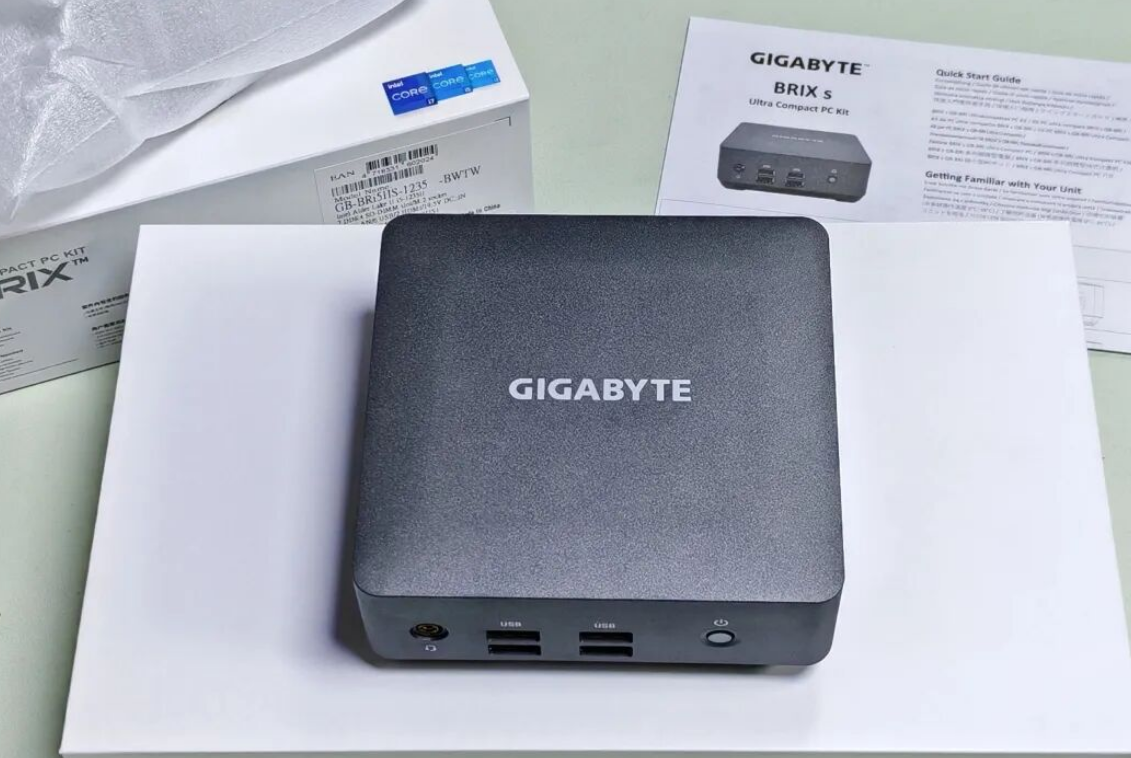
For years, the gold standard for desktop computing was the massive tower chassis—a dust magnet that dominated legroom and required heavy lifting during a move. However, the landscape has shifted. With the rise of ultra-efficient mobile processors, the need for bulky rigs for daily tasks has diminished. Enter the "Barebones" Mini PC market, a segment long dominated by the Intel NUC, but fiercely contested by challengers like Gigabyte.
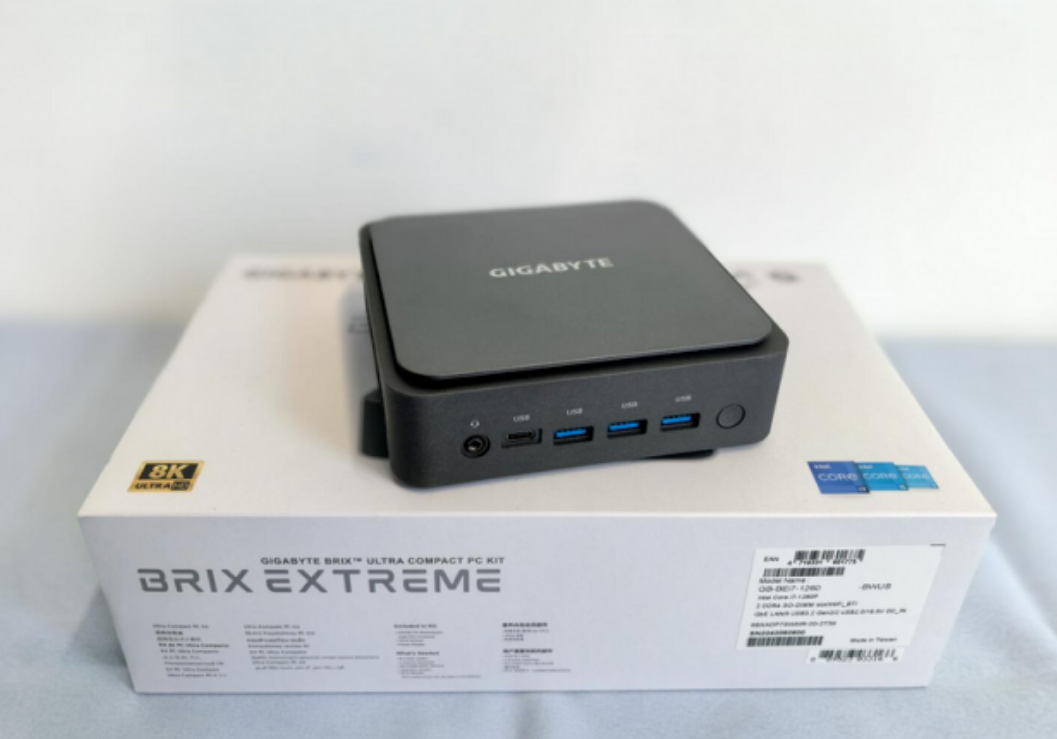
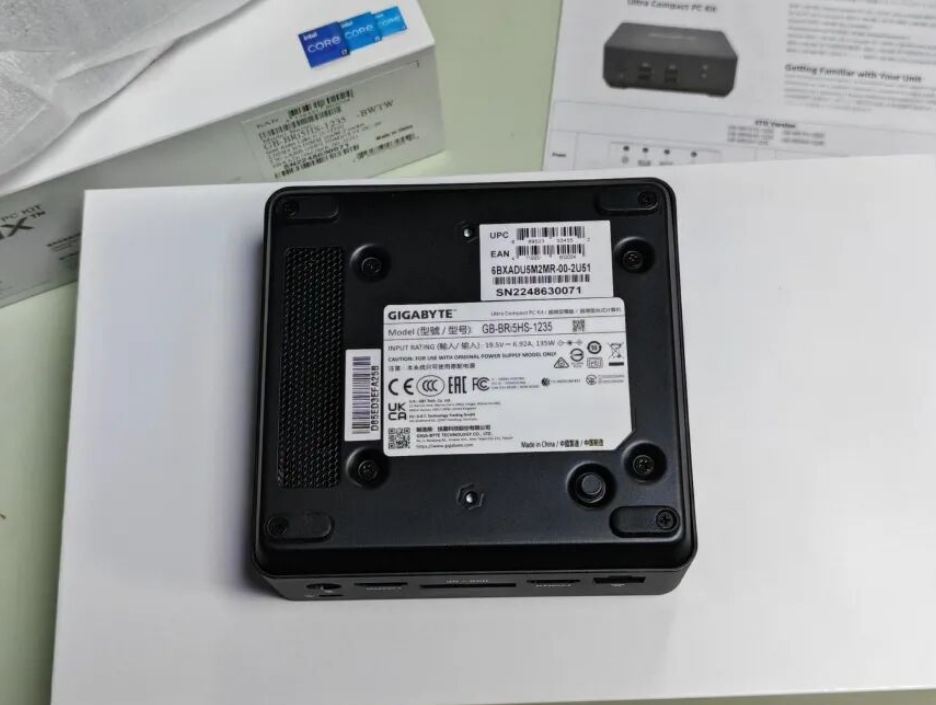
Today, we are taking a deep dive into the Gigabyte BRIX (Model GB-BRi5HS-1235). This ultra-compact kit promises the performance of a standard office desktop in a form factor that weighs less than 1.5 lbs. We purchased this unit to see if a palm-sized box can truly replace a traditional tower for coding, creative work, and home lab applications.
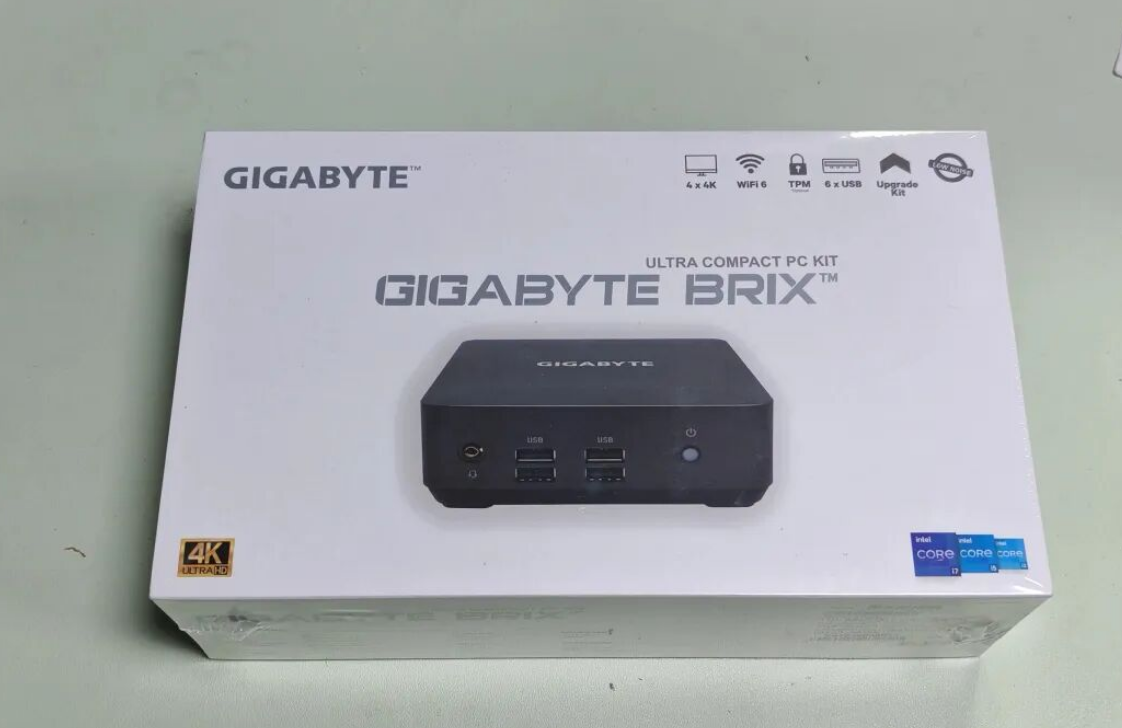
Unboxing and First Impressions: The "Barebones" Reality
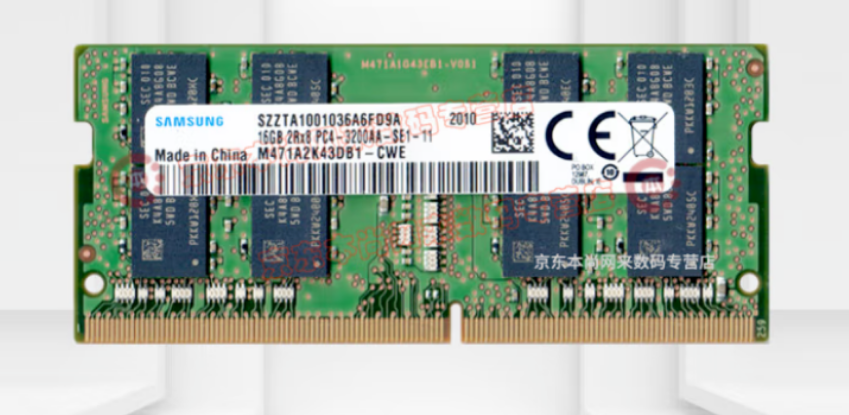
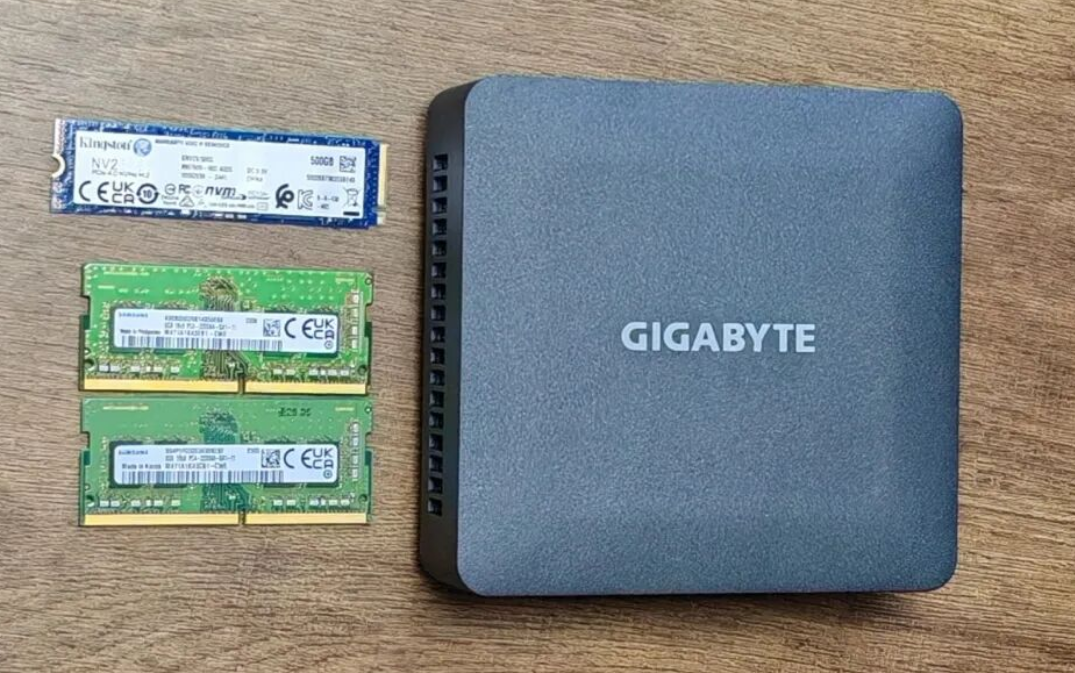
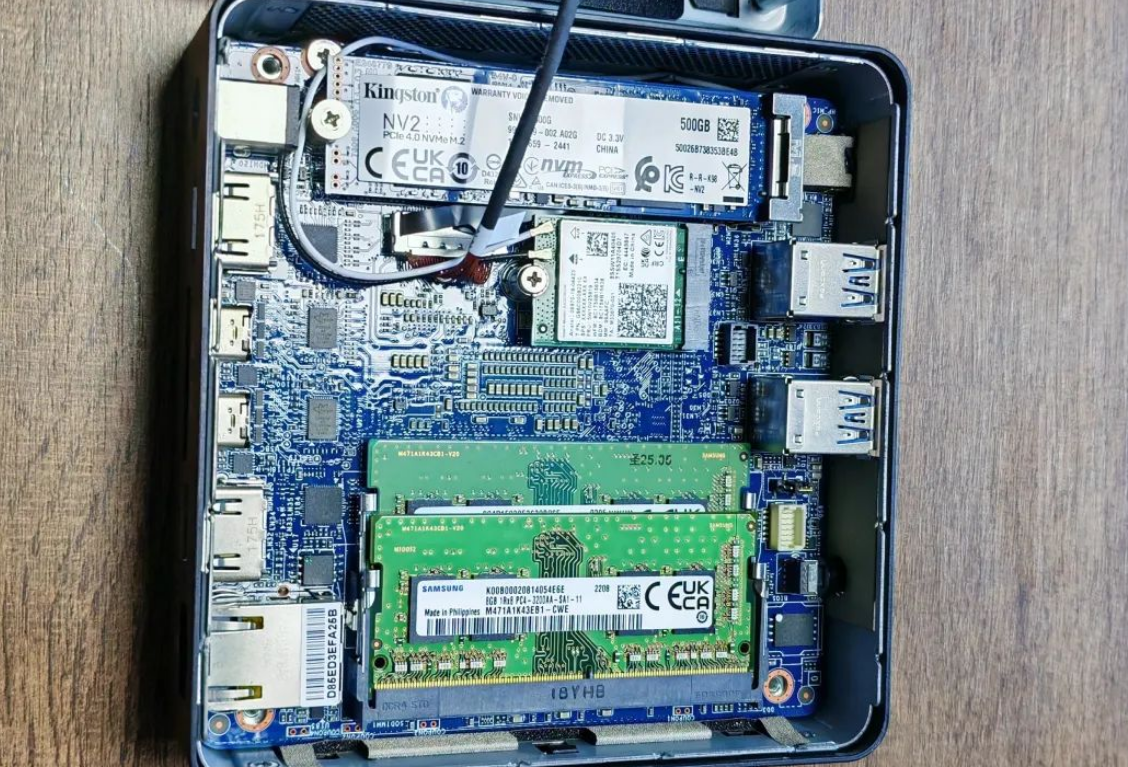
If you are new to the world of SFF (Small Form Factor) PCs, the term "Barebones" is critical. When you open the box of the BRIX, you aren’t getting a ready-to-run system. You get the chassis, the motherboard, the processor, and the power supply. It is up to you to supply the SO-DIMM DDR4 memory and the M.2 SSD storage.
What’s in the Box:
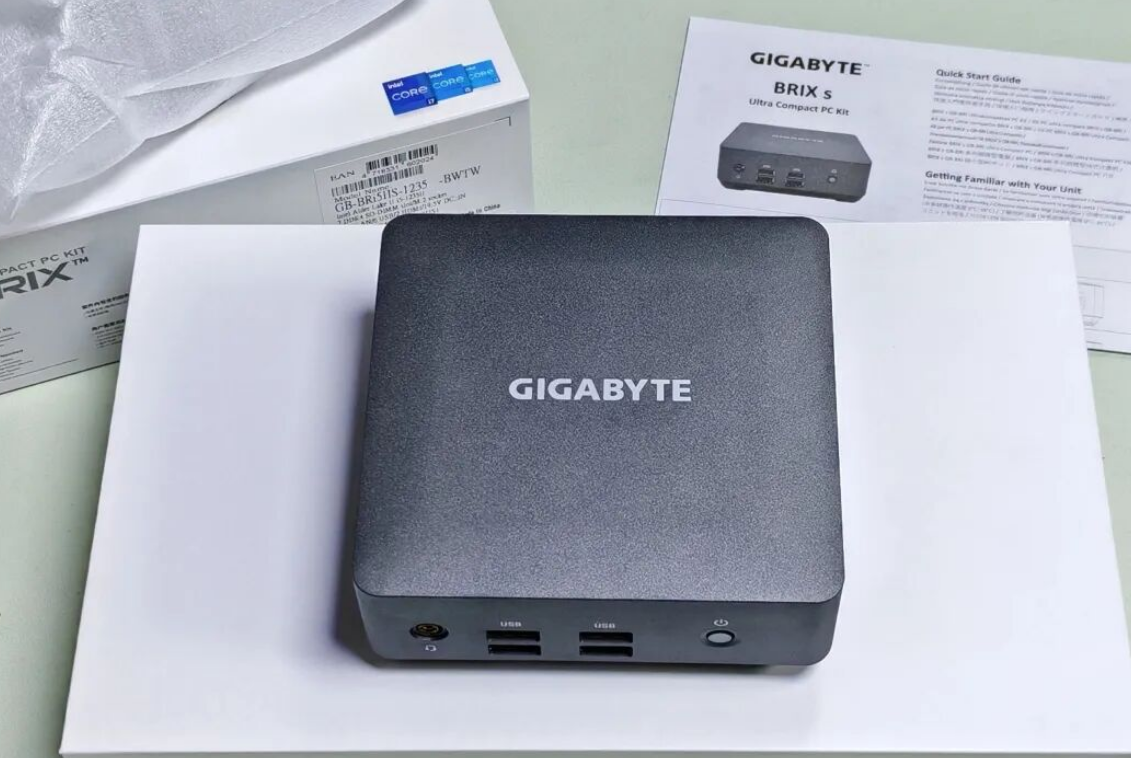
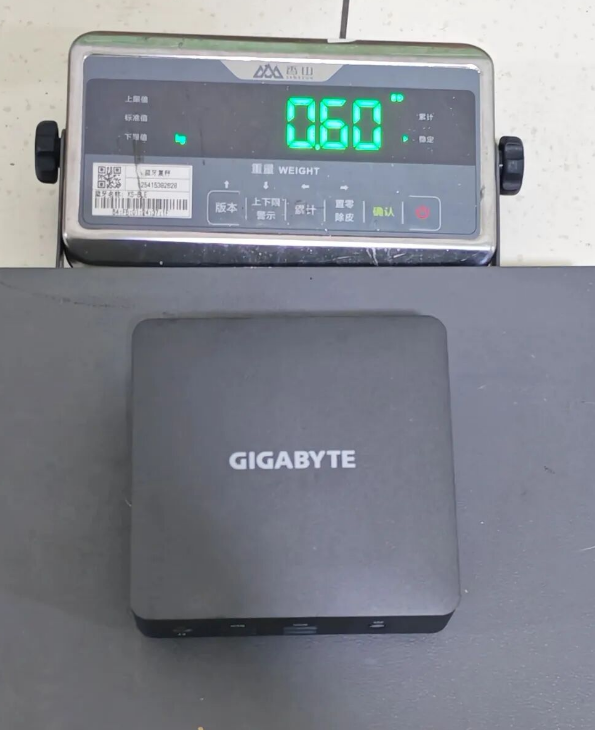
• The BRIX Unit (0.6L volume)
• VESA Mount Bracket (for attaching to the back of a monitor)
• Screw kit
• Power Adapter (135W)
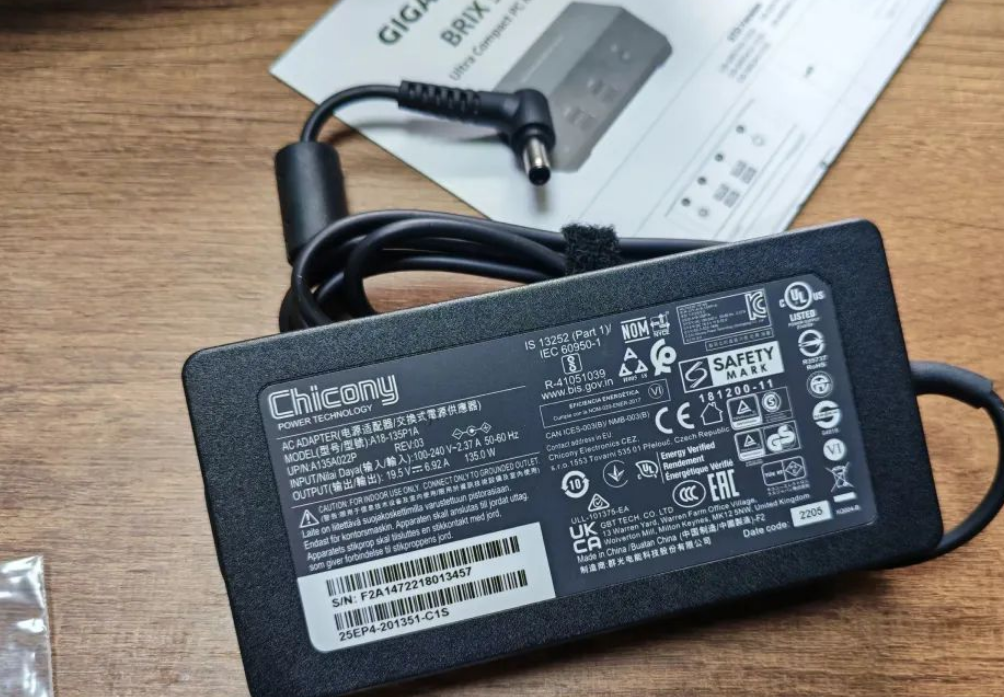
A Note on the Power Supply: The included power brick is manufactured by FSP, a reputable OEM known for reliability. It supports 100~240V wide-range input. However, depending on your region, you may encounter a minor hiccup with the wall cord. Our unit shipped with a European-standard plug, requiring a swap to a standard C5 "Mickey Mouse" cable found in most households. It’s a minor annoyance, but something to be aware of during setup.
Design and Connectivity
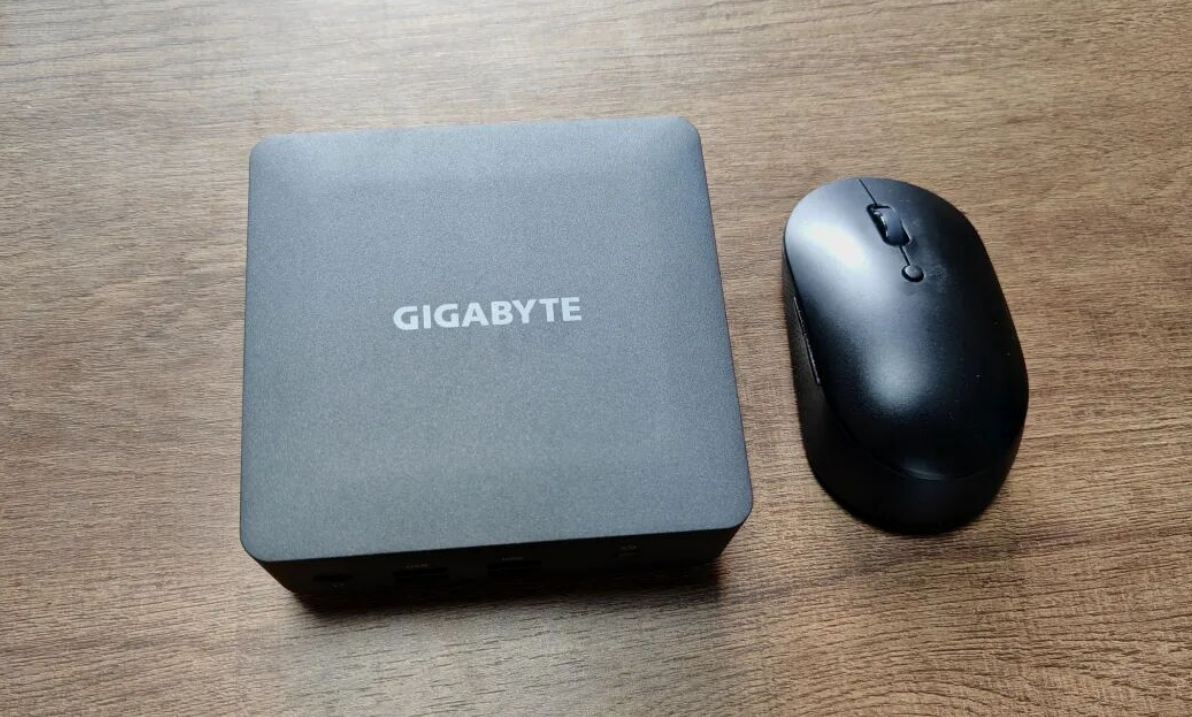
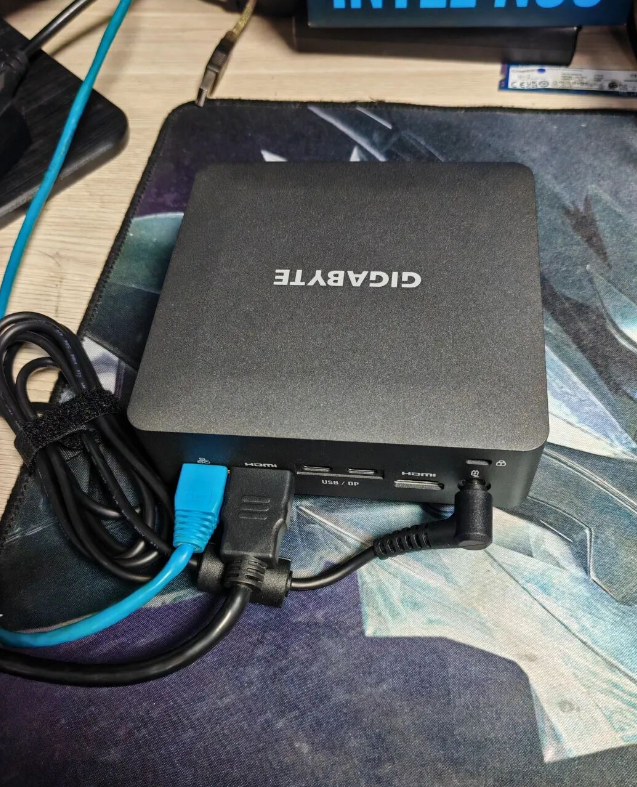
The BRIX features a matte finish with rounded, polished edges that resist fingerprints better than the glossy plastic found on older competitors. It is incredibly small—roughly the size of a standard computer mouse in footprint—making it a perfect candidate for a "stealth" desk setup.
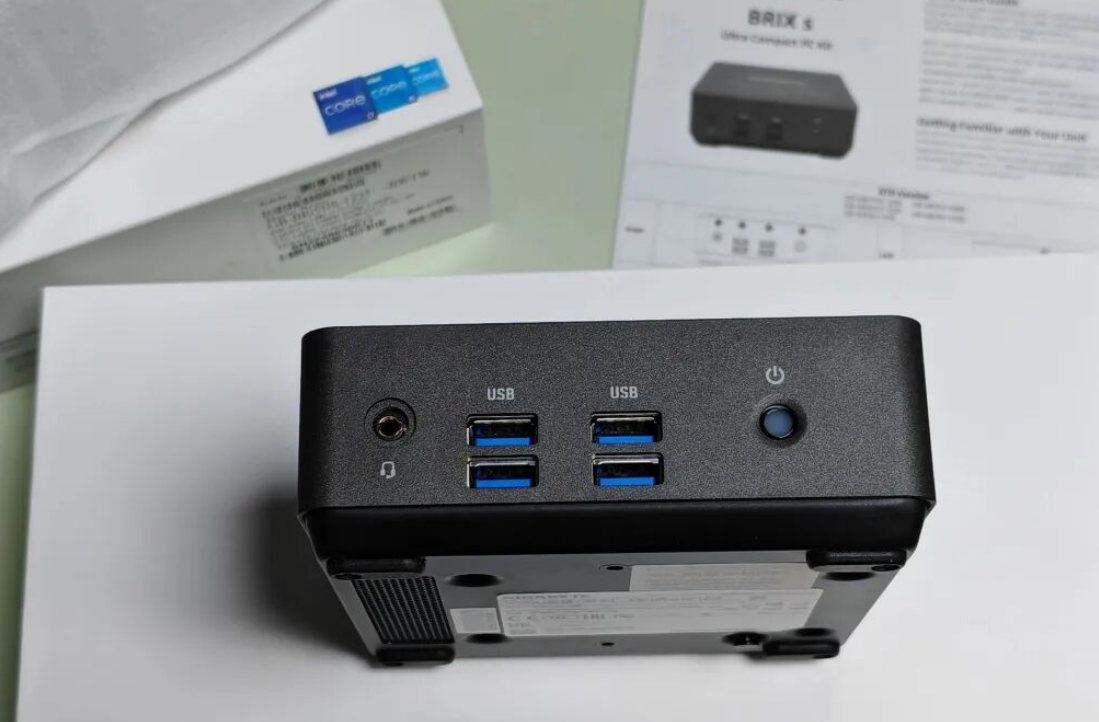
Port Selection: Despite its size, the I/O is robust. The front panel houses four USB 3.0 ports and a combo audio jack. The rear is business-centric, featuring:
• 2.5GbE LAN port (Realtek)
• Dual HDMI ports
• Dual USB-C (with DisplayPort signal support)
• DC-in
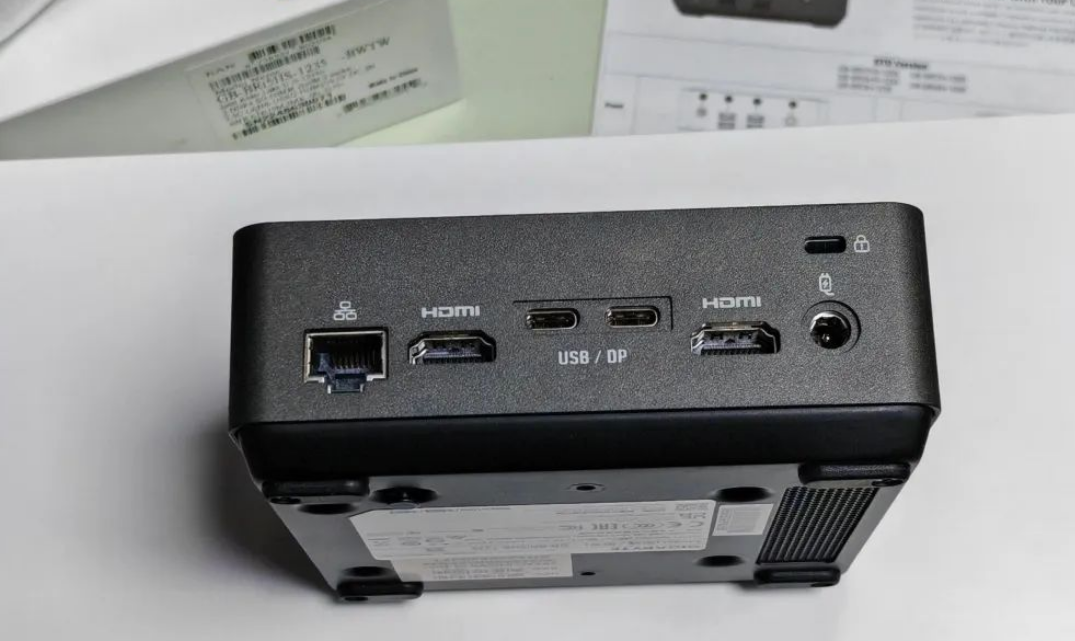
This configuration allows for a quad-display setup right out of the box, a feature often reserved for larger workstations. However, the omission of a Thunderbolt 4 port is noticeable, especially for users who might want to hook up an external GPU (eGPU) dock later. If Thunderbolt is a dealbreaker for you, this might be the only major strike against the BRIX.
Internal Layout and Expandability
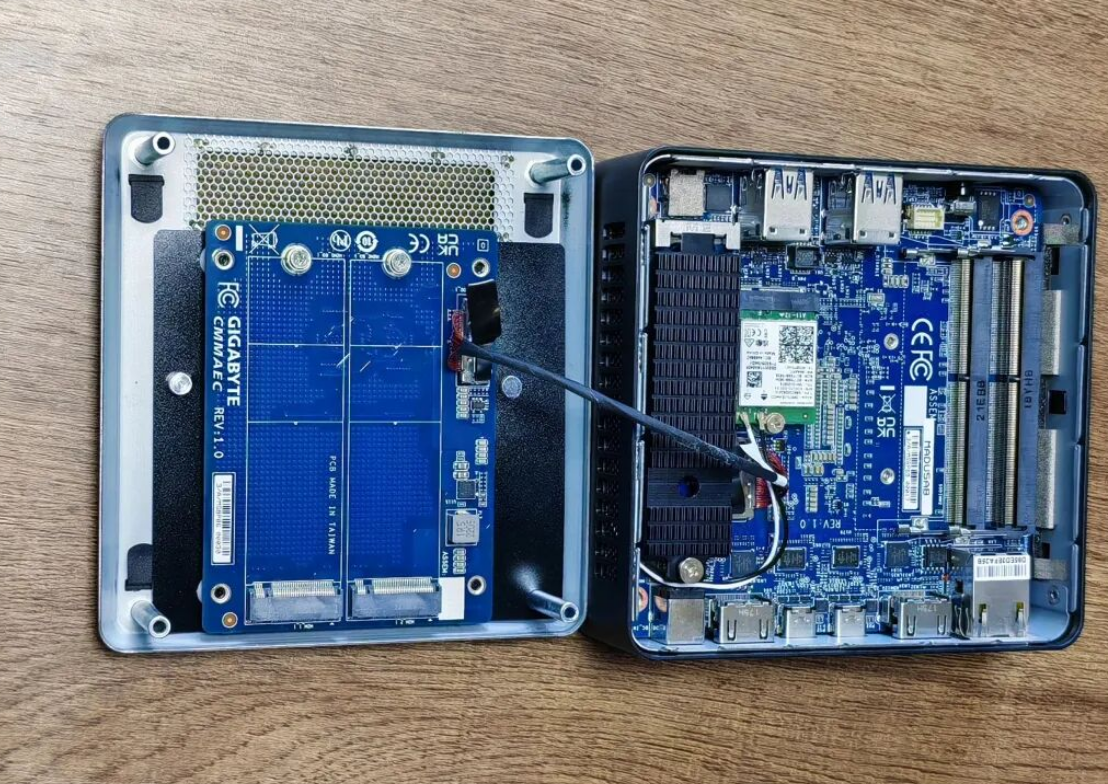
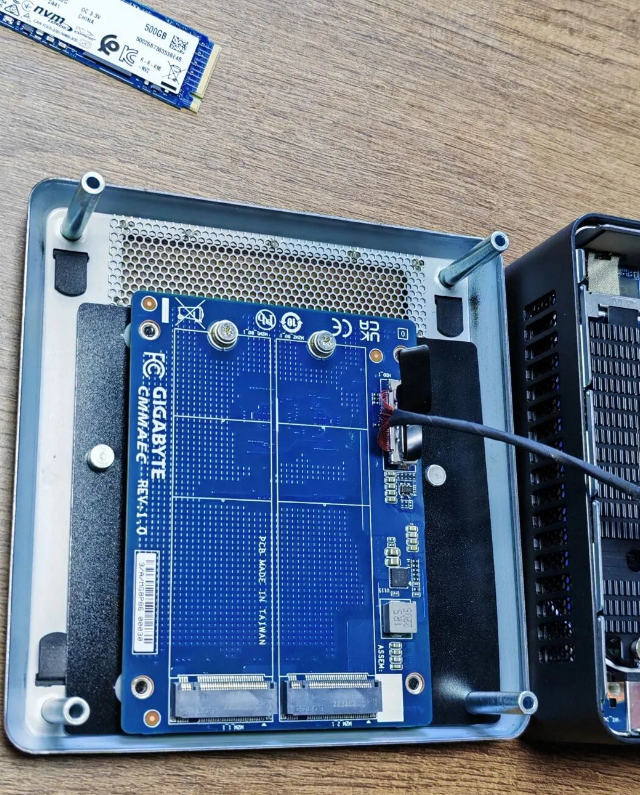
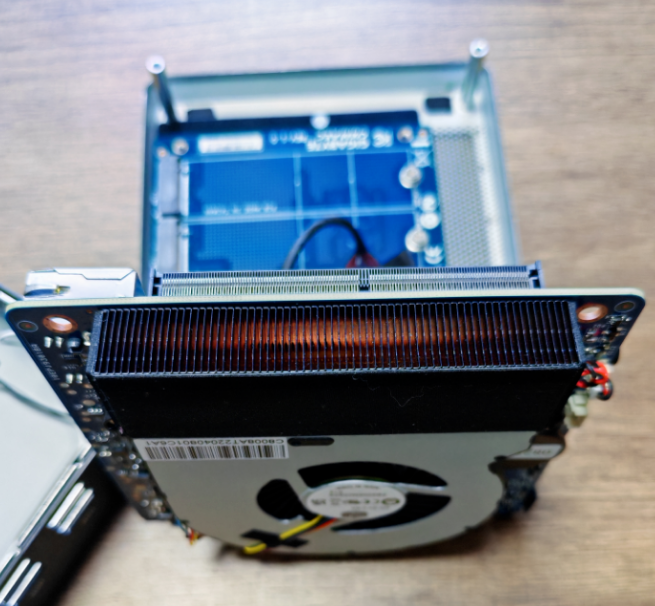
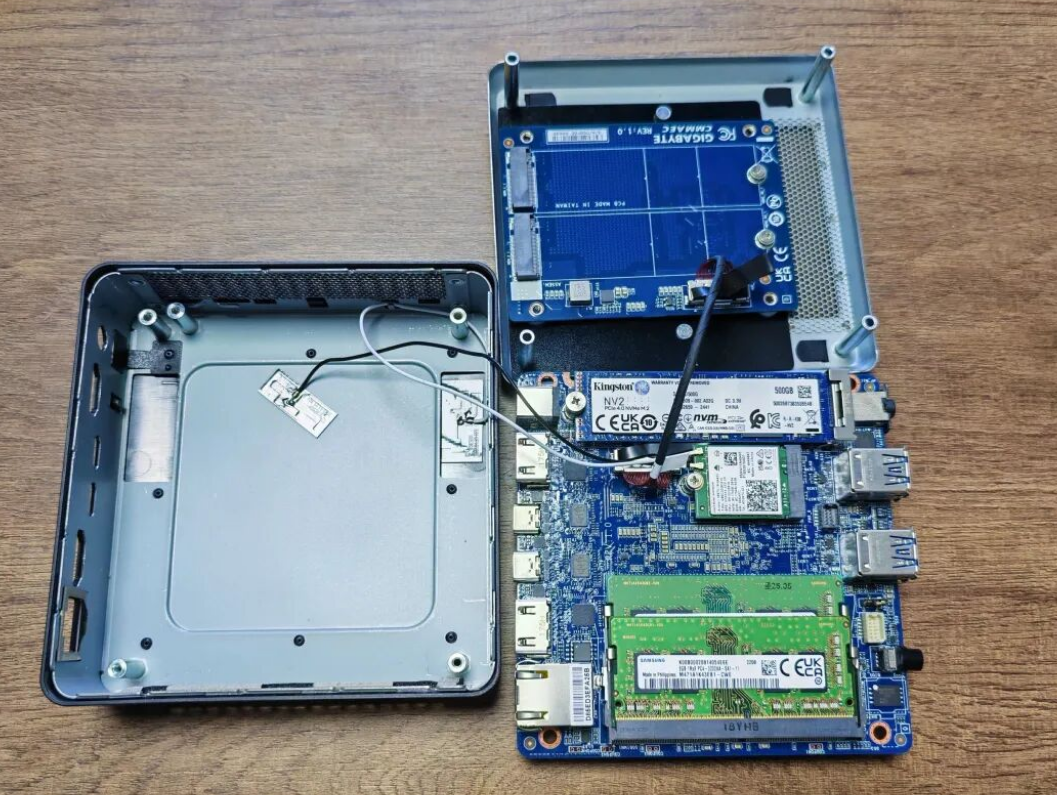
Accessing the internals is straightforward—four screws remove the bottom plate. Inside, Gigabyte has engineered a surprisingly dense layout. You will find two SO-DIMM slots for dual-channel memory (crucial for Intel Iris Xe graphics performance) and a primary M.2 slot with a pre-installed thermal pad.
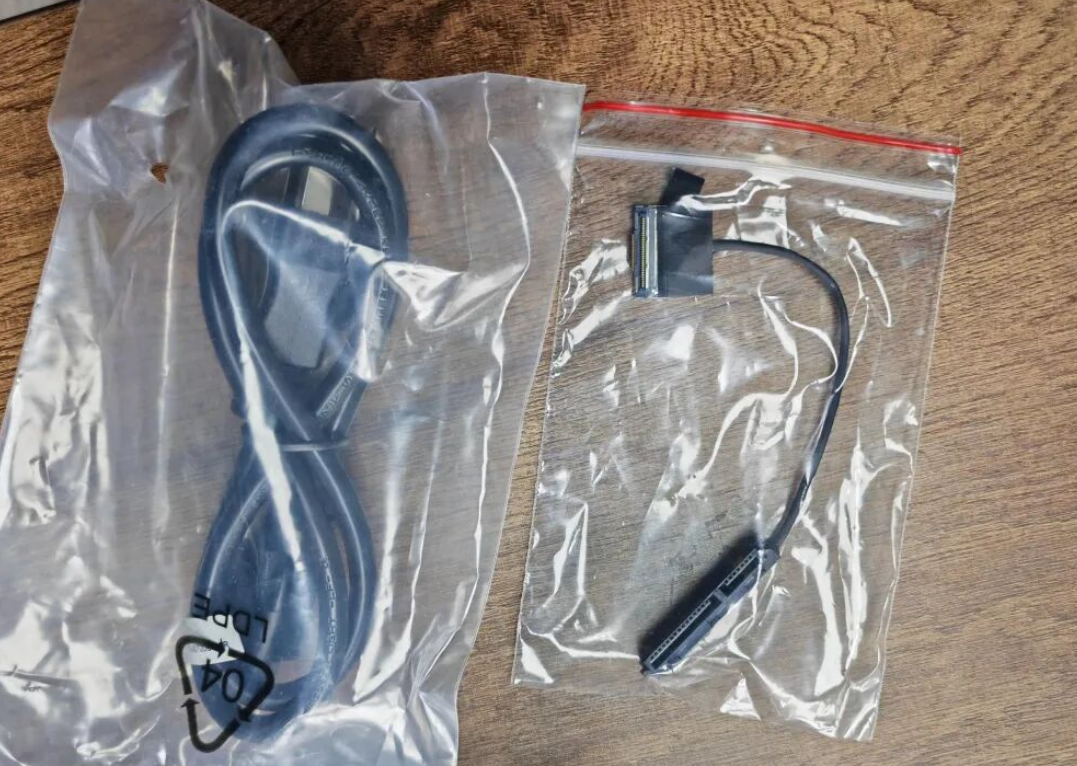
The Unique Storage Solution: Gigabyte utilizes a clever ribbon cable daughterboard design for storage expansion. Unlike standard SATA connectors that can be bulky, the BRIX uses a side-inserted ribbon cable to connect a secondary storage drive. This modular approach allows you to configure the system with either a 2.5-inch SATA SSD for cheap bulk storage or a secondary M.2 drive, depending on the bracket used. It is a smart use of limited volume that maximizes airflow over the components.
Performance Testing
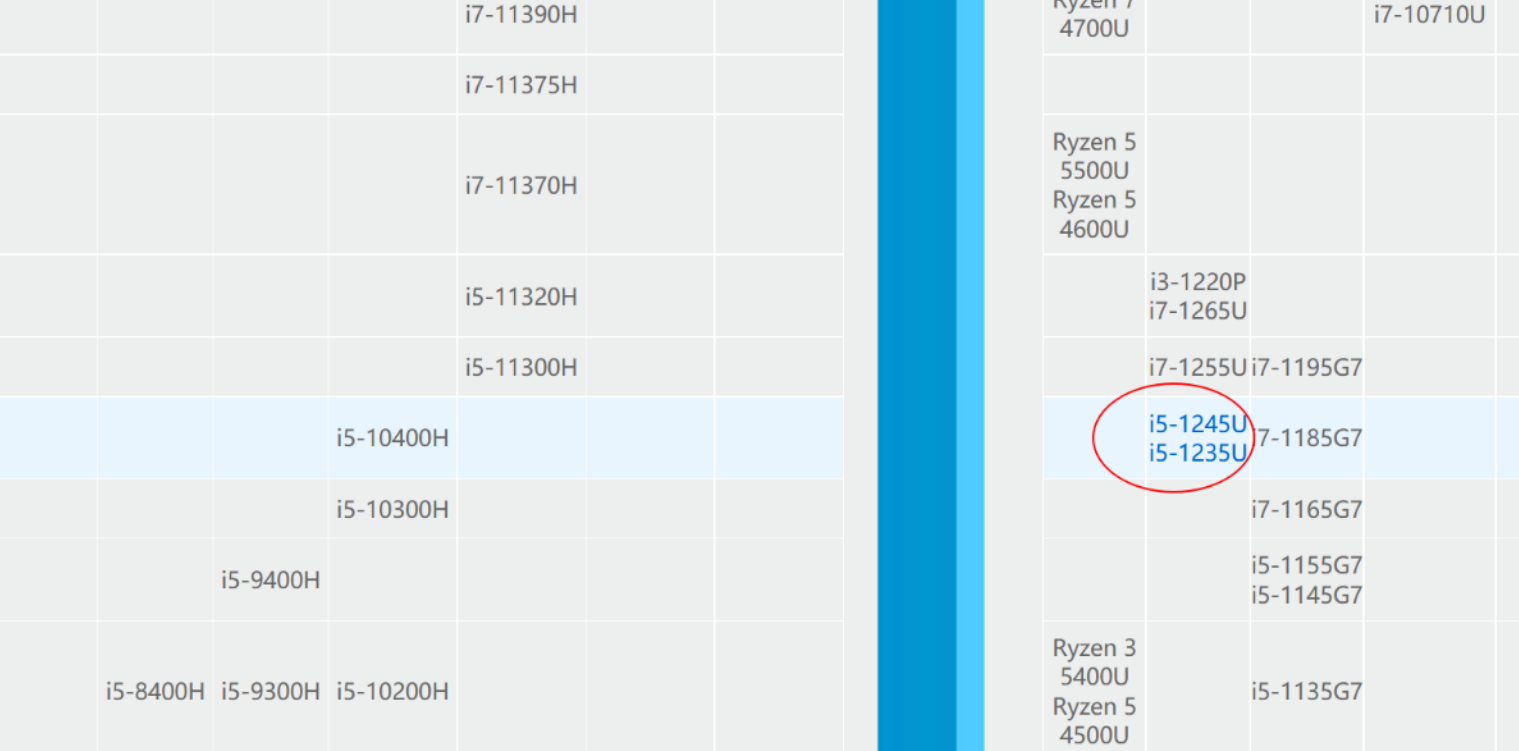
We put the Intel Core i5-1235U (2 Performance Cores + 8 Efficiency Cores) through a variety of real-world scenarios to see where the limits lie.
1. The Office & Coding Workstation
For developers and office workers, this machine is overqualified. We ran a typical stack: Firefox with 10+ active tabs, WeChat/Slack in the background, and VS Code for development. The CPU utilization hovered comfortably under 20%. The 2.5GbE network card is also a standout here; if you have a multi-gig switch, file transfers to a local server are lightning fast.
2. Content Creation (Photoshop & 3D)
We tested Adobe Photoshop 2020 for 2D graphic design. The experience was fluid, handling layers and high-res exports without stuttering.
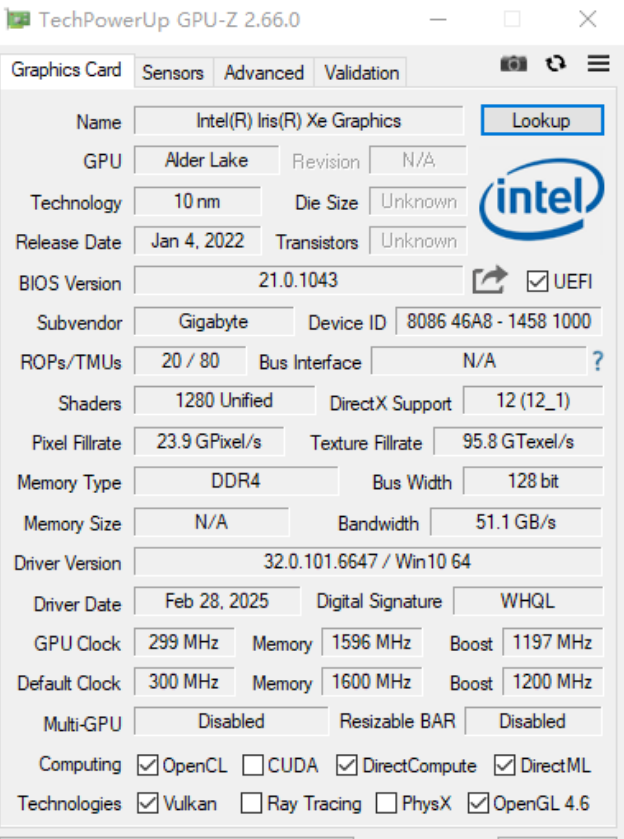
However, 3D modeling reveals the limits of the integrated graphics. In Fusion 360, while simple object modeling was smooth, complex assemblies caused the viewport frame rate to drop, and GPU utilization spiked significantly. While the Iris Xe graphics are a massive leap over older UHD graphics, they are not a substitute for a dedicated Nvidia Quadro or GeForce card. If your workflow involves heavy CAD rendering, you will want a tower with a discrete GPU.
3. Light Gaming
This isn't a gaming rig, but it can handle "lunch break" gaming. Titles like League of Legends ran smoothly at 1080p. The dual-channel memory is essential here; single-channel configurations will severely bottleneck gaming performance. Just don't expect to run Cyberpunk 2077 or modern AAA titles.
4. The Home Lab & NAS Application
One of the most popular uses for these Mini PCs in the US market is as a Home Lab node or a makeshift NAS (Network Attached Storage). With three storage interfaces (Primary M.2 + Expansion options) and a 2.5GbE port, the BRIX is an excellent candidate for a Plex server or a specialized OS like TrueNAS or Unraid.
Power Consumption: Efficiency is where the mobile architecture shines.
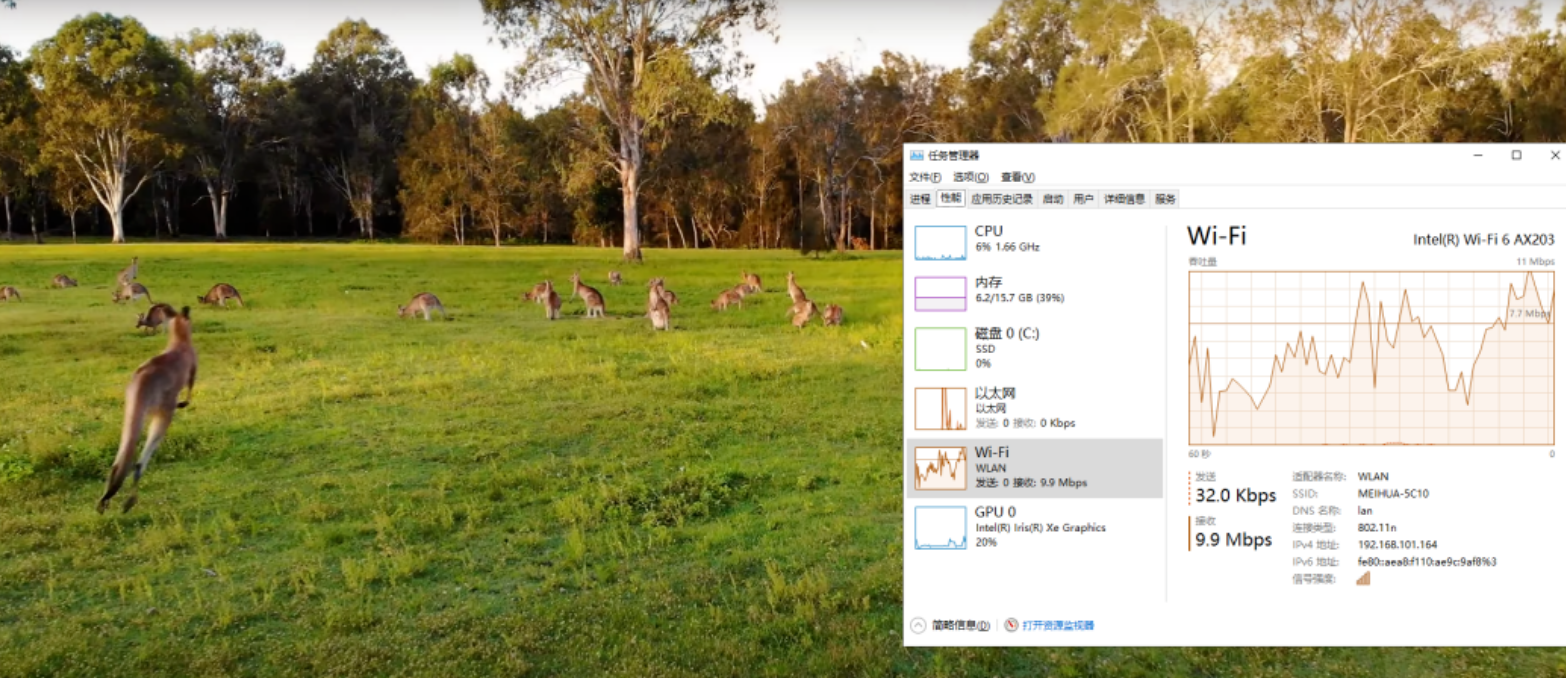
• Idle: ~3W - 10W
• Load: Peaks around 30W-40W
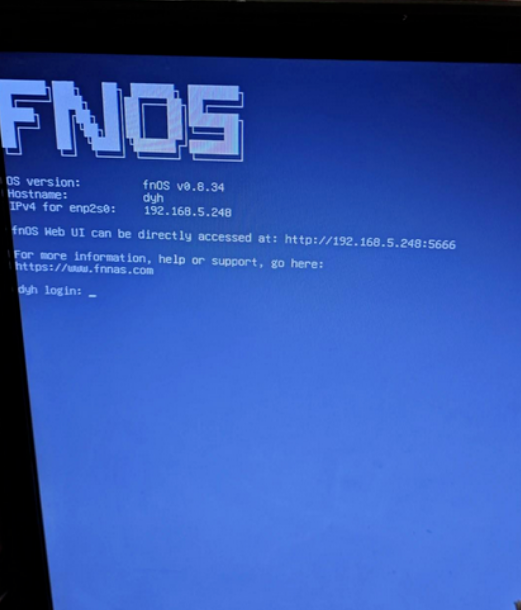
Compared to repurposing an old enterprise server or a full-sized desktop for a home lab, the BRIX will pay for itself in electricity savings alone over a few years.
Thermals and Acoustics
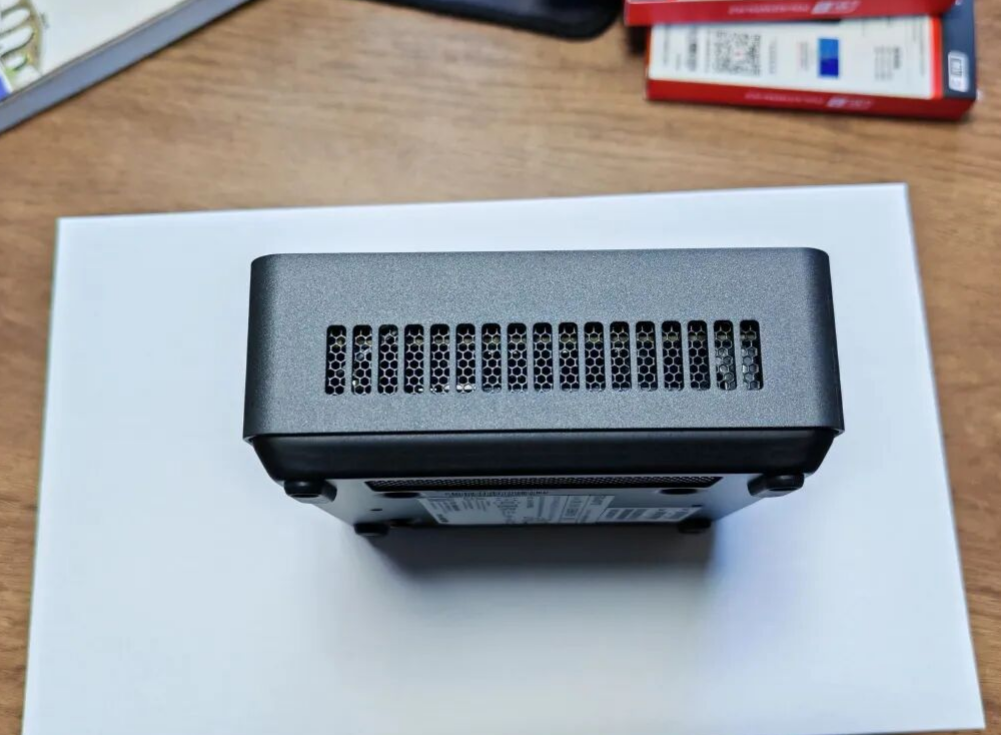
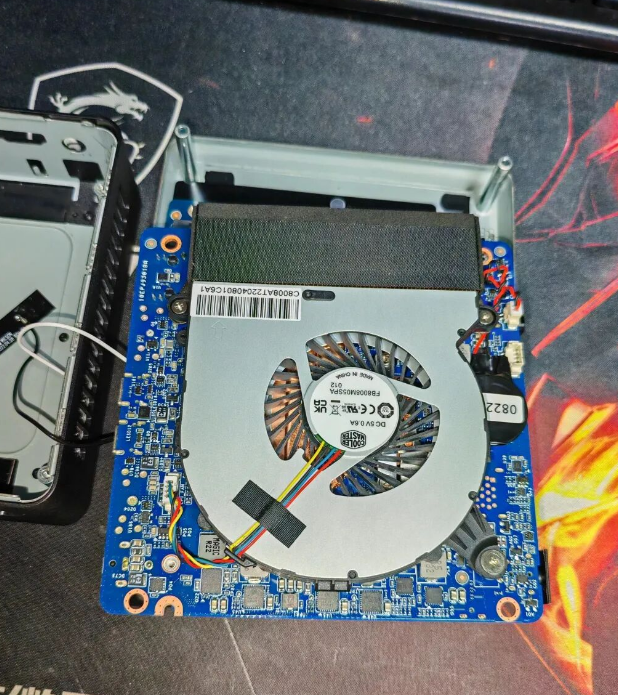
SFF PCs often suffer from the "jet engine" effect, but Gigabyte seems to have tuned the fan curve conservatively. The unit utilizes a blower-style fan similar to a laptop, pulling cool air from the sides and exhausting it out the back. During light tasks (web browsing, coding), the unit is virtually silent. Under sustained loads (video rendering), the fan is audible but lacks the high-pitched whine that plagues some smaller stick PCs.
Verdict
The Gigabyte BRIX (12th Gen) successfully bridges the gap between a low-power media box and a full-fledged desktop tower. It offers a sophisticated internal design that maximizes storage potential and delivers impressive power efficiency that enthusiasts and homelabbers will appreciate.
Pros:
• Ultra-compact 0.6L footprint with VESA mounting.
• Excellent power efficiency (sub-10W idle).
• 2.5GbE LAN and Quad-display support standard.
• Flexible storage expansion via unique ribbon cable module.
Cons:
• Lack of Thunderbolt 4 limits eGPU expansion.
• Power cable may require a localized adapter depending on region.
• Not suitable for heavy 3D CAD or AAA gaming.
For those looking to reclaim desk space without sacrificing productivity, or for users building a low-power home server cluster, the BRIX is a compelling, high-quality alternative to the market leaders. Just remember to pick up that C5 power cable.