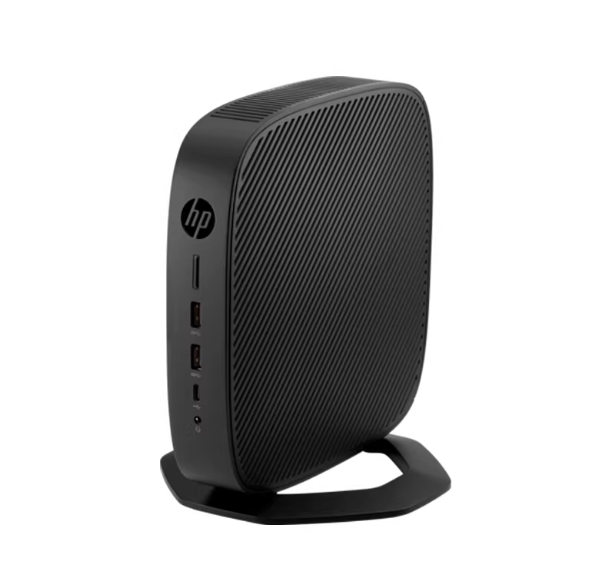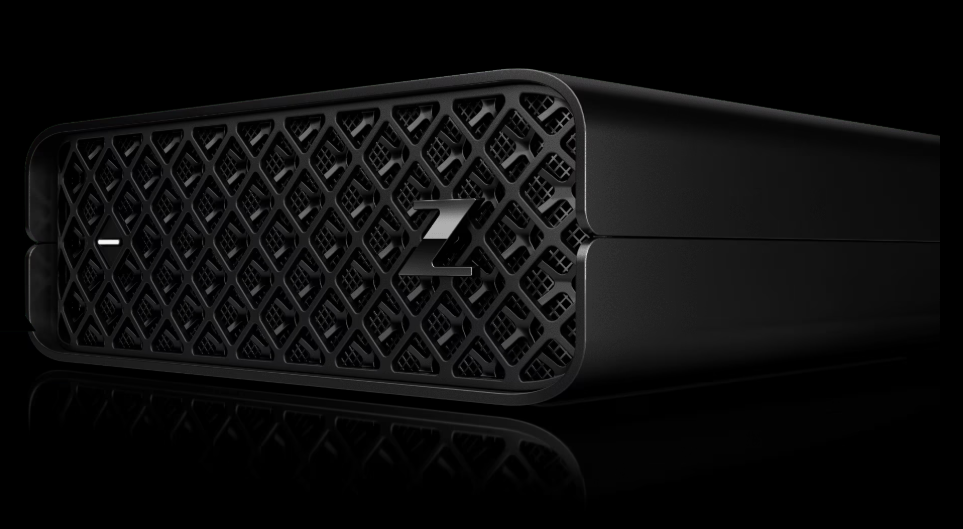
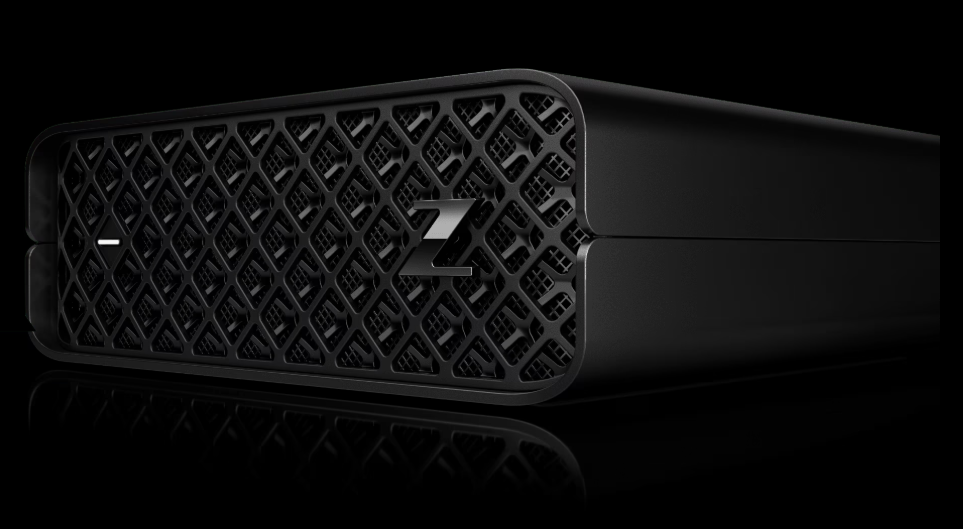
The HP Z2 Mini G4 represents a paradox in the desktop market: it packs the punch of a traditional tower into a chassis barely larger than a hardcover book. While mainstream reviews often compare it to the Mac Mini or the Intel NUC, the Z2 Mini G4 is in a class of its own—a "bona fide" workstation designed for architectural firms, financial trading floors, and increasingly, the savvy home laboratory enthusiast.
This guide bridges the gap between official technical datasheets and real-world utility, offering a deep dive into its capabilities, its hidden physical limitations for server use, and its second life as a high-value budget powerhouse.
--------------------------------------------------------------------------------
1. Design & Form Factor: The "Zero Footprint" Solution
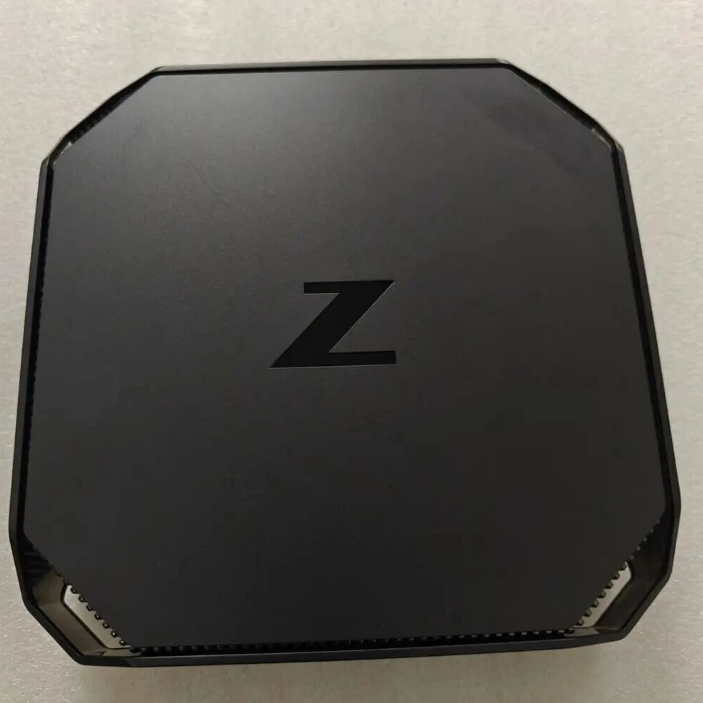
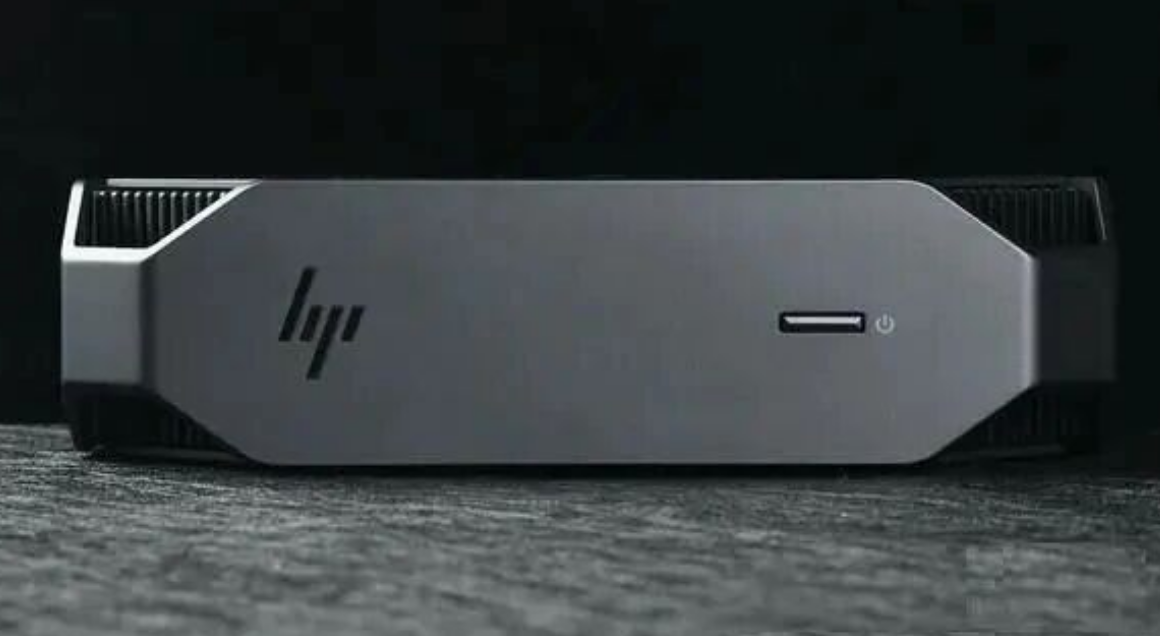
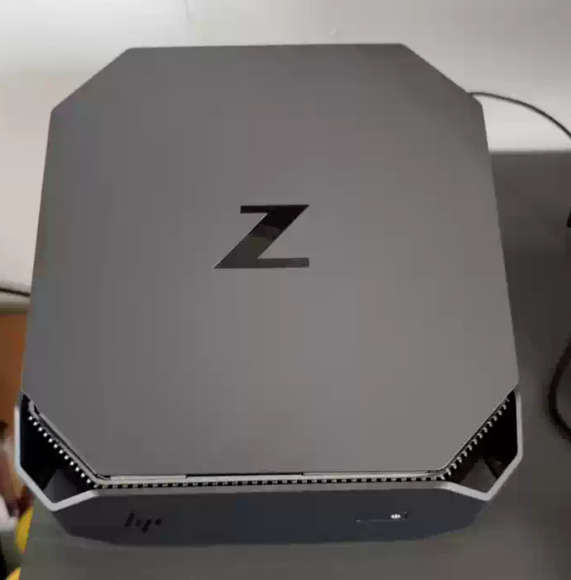
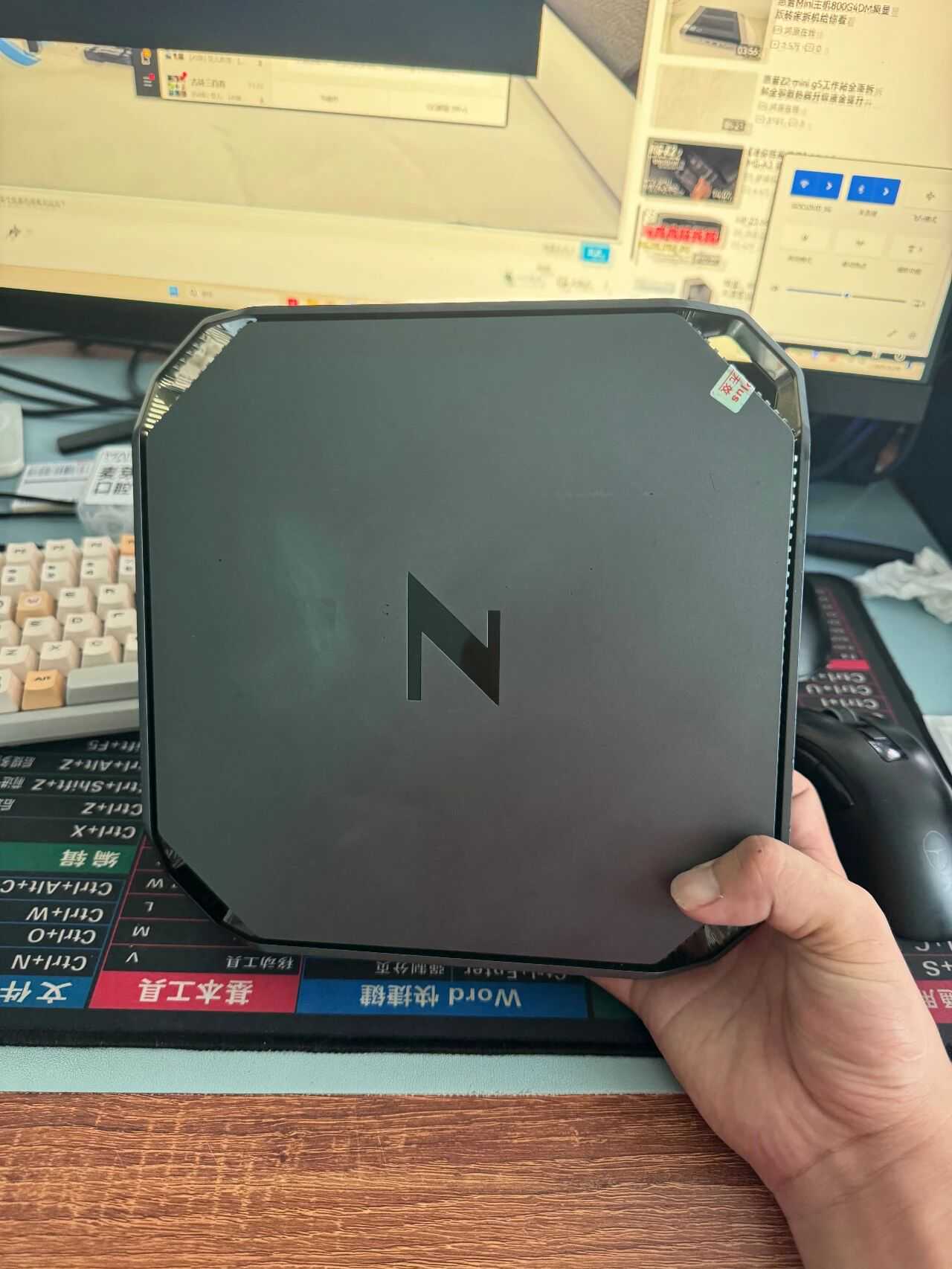
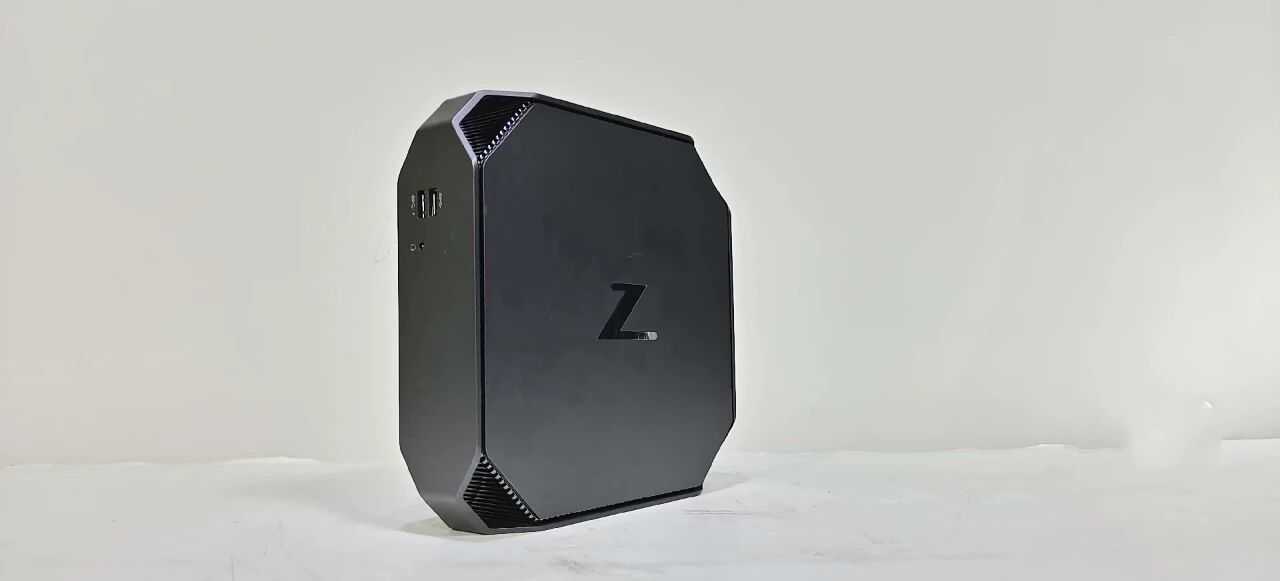
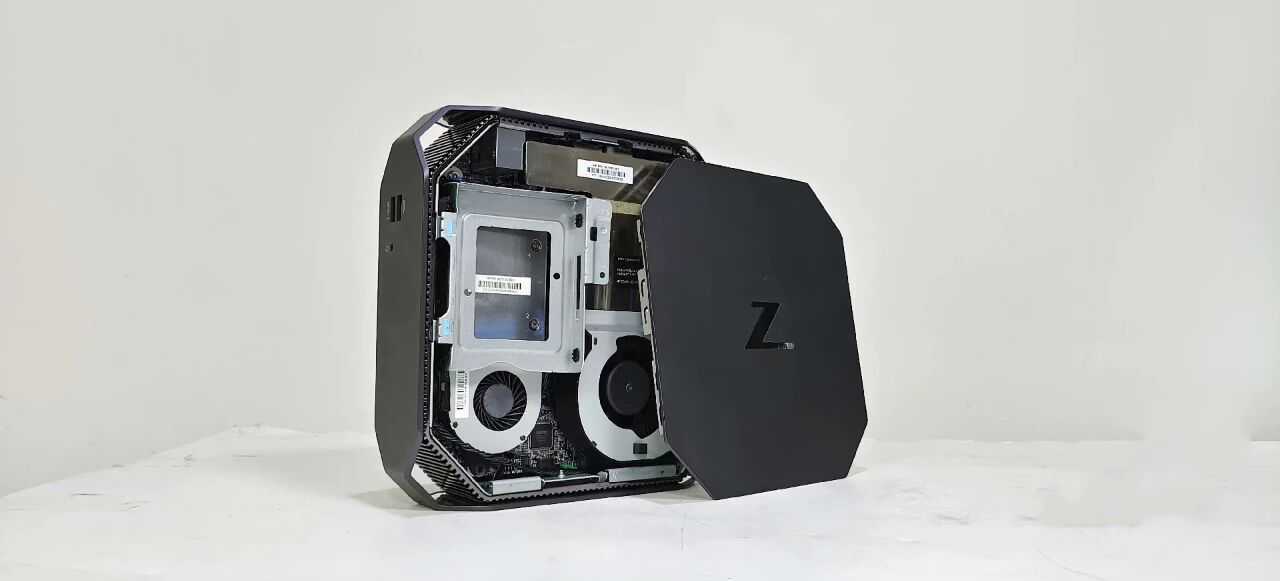
HP’s design philosophy for the G4 is centered on versatility without compromise. The 2.7-liter chassis features a distinct octagonal "clipped corner" aesthetic, which isn't just for looks—these vents are crucial for the custom thermal airflow that keeps workstation-class components cool.
• Versatile Deployment: Unlike standard desktops that demand floor or desk space, the Z2 Mini is designed to disappear. It can be mounted behind a display, under a desk, or racked in a data center (fitting up to 56 units in a standard 42U rack).
• Connectivity: Despite its size, it avoids the "dongle hell" of modern laptops. The rear and side I/O includes multiple DisplayPorts (driving up to six displays natively), USB-C, and legacy support options like serial ports, catering to diverse industrial needs.
2. Under the Hood: Workstation-Class Performance
While consumer mini PCs rely on low-voltage laptop processors, the Z2 Mini G4 utilizes desktop-grade silicon.
• Processor Power: It supports up to 6-core Intel Xeon E-series or 8th/9th Gen Core i7/i9 processors. This delivers the single-threaded frequency needed for CAD applications (Revit, Solidworks) and the multi-core muscle for financial modeling.
• Professional Graphics: The proprietary MXM slot hosts NVIDIA Quadro graphics (up to P1000). While not designed for high-end gaming, these GPUs are ISV-certified, ensuring stability in professional rendering and 3D modeling tasks where consumer cards often glitch.
• Memory Reliability: For mission-critical tasks, the Xeon configurations support ECC (Error Correcting Code) RAM, a feature completely absent in consumer counterparts like the Mac Mini or NUC.
--------------------------------------------------------------------------------
3. The Homelab Perspective: Unique Constraints & Opportunities
This section addresses critical data points often missing from standard media reviews, specifically for users looking to repurpose this machine as a home server or NAS.
The NAS Limitation: Physics vs. Storage Density
A common misconception among enthusiasts is that the Z2 Mini G4 is the ultimate all-in-one home server. However, potential buyers looking to build a Network Attached Storage (NAS) system must be aware of severe physical constraints:
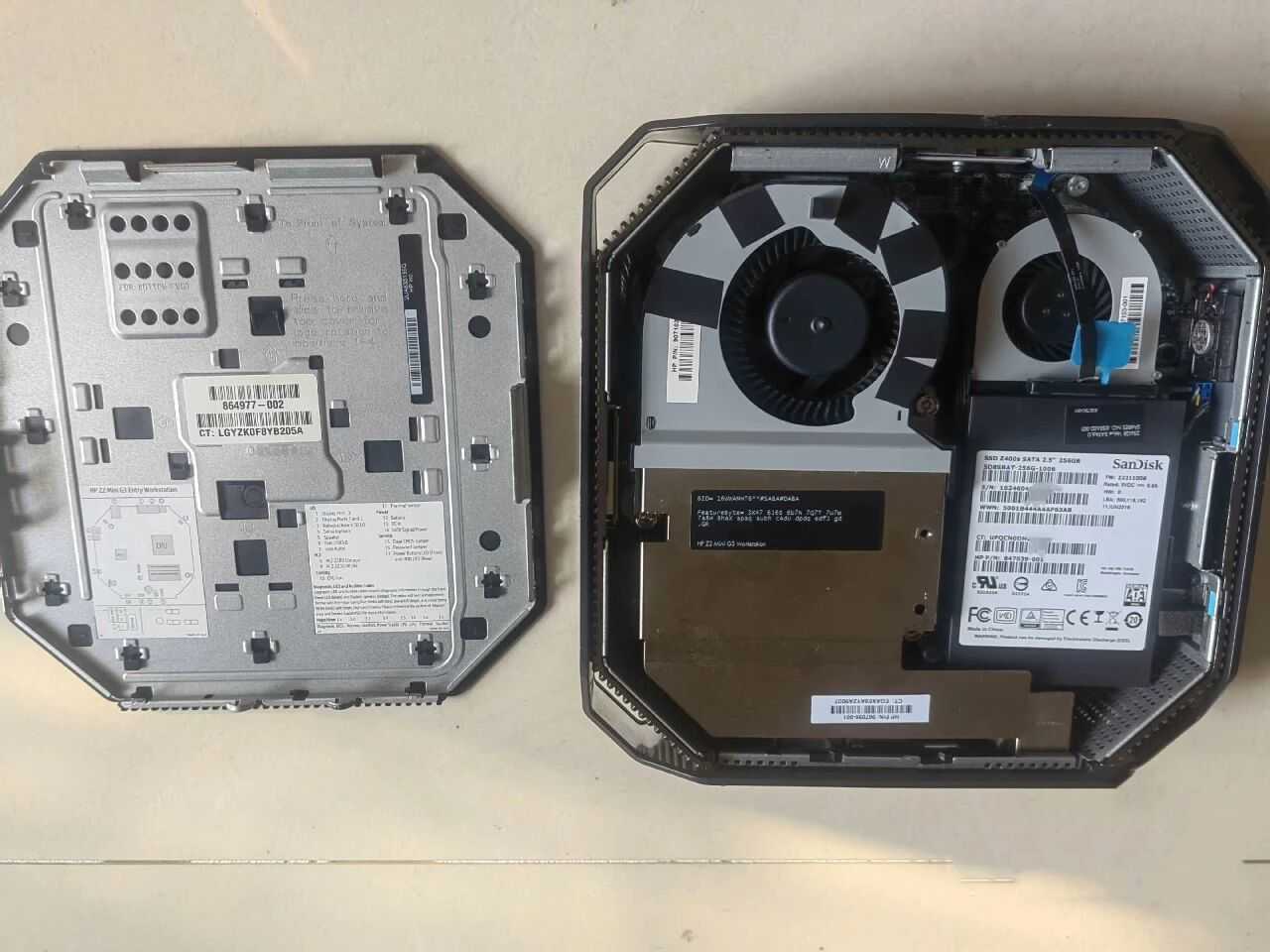
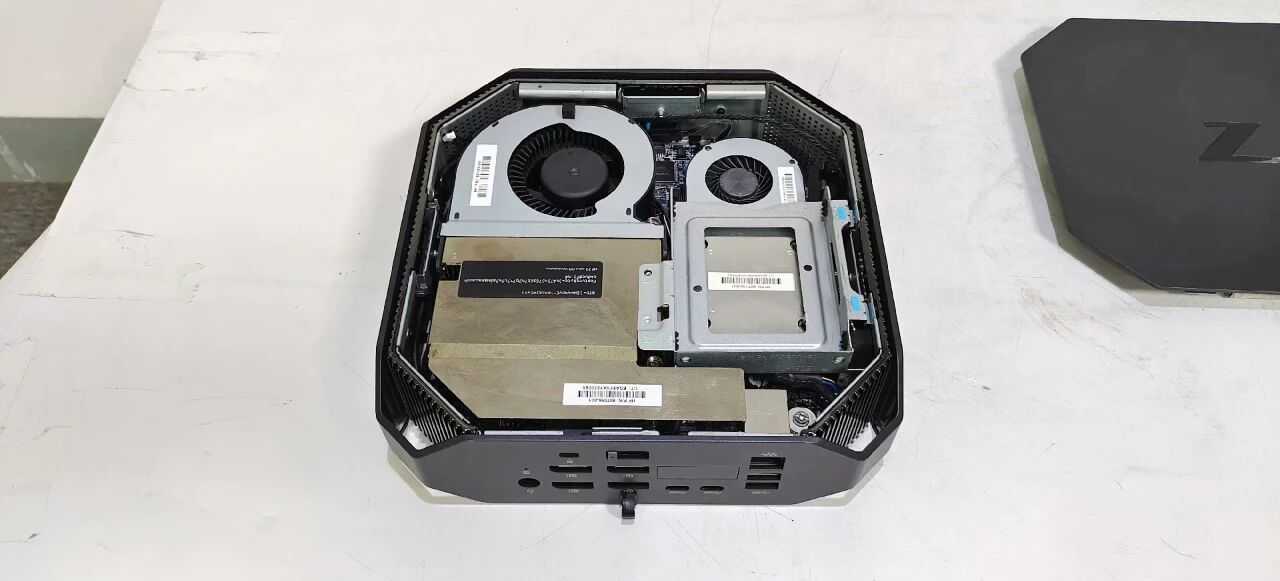
• No High-Density RAID: The chassis physically cannot accommodate multiple 3.5-inch hard drives. You are generally limited to one M.2 NVMe SSD and one 2.5-inch SATA drive.
• The "Dealbreaker" for Data Hoarders: Because you cannot install three or more drives to configure RAID 5, this machine is poor for mass storage. It is better suited as a compute node (running virtual machines or Plex) that connects to external storage, rather than acting as the storage vessel itself.
Thermal Modding Realities
While the stock cooling is whisper-quiet under standard loads, "power users" pushing the NVMe drives with constant read/write operations (such as in a caching server) may encounter thermal throttling. The compact airflow design benefits significantly from aftermarket thermal pads or heatsinks on the SSDs—a modification rarely mentioned in standard brochures but essential for sustained server workloads.
--------------------------------------------------------------------------------
4. Enterprise DNA: Serviceability & Diagnostics
Unlike the sealed "black boxes" of the consumer world, the Z2 Mini G4 retains the tool-less serviceability of HP’s enterprise towers.
• Granular Diagnostics: The machine features a sophisticated hardware diagnostic system built into the power LED and audio beepers. For example, a specific sequence of red and white blinks can instantly tell a technician if the issue is a thermal shutdown (4 red blinks) or a memory error (3 red blinks). This level of diagnostic granularity is invaluable for troubleshooting hardware failures without needing to swap parts blindly.
• Security First: It includes "HP Sure Start," a self-healing BIOS that automatically recovers from malware attacks or corruption—a feature that provides peace of mind for users running 24/7 services.
--------------------------------------------------------------------------------
5. Market Value Analysis: The "Barebones" Bargain
While the retail price at launch ranged from $799 to over $2,000, the Z2 Mini G4 has found a second life on the used market.
• The "Barebones" Sweet Spot: Savvy buyers can often find off-lease units stripped of RAM and storage for a fraction of the original cost.
• Value Proposition: In the second-hand market, a Z2 Mini G4 often costs significantly less than a new Raspberry Pi cluster or an Intel NUC, yet it offers vastly superior performance via the C236 chipset and desktop-class CPUs. For users willing to source their own RAM and SSDs, it represents one of the highest performance-per-dollar ratios for a home lab node or media server.
Verdict
The HP Z2 Mini G4 is a marvel of engineering that successfully shrinks the workstation experience without neutering performance.
• Buy it if: You are an architect needing a portable CAD machine, a financial trader needing a multi-monitor setup, or a homelab enthusiast looking for a powerful, power-efficient virtualization node.
• Skip it if: You need a high-capacity storage server (NAS) or a machine for playing triple-A video games, as the physical drive limits and Quadro graphics will effectively bottleneck those specific workflows.