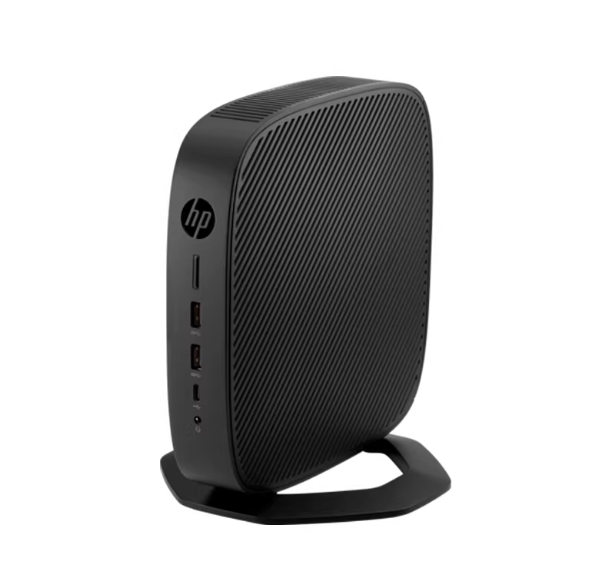
For years, the Raspberry Pi was the default answer for anyone wanting to build a home assistant setup, media server, or retro gaming rig. But with Pi prices creeping up and supply chain issues lingering, the homelab community has pivoted to a new champion: the HP t640 Thin Client.
If you are looking to move beyond the limitations of ARM-based boards, the t640 offers a massive leap in performance with the x86 architecture, expandable RAM, and genuine NVMe storage—all while remaining silent and sipping power. This guide covers everything from the basic specs to the advanced "Frankenstein" mods that most reviews miss.
--------------------------------------------------------------------------------
1. Under the Hood: Specs That Put the Pi to Shame
Unlike the soldering-required nature of single-board computers, the t640 is a proper mini PC. It’s built around the AMD Ryzen Embedded R1505G, a dual-core, four-thread beast that clocks between 2.4 GHz and 3.3 GHz.
• Graphics: Integrated Radeon Vega 3 Graphics (far superior to standard Intel integrated graphics found in similar Dell Wyse or older HP t630 units).
• Memory: Two DDR4 SODIMM slots. While official docs often state a 32GB limit, the community has confirmed it runs rock-solid with 64GB of RAM.
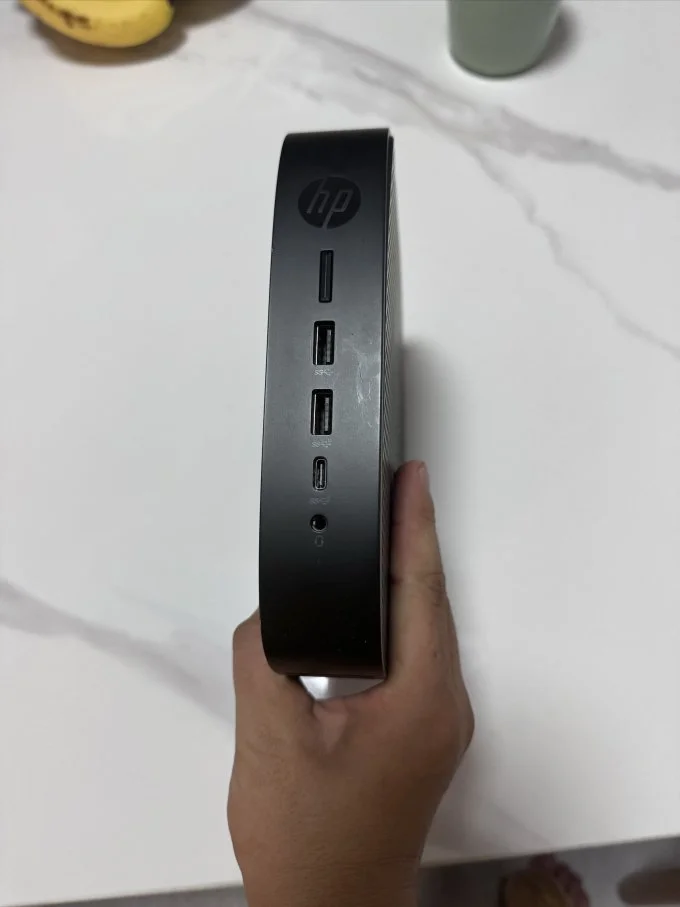
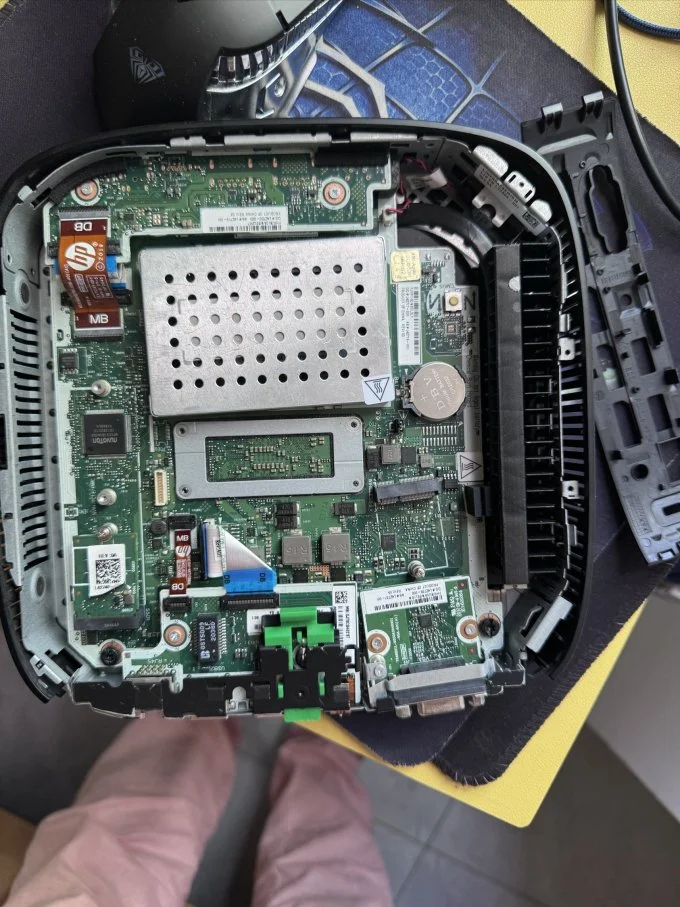
• Storage: Native M.2 slot supporting both SATA and NVMe drives (2280 form factor), meaning you aren't stuck booting from fragile SD cards.
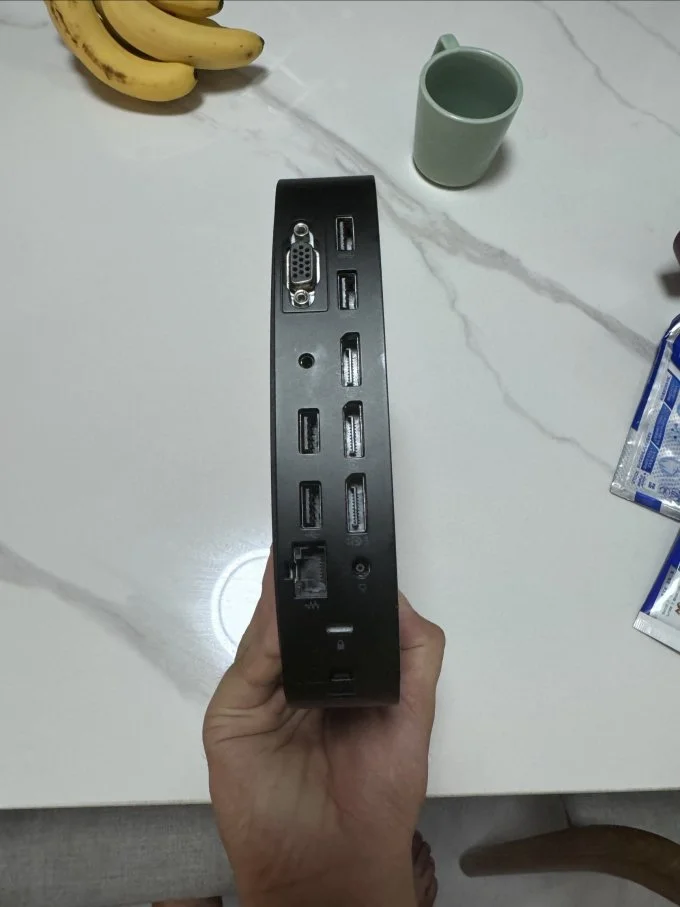
• Connectivity: A true Gigabit Ethernet port (Realtek RTL8111), USB-C, and support for up to three 4K displays @ 60Hz.
The "Option Port" Secret
One feature often overlooked is the rear "Option Port." Depending on how your unit was configured for enterprise use, this might be blank, or it could house an extra HDMI, VGA, or even a fiber optic NIC. For homelabbers, this is prime real estate for adding a second NIC for a pfSense/OPNsense router build.
--------------------------------------------------------------------------------
2. The Perfect Use Cases: From Enterprise Waste to Home Lab Treasure
The Ultimate Home Assistant Appliance
If you are migrating from a Raspberry Pi because of SD card corruption or sluggish history logs, the t640 is the endgame upgrade.
• Install Method: You can install Home Assistant OS (HAOS) directly using the "Generic x86-64" image. It treats the t640 like a dedicated appliance.
• Zigbee/Z-Wave: The multiple USB 3.1 ports are perfect for connecting Sonoff or ConBee II dongles without power draw issues.
The "Set It and Forget It" Media Server
Thanks to the Radeon Vega 3 graphics, this little box is a transcoding beast for Plex, Jellyfin, or Emby. Unlike older Intel-based thin clients that struggle with modern codecs, the Vega 3 handles hardware transcoding efficiently, easily managing 4K streams without maxing out the CPU.
Virtualization Powerhouse (Proxmox)
Because it supports up to 64GB of RAM, installing Proxmox VE is the smartest move for power users. Instead of dedicating the box to just one OS, you can run:
1. Home Assistant in a VM.
2. Pi-hole/AdGuard for network-wide ad blocking in an LXC container.
3. A Docker container for the *arr stack (Radarr, Sonarr).
4. A lightweight Linux distro (like DietPi or Ubuntu Server).
--------------------------------------------------------------------------------
3. Real-World Performance: The Missing Benchmarks
Most spec sheets tell you what the hardware is, but they don't tell you what it can do. Here is the deep-dive performance analysis usually missing from standard reviews.
Gaming & Emulation: Can It Run Crysis?
The Vega 3 graphics open up a tier of gaming inaccessible to the Raspberry Pi.
• PC Gaming: Yes, it can actually run older titles. You can expect playable frame rates (30+ FPS) in games like League of Legends, CS:GO, and Minecraft at 720p or low-1080p settings.
• Emulation Station: This is a retro-gaming monster. Running Batocera or RetroArch, the t640 crushes everything up to the PS1/N64 era effortlessly. The real value is in the GameCube and Wii (Dolphin) and PlayStation 2 (PCSX2) era, where it maintains 60FPS at native resolutions—something ARM boards struggle to do consistently.
Stress Testing: The Passive Cooling Limit
The t640 is fanless, which is great for "Wife Acceptance Factor" (WAF) in a living room, but it raises concerns about heat.
• Idle Temps: Sits comfortably between 35°C–40°C.
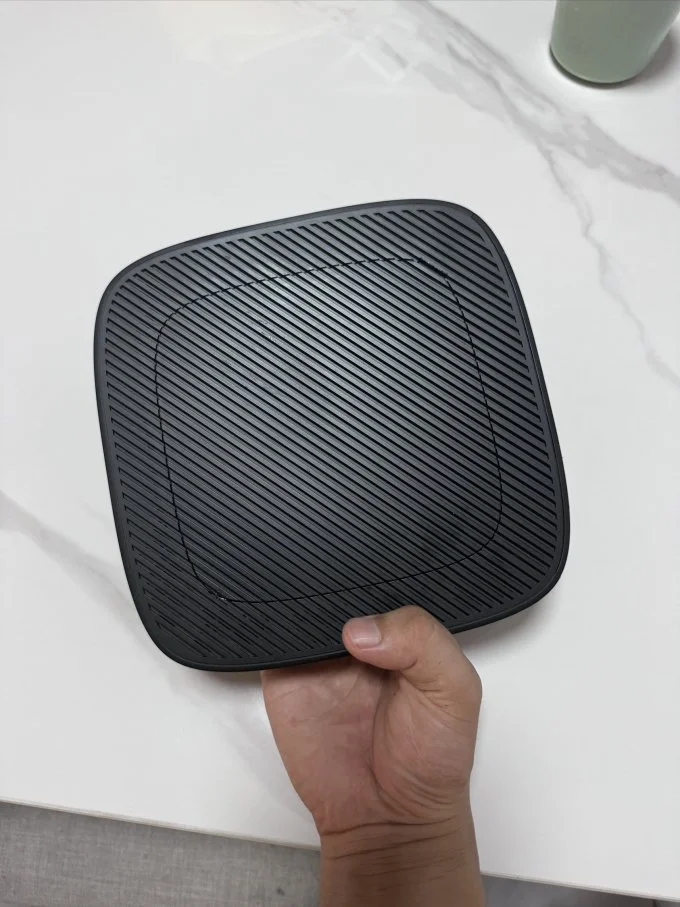
• The Torture Test: Under a sustained 100% CPU/GPU load (like transcoding a 4K movie while running a VM backup), the unit will get hot. However, the vertical stand design encourages convection cooling.
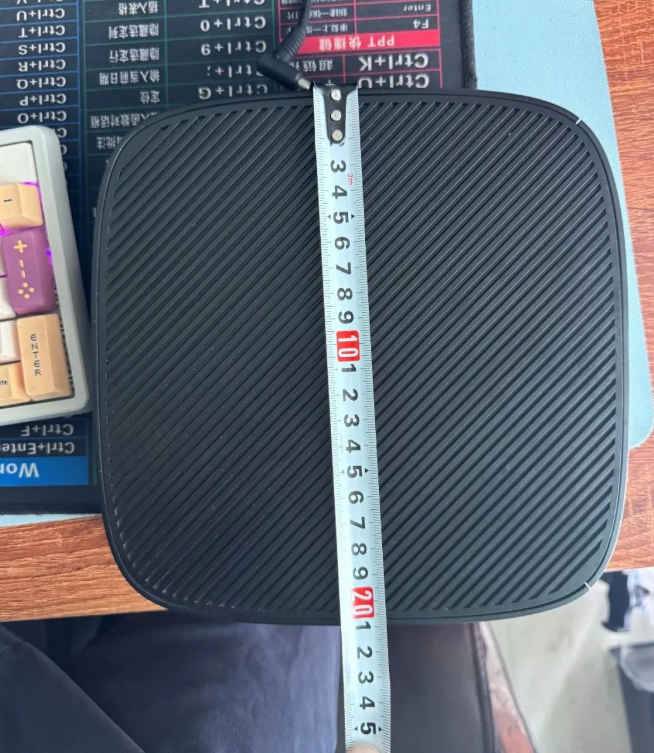
• Throttling Verdict: While the chassis gets warm to the touch, the Ryzen SoC is designed to throttle only at very high temps. Unless you are mining crypto or rendering video 24/7, the passive cooling is sufficient. If you plan on pegging the CPU at 100% for hours, a simple USB fan placed behind the vents drops temps by 10°C–15°C instantly.
--------------------------------------------------------------------------------
4. Advanced Mods: Pushing the Hardware Limits
For the tinkerers who want to go beyond the manual, the t640 has hidden potential locked in its expansion slots.
PCIe Bifurcation & The eGPU Dream
The internal M.2 slots (Key M for storage and Key E for WiFi) are essentially PCIe lanes.
• eGPU Potential: With an M.2-to-PCIe x4 adapter, enterprising users have successfully connected external desktop GPUs. While the CPU will bottleneck a high-end card, adding a low-profile GT 1030 or RX 6400 can turn this thin client into a legitimate 1080p gaming console or a high-power AI inferencing box for localized LLMs or Frigate NVR object detection.
• 10GbE Networking: If the built-in Gigabit LAN isn't enough, that same M.2 slot can accept a 2.5GbE or even 10GbE network card adapter, turning the t640 into an incredibly powerful, silent firewall or NAS controller.
--------------------------------------------------------------------------------
5. Buying Guide & Verdict
What to Pay
The secondary market fluctuates, but generally, you should look for units in the $65 to $90 range. Be careful of "barebones" units missing the power supply—official HP 45W/65W adapters can be surprisingly expensive to buy separately.
Final Thoughts
The HP t640 sits in the "Goldilocks" zone of home labs. It is significantly more powerful and expandable than a Raspberry Pi 5, yet cheaper and more power-efficient than a retired enterprise server or full-sized desktop. Whether you are building a silent Home Assistant hub, a retro gaming console, or a Proxmox cluster node, the t640 is currently the hardware to beat.