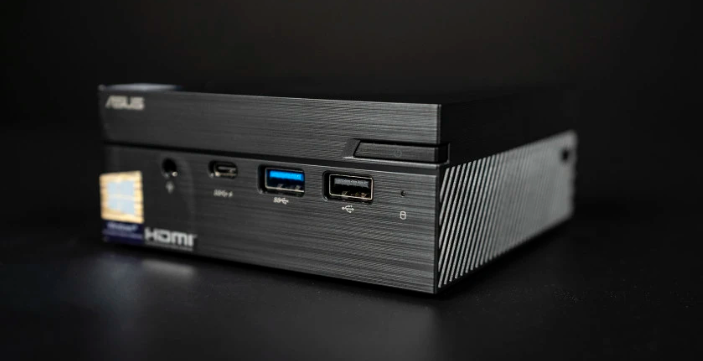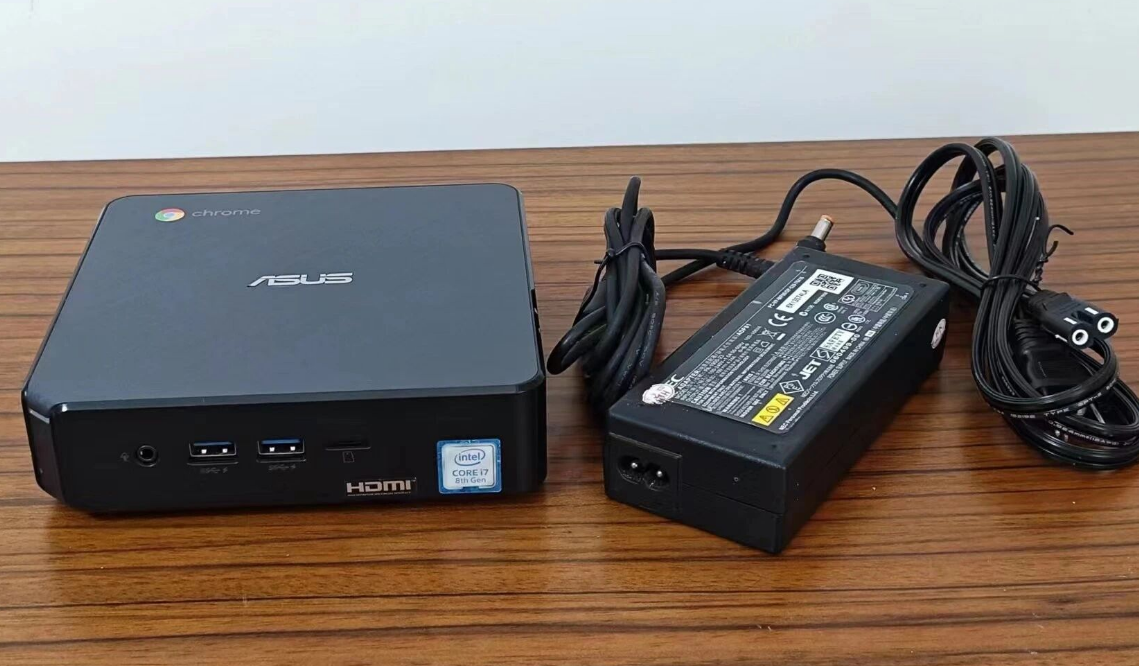
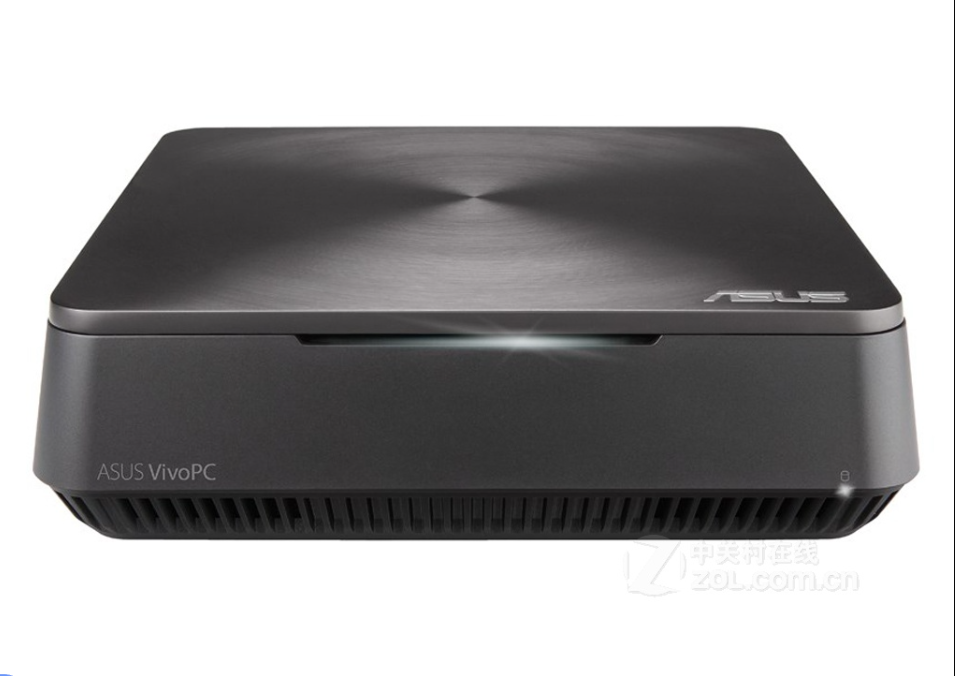
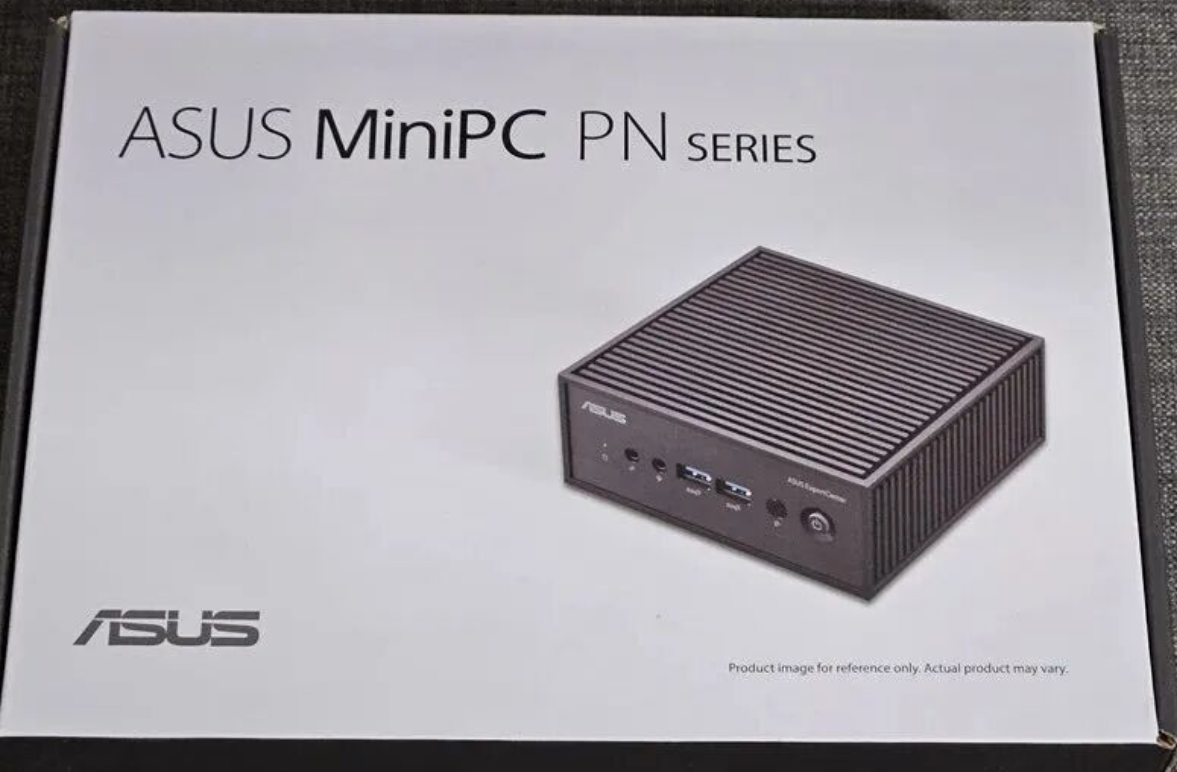
In the wake of Intel stepping back from the NUC game, ASUS has taken the baton and sprinted forward. While the ExpertCenter PN42 might look like just another black box, it represents a specific solution for a noisy world: absolute silence. This fanless mini PC isn’t designed to run the latest AAA games; it is engineered for reliability, industrial application, and the growing "homelab" community looking for efficient 24/7 operation.
Below is a comprehensive analysis of the PN42, moving beyond standard benchmarks to look at long-term ownership costs, enclosed-space performance, and operating system strategies.
1. Quick Verdict: Who is This For?
Before diving into the specs, let's identify where this unit fits in the US market.
• Digital Signage & Kiosks: With support for triple displays and a dust-resistant fanless chassis, this is a "set it and forget it" unit for retail and menu boards.
• The "Homelab" Enthusiast: The dual 2.5GbE LAN ports make this an immediate contender for a DIY router (pfSense/OPNsense) or a lightweight home server.
• SMB Office Use: For reception desks or libraries where noise is a distraction, the silence is golden. However, standard office users must be wary of OS overhead (more on that below).
2. Hardware & Design: Industrial Functionality
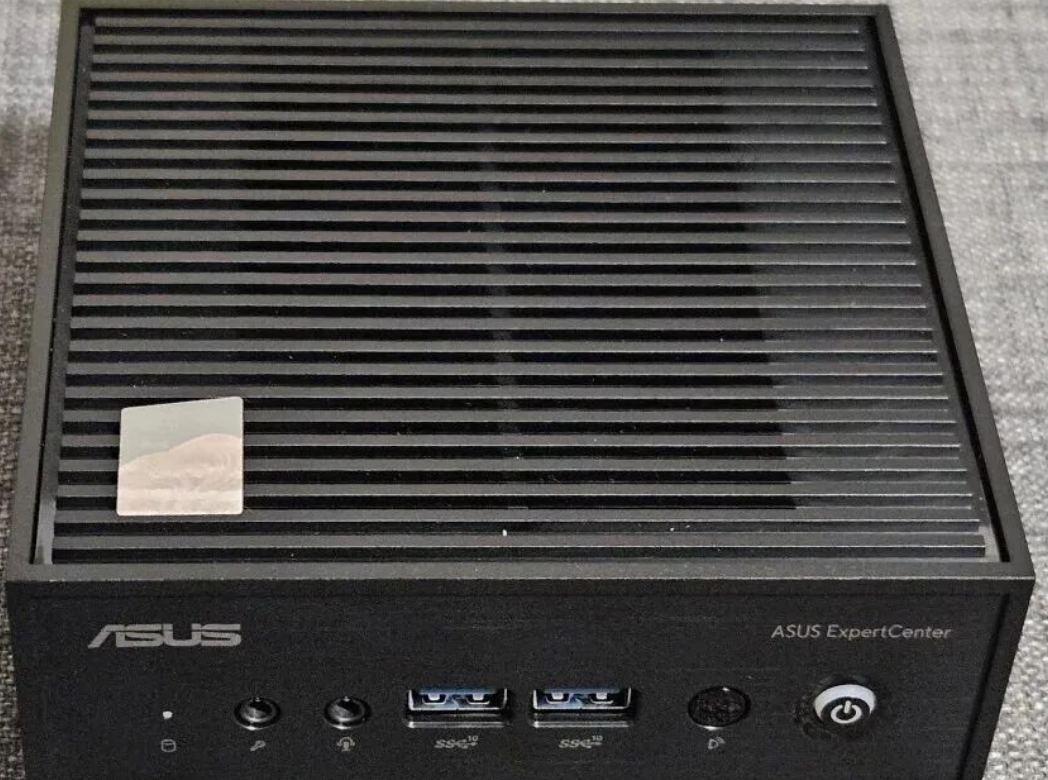
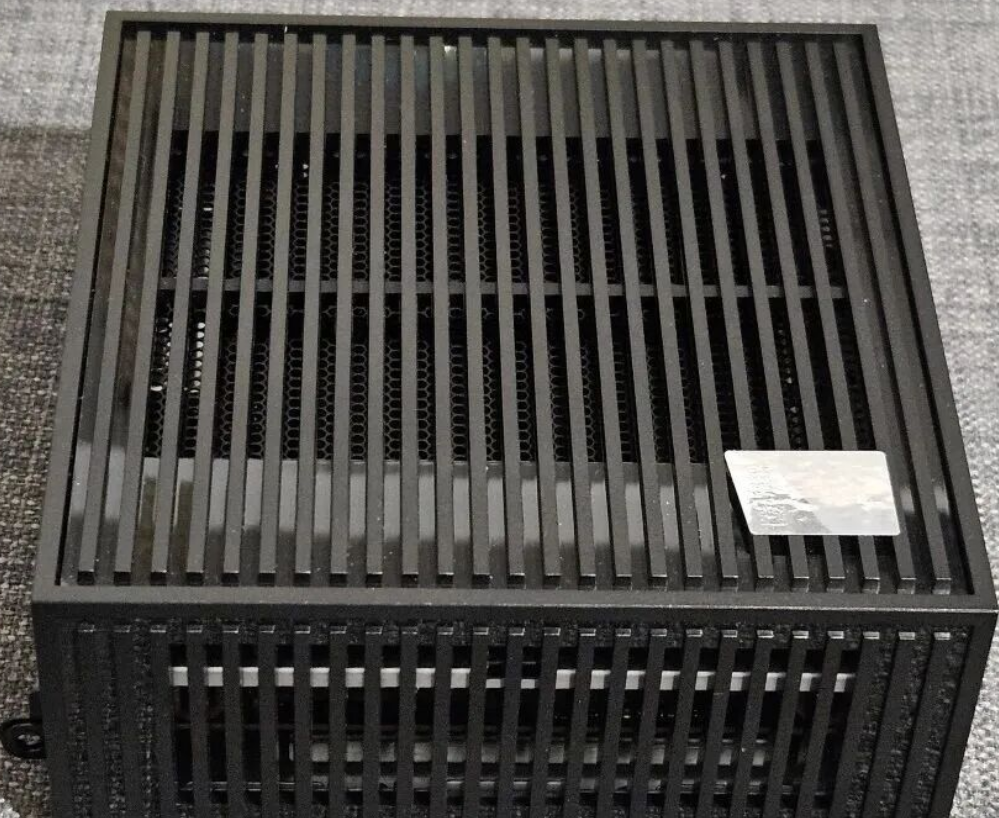
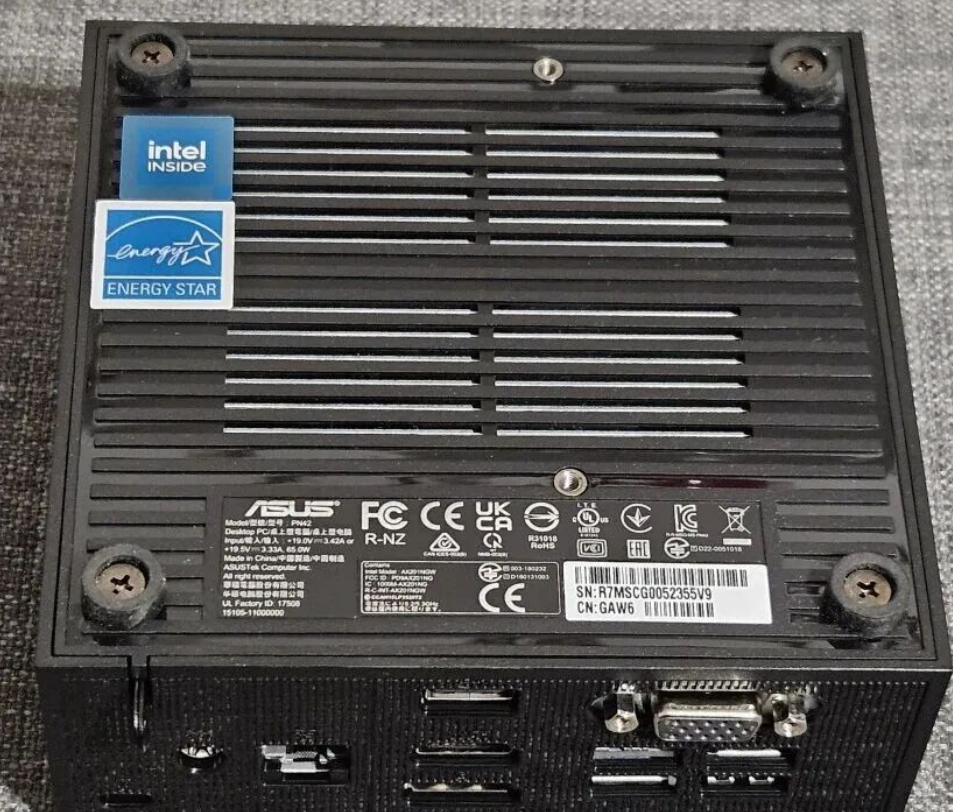
The PN42 prioritizes function over form. The chassis is ultra-compact (under 1 liter in volume) and features a slat-textured design that acts as a passive heatsink.
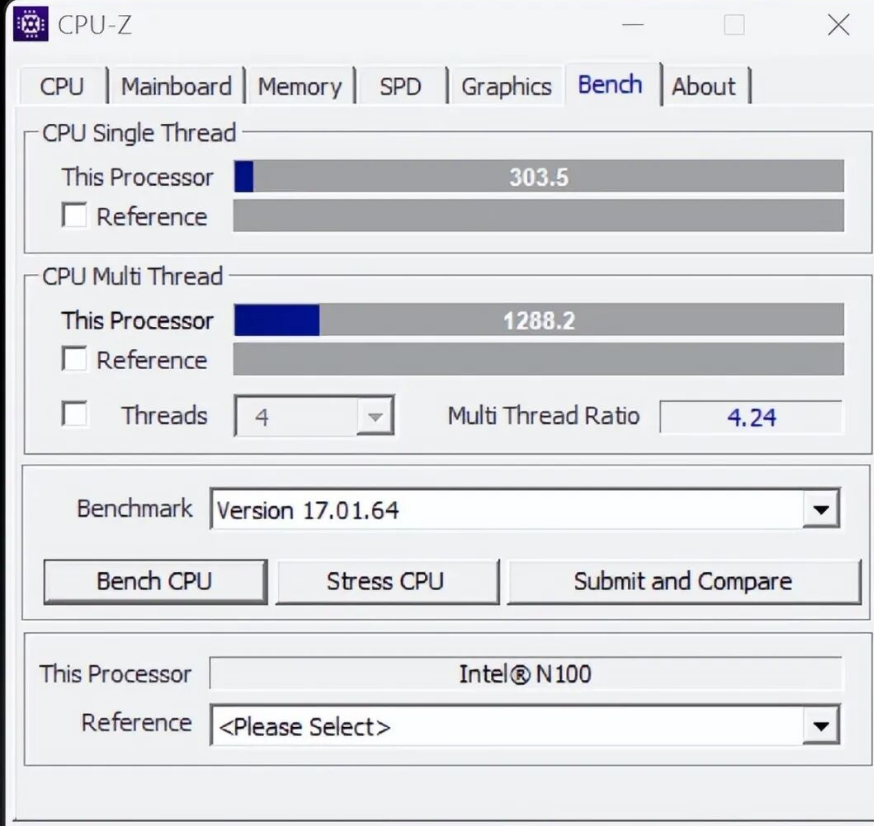
• The Processor: You generally have a choice between the Intel Processor N100 and N200. Both are quad-core chips derived from the efficiency cores of Intel’s more powerful architecture. For most users, the N100 is the sweet spot for value, while the N200 offers a slightly higher turbo frequency for burst workloads
.
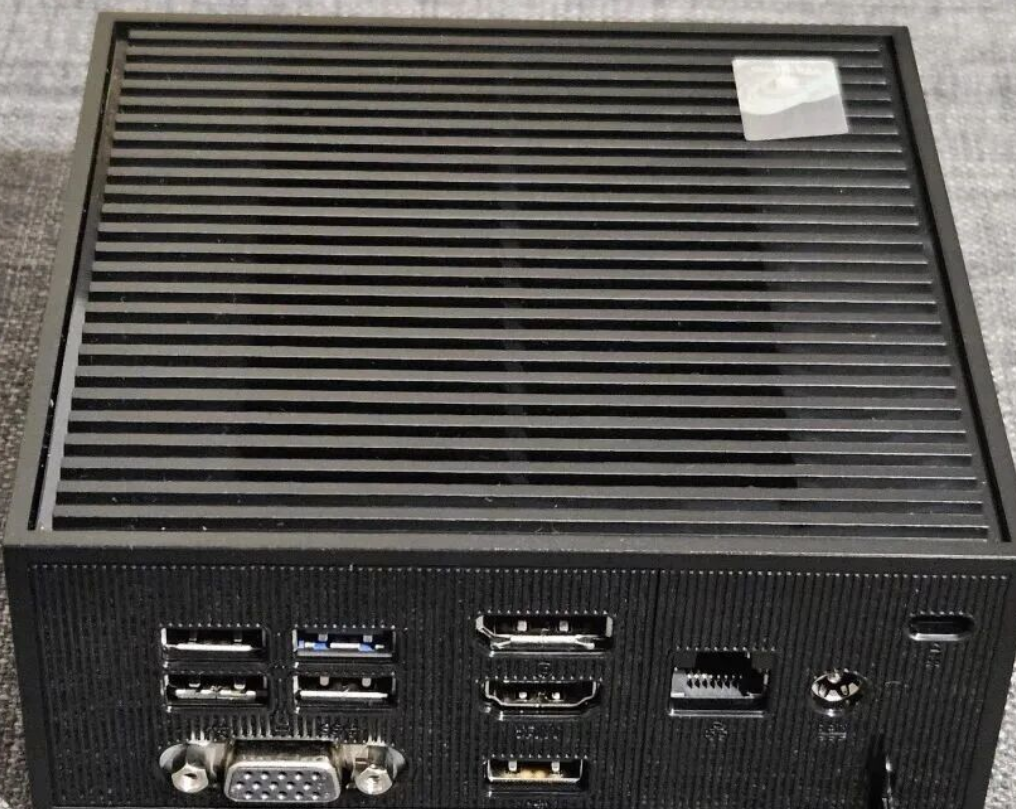
• Connectivity Overload: For a box this small, the I/O is impressive. You get seven USB ports, but the real star is the rear connectivity. The inclusion of dual 2.5GbE LAN ports is a massive selling point for network administrators and enthusiasts.
• The Diagnostic LED: A unique feature often overlooked is the RGB power button. It’s not for aesthetics; it functions as a diagnostic tool, flashing specific colors to indicate memory errors, CPU faults, or display issues—a feature typically reserved for enterprise-grade server hardware.
3. The "Silent" Advantage: Thermal Analysis in Enclosed Spaces
Most reviews test these units on an open desk in an air-conditioned room. However, the PN42 is often destined for harsh environments: cramped inside a digital signage cabinet, mounted behind a hot monitor, or stuffed into a ceiling plenum.
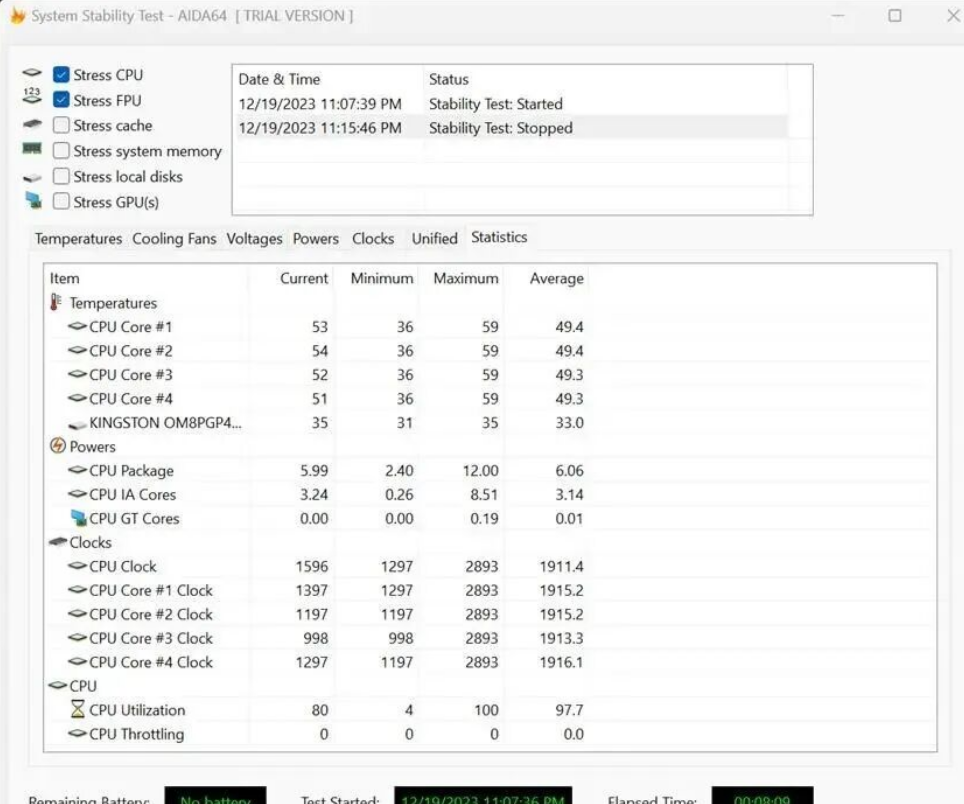
While the unit passes standard military-grade durability tests (MIL-STD-810H), industrial users need to be aware of the "thermal saturation" point. In open air, the passive cooling keeps the N100/N200 perfectly stable. However, in a non-ventilated enclosure with ambient temperatures exceeding 85°F (approx. 30°C), passive coolers can eventually heat soak.
• Recommendation: If deploying in a strictly enclosed kiosk, ensure there is at least passive airflow. While the CPU handles heat well, continuous thermal throttling in a sealed box can degrade the lifespan of the SSD and RAM over a 3-5 year deployment cycle.
4. The OS Strategy: Windows 11 vs. Linux
This is the most critical decision point for any buyer.
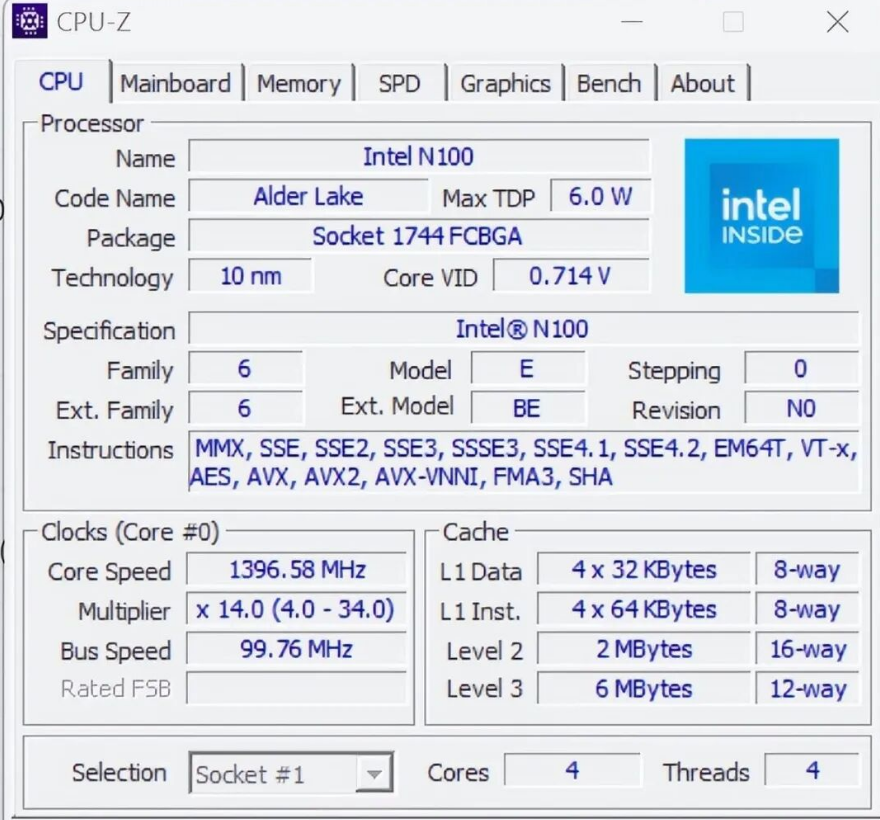
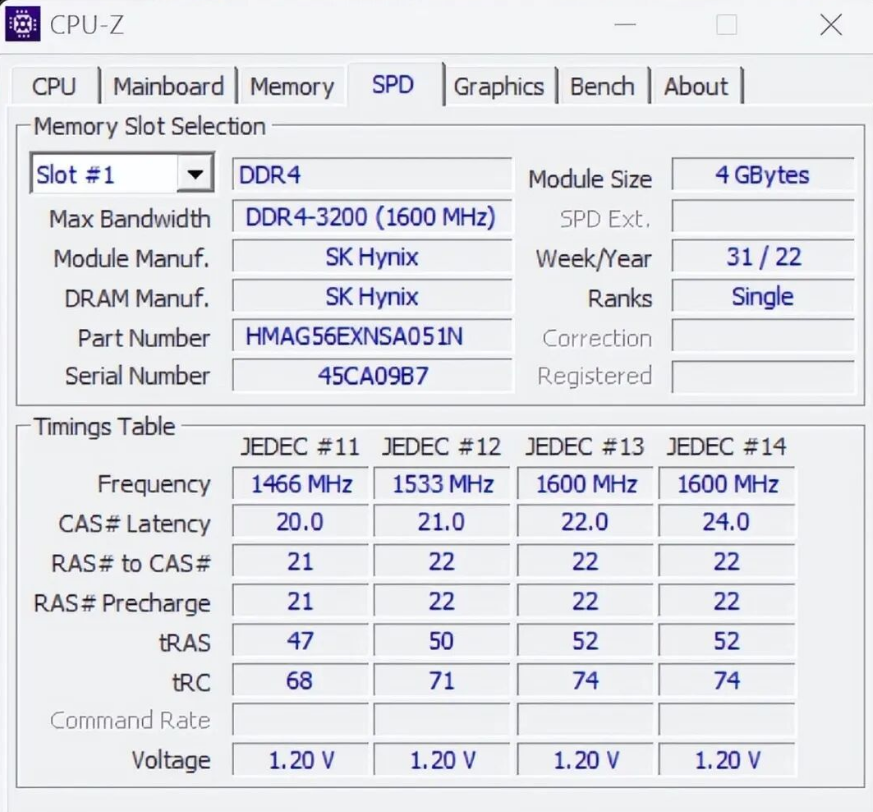
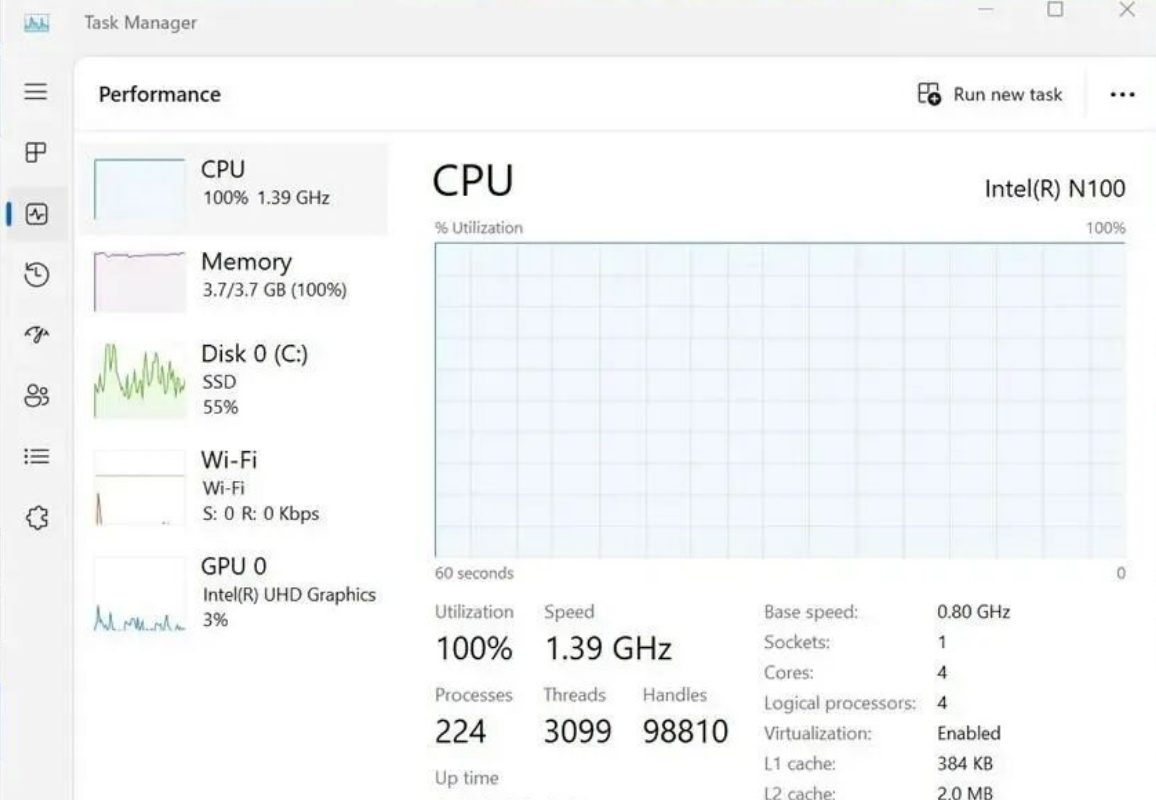
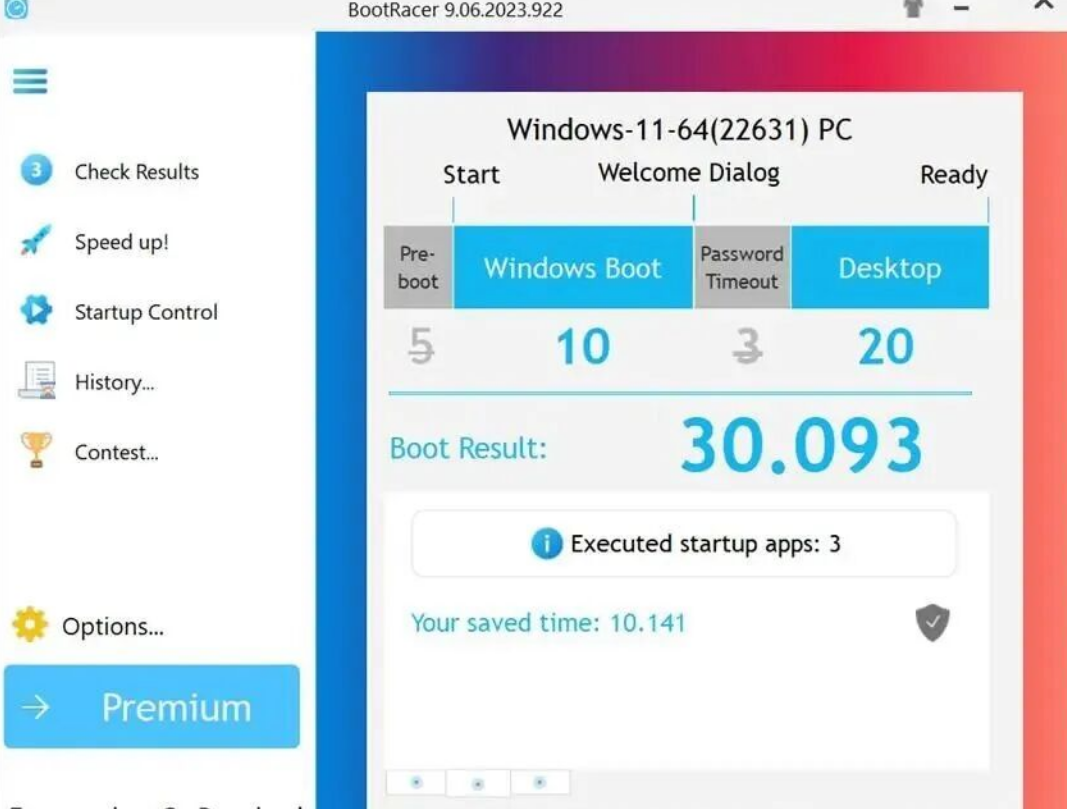
The Windows Experience: Out of the box, units pre-loaded with Windows 11 Pro often struggle. The combination of the modest N100 CPU, 4GB of RAM (in base models), and pre-installed bloatware (like McAfee and various trialware) creates a sluggish experience. System resources are often maxed out just by background update processes.
• Fix: If you stick with Windows, a clean install is mandatory to reclaim CPU cycles.
The Linux Advantage (The Better Path): For those looking to maximize the hardware, Linux is the superior choice. The PN42 shines when running lightweight distributions like Ubuntu LTS, Debian, or specialized firewall distros.
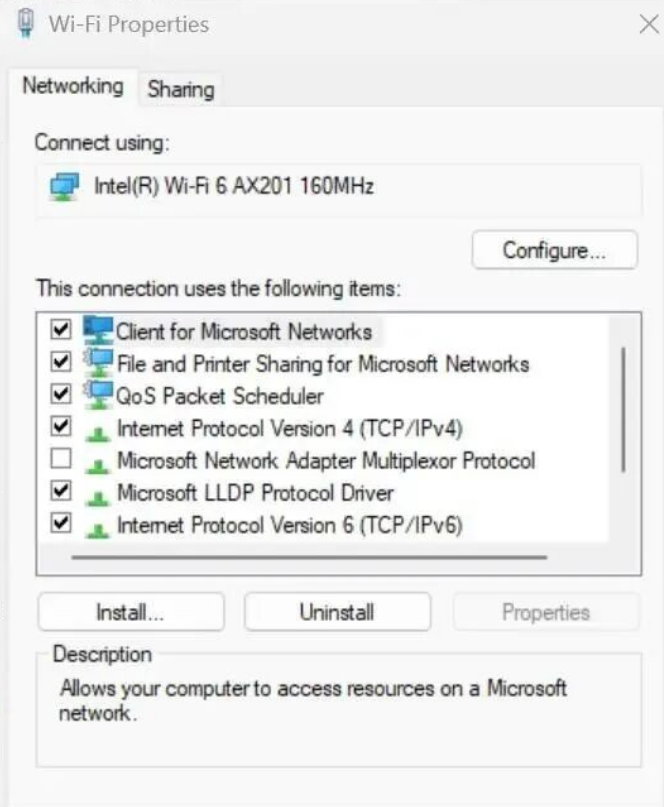
• Driver Support: The latest Linux Kernels (5.15+) generally handle the Intel N-series well. However, users planning to utilize the Wi-Fi 6E (AX211) or the 2.5GbE NICs should verify they are using a modern kernel to ensure native driver support without needing manual compilation.
• Performance: Under Linux, the overhead drops dramatically, making the system feel snappy and responsive, perfectly capable of handling Docker containers, Home Assistant, or a Plex server (direct play).
5. The Economics: TCO and Power Consumption
For businesses deploying hundreds of units, or a homeowner running a server 24/7, the Total Cost of Ownership (TCO) is a vital metric missing from most spec sheets.
• Idle vs. Load: The N-series chips are incredibly efficient. Real-world idle power consumption is often in the single digits (watts).
• The Math: Compared to repurposing an old desktop tower (which might idle at 60W-100W), the PN42 can pay for itself in electricity savings alone over a 2-3 year period, especially in regions with high energy costs (like California or the Northeast).
• Maintenance ROI: The fanless design removes the most common point of failure—the fan. There are no moving parts to seize up and no active intake sucking dust into the chassis. This eliminates the labor cost of "dusting out" machines annually, a significant saving for large-scale deployments.
6. Upgradeability & Maintenance
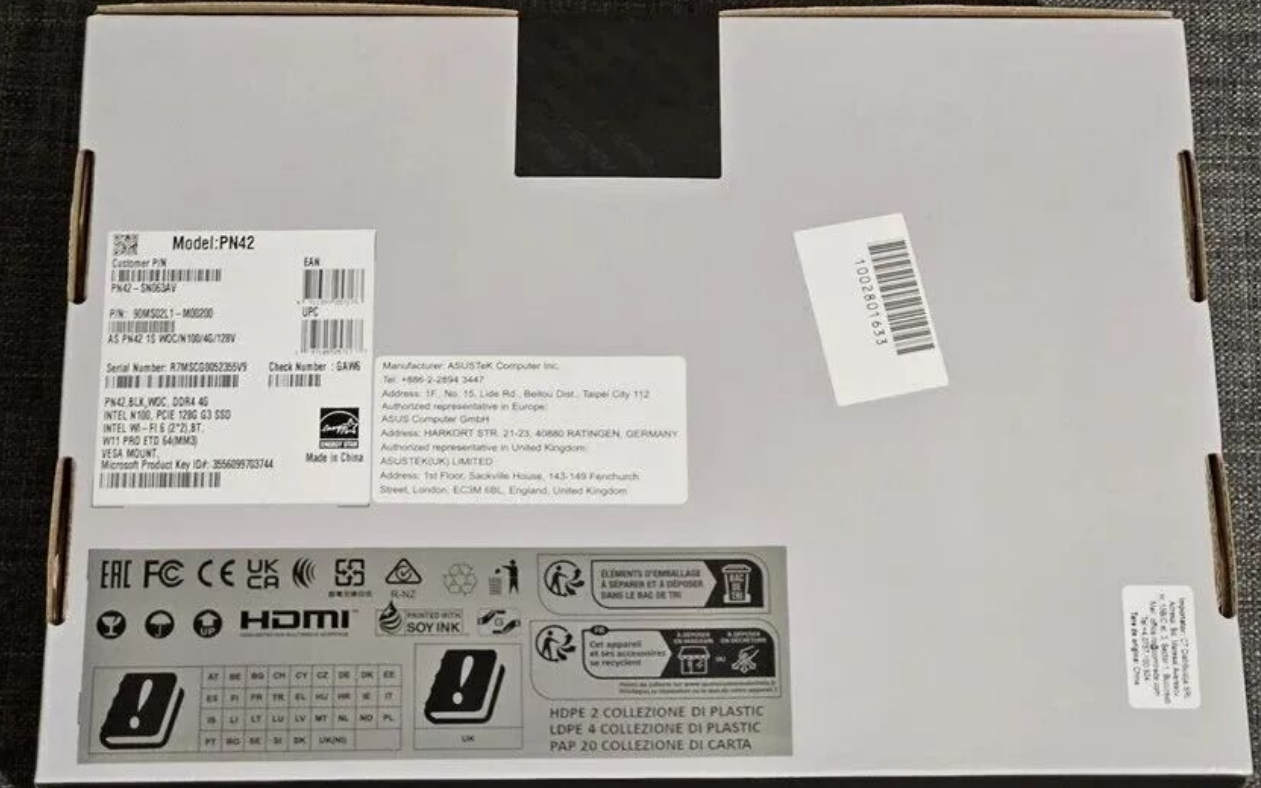
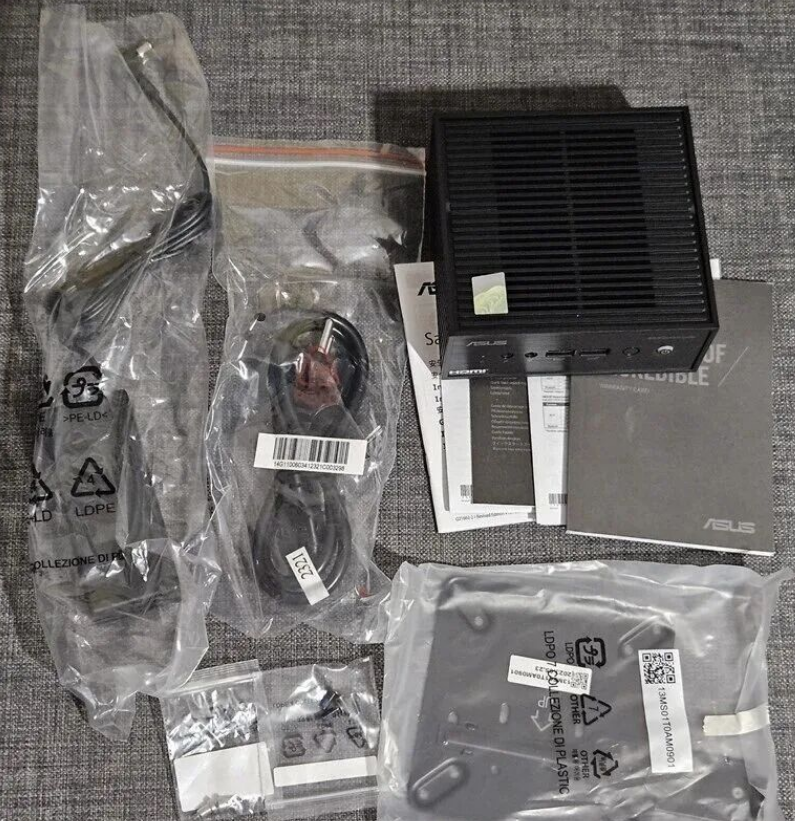
ASUS has maintained a "tool-less" ethos for upgrades. Accessing the M.2 slot for SSDs or the SODIMM slot for RAM is straightforward.
• Crucial Advice: If buying a barebones unit (no RAM/SSD), verify compatibility. The N-series platform can be picky about RAM density. Using a scanner tool or checking the Qualified Vendor List (QVL) is highly recommended to avoid boot failures
.
Summary
The ASUS ExpertCenter PN42 is a niche master. It is not a replacement for a high-end workstation. Instead, it is a precision tool for reliable, silent, and efficient computing. For the best experience, technical users should lean toward Linux or a debloated Windows installation and treat the fanless chassis with respect regarding airflow in enclosed installations.